6
7
Setting the Humidity Setting the Humidity
Follow the steps below to change your target humidity setpoint.
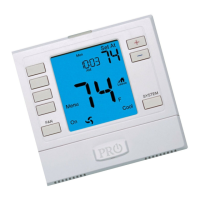
Press the HUMIDITY key
Use the or key to select the target humidity setpoint.
Press DONE when completed.
Note:
The target humidity setpoint is not programmable. Unlike
temperature, humidity does not change quickly and should not
be programmed.
Humidity is only energized during heat. Dehumidify is only
energized during cool. Heat and Cool each have their own target
setpoints.
Humidity Reading
Press key for
Humidity Reading
Setting Target Humidity Setpoint
Ambient humidity will ash in the time eld when Humidify or
De-Humidify is set to ON.
HON will also ash when the Humidity terminal is energized. dON
will also ash when the De-Humidify terminal is energized.
DAY AND TIME AMBIENT HUMIDITY HON
(Humidity Energized)
dON
(De-Humidity Energized)
10:03
36
Humidity
%
Setting Target Humidity Setpoint


 To Next Page
 Loading...