4
ENGLISH
Basics
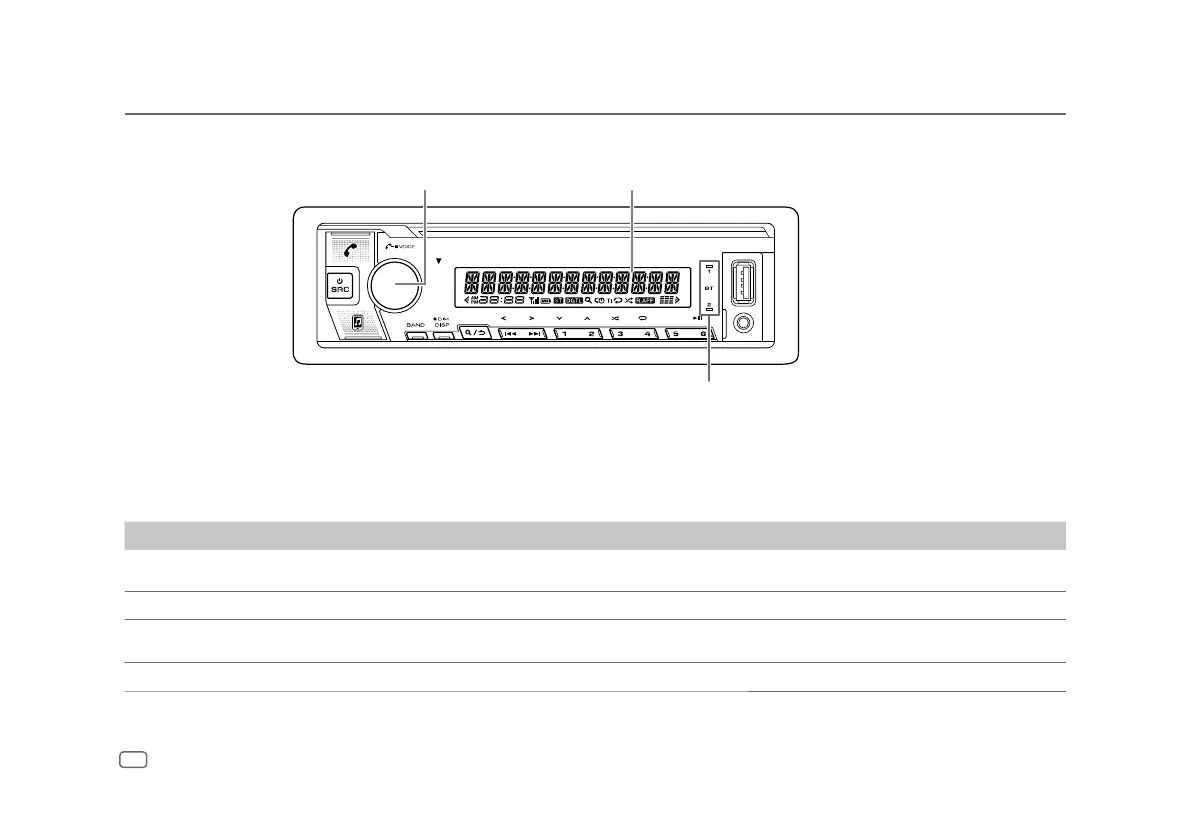
To On the faceplate
Turn on the power
Press B SRC.
• Press and hold to turn off the power.
Adjust the volume Turn the volume knob.
Select a source
• Press B SRC repeatedly.
• Press B SRC, then turn the volume knob within 2 seconds.
Change the display information
Press DISP repeatedly. (Page 28)
Faceplate
Volume knob Display window*
Lights up when Bluetooth connection
is established. (Page16)
* Only for illustration purpose.


 To Next Page