ENGLISH
7
Radio
• “ST” indicator lights up when receiving an FM stereo broadcast with
sufficient signal strength.
• The unit switches to FM alarm automatically when receiving an alarm
signal from FM broadcast.
Search for a station
1
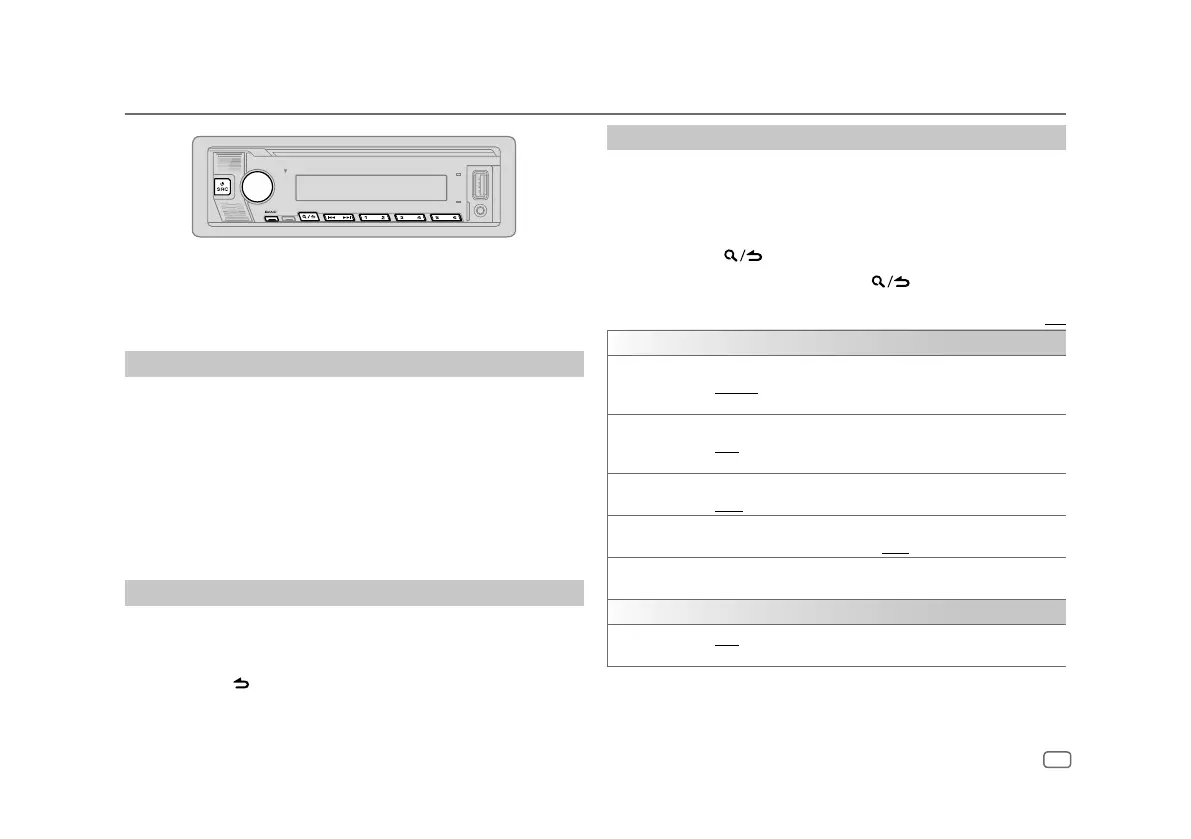
Press B SRC repeatedly to select RADIO.
2 Press BAND repeatedly (or press #FM+/
*
AM– on the remote control)
to select FM1/FM2/FM3/AM.
3 Press S / T (or press S / T (+) on the remote control) to
search for a station.
You can store up to 18 stations for FM and 6 stations for AM.
• To store a station: Press and hold one of the number buttons (1 to 6).
• To select a stored station:
Press one of the number buttons (1 to 6) (or
press one of the number buttons (1 to 6) on the remote control).
Direct Access Tuning
(using the remote control)
1 Press DIRECT to enter Direct Access Tuning.
2 Press the number buttons to enter a station frequency.
3 Press ENT IW to search for a station.
• To cancel, press
or DIRECT.
• If no operation is done for 10 seconds after step 2, Direct Access Tuning is
automatically canceled.
Other settings
1
Press the volume knob to enter
[FUNCTION]
.
2 Turn the volume knob to select an item (see the following table), then
press the knob.
3 Repeat step 2 until the desired item is selected/activated or follow the
instructions stated on the selected item.
4 Press and hold to exit.
To return to the previous setting item, press
.
Default: [XX]
[TUNER SETTING]
[SEEK MODE]
Selects the searching method for
S
/
T
buttons when pressed.
[AUTO1]: Automatically search for a station. ; [AUTO2]: Search for a preset
station. ; [MANUAL]: Manually search for a station.
[AUTO MEMORY]
[YES]: Automatically starts memorizing 6 stations with good reception. ;
[NO]: Cancels.
• Selectable only if [NORMAL] is selected for [PRESET TYPE]. (Page 6)
[MONO SET]
[ON]: Improves the FM reception, but the stereo effect will be lost. ;
[OFF]: Cancels.
[TI]
[ON]: Allows the unit to temporarily switch to Traffic Information if
available (“TI” indicator lights up). ; [OFF]: Cancels.
[PTY SEARCH]
Select the available Program Type (page 8), then press
S
/
T
to start.
[CLOCK]
[TIME SYNC]
[ON]: Synchronizes the unit’s time to the Radio Broadcast Data System. ;
[OFF]: Cancels.


 To Next Page