Probox user manual
Page 31 of 63
________________________________________________________________________
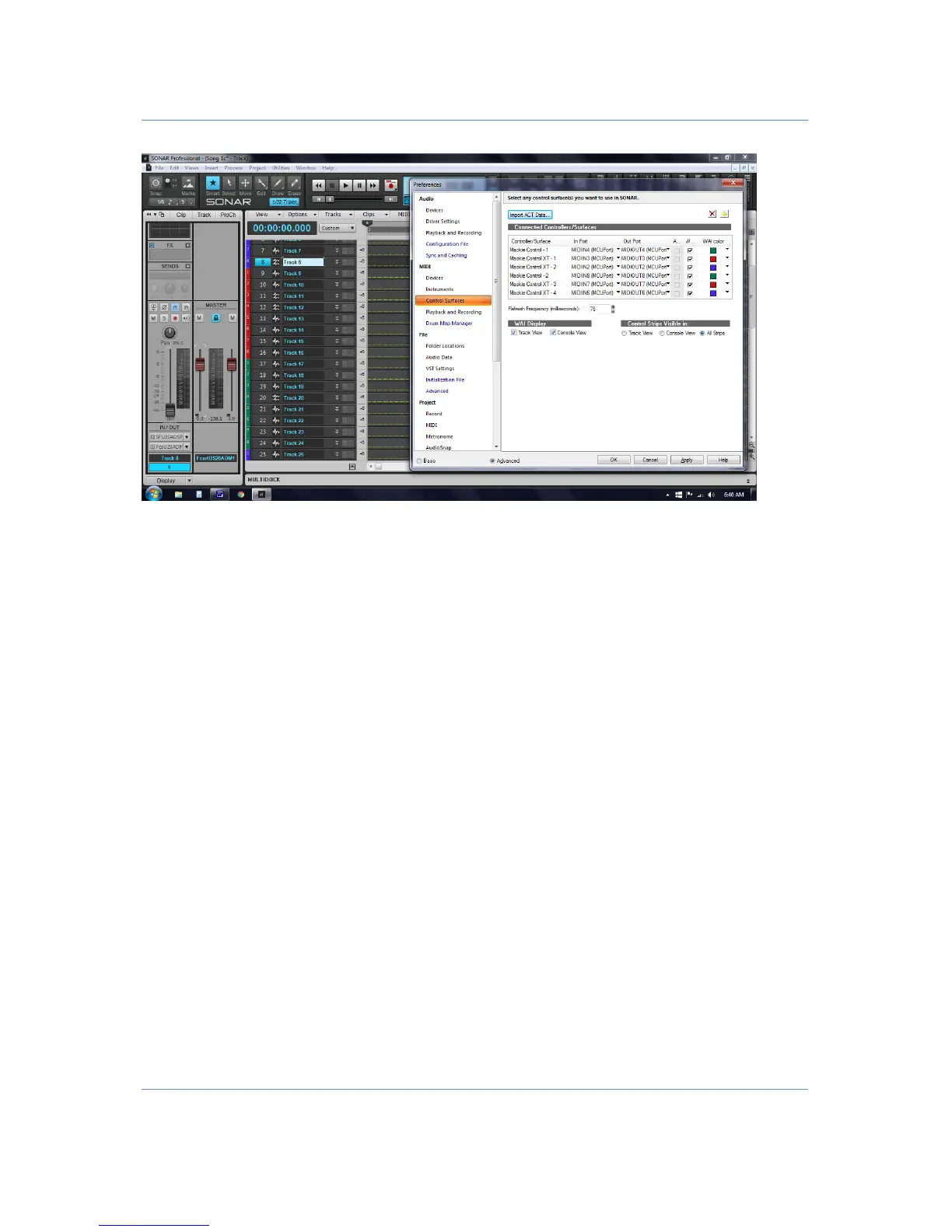
For the first D8B under the Sonar "Utilities" menu - "Mackie Control 1" I selected the "Configure Layout"
button. On the D8B I selected the "On" button and using channel 1 Vpot to setup 1-8. On the D8B I selected
the "Setup" button and channel 9 Vpot to setup 9-16, On the D8B I selected the "Memory A" button and
channel 17 Vpot to setup 17-24.
For the second D8B under the Sonar "Utilities" menu - "Mackie Control 2" I selected the "Configure Layout"
button. On the D8B I selected the "On" button and using channel 1(25) Vpot to setup 25-32. On the D8B I
selected the "Setup" button and channel 9(33) Vpot to setup 33-40, On the D8B I selected the "Memory A"
button and channel 17(41) Vpot to setup 41-48.
See below:


 To Next Page