Probox user manual
Page 47 of 63
7.3.4 OL /Led function
The probox has build in an additional function that is not supported by the original MCU/XT.
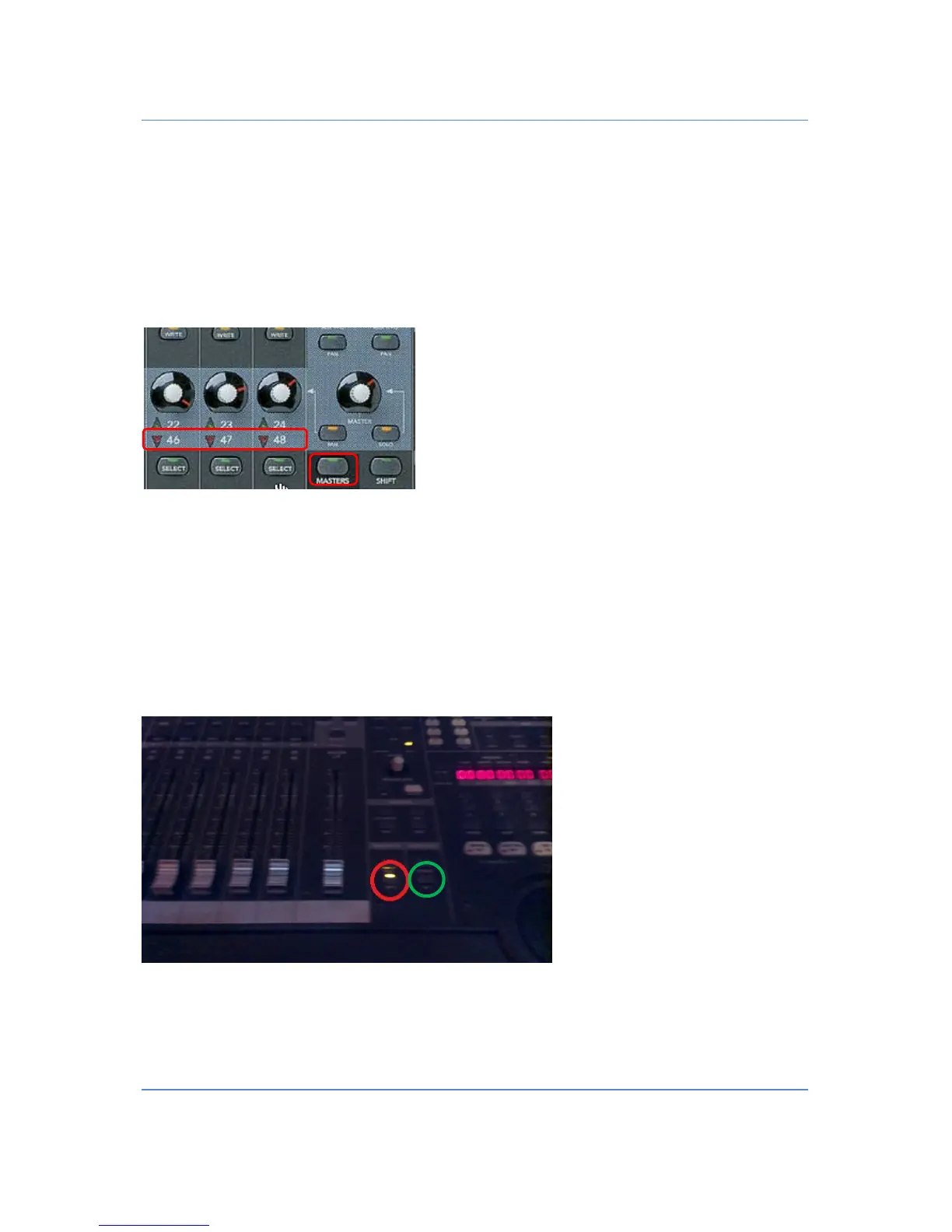
If the probox receives an overload message from the DAW, the red channel LED for the dedicated overloaded
channel is blinking. This will be the case till it is cleared by the user by pressing the
“MASTER PAN”
button or
switches between banks or makes a channel shift.
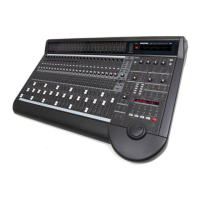
7.3.5 Faders Off function (red circle)
As some of you have problems with the faders (small changes every time) the fader send and fader receive
messages can be turned on and off. Cubase and Logic has this function “build in” on the Controller, but other
DAWs like Ableton do not have it. Therefore this function is implemented in the probox.
To turn off the whole faders press the write button on the left side of the Master fader. It will blink to indicate
that the faders are off. If you want to turn them on press the button again.
7.3.6 Meterbridge Off function (green circle) ONLY Mackie/Logic
If you want to use your audio via a switchbox, it can happen that your DSP engine disturbes your Meterbridge.
With this function you can disable displaying the DAW meterbridge on the d8b ans see the pure audio signal on


 To Next Page