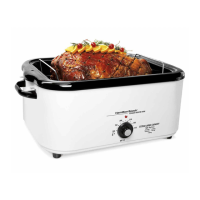
6
Using Your Roaster Oven
w CAUTION
Burn Hazard.
• Escaping steam may cause burns.
• Use hot mitts to protect hands when removing insert pan,
rack, baking pan, or cooked food.
1. Make sure temperature control knob is on MIN. Plug into
outlet.
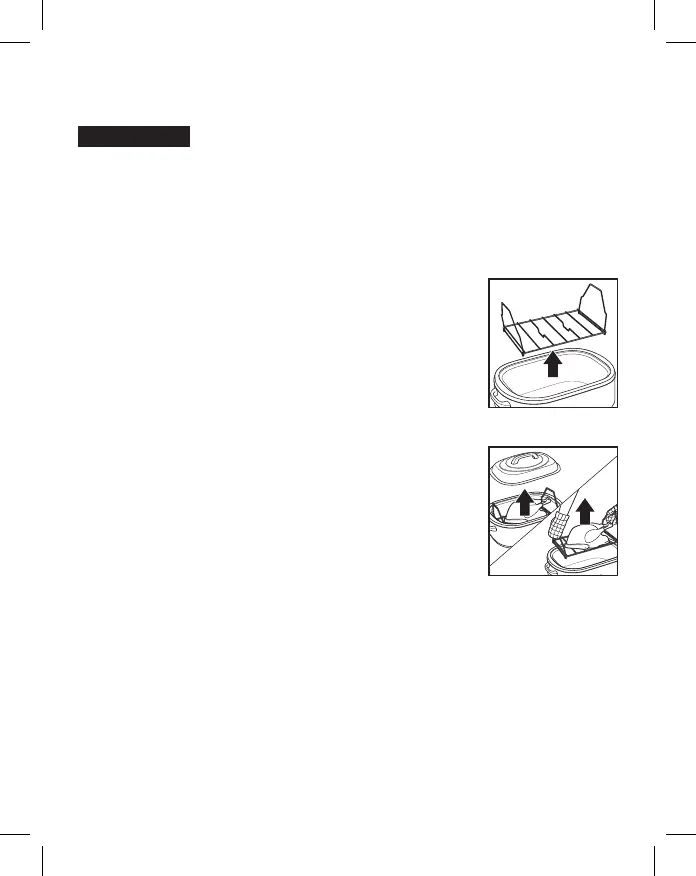
2. Remove rack. Leave insert pan in roaster
oven.
3. Set temperature control knob to desired
temperature and preheat 15 minutes with
lid on.
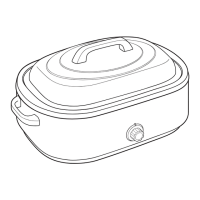
4. Place food to be cooked in a pan on the
rack (or directly in the insert pan). Then
place rack in oven and add the lid.
5. Use oven mitts to remove lid and food
when finished cooking.
6. Turn temperature control knob to MIN and
unplug.
NOTE: The insert pan should always be placed
in the base when cooking.


 To Next Page