Prodys S.L. Tel: +34 91 6896880 Θ Fax: +34 91 6943777 Θ Email: sales@prodys.net Θ Web: www.prodys.com
Page 20
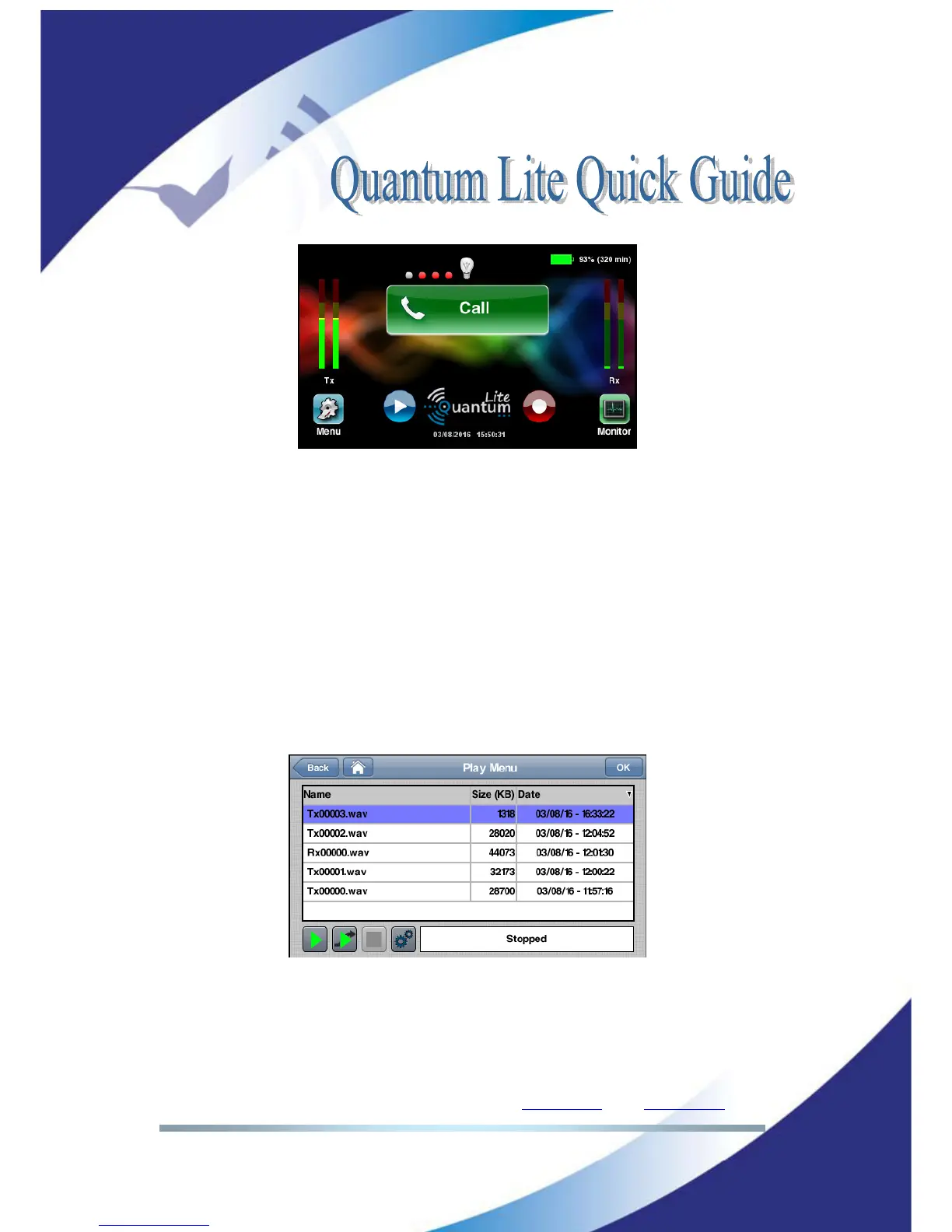
Picture 20: Recording and playout controls from the main menu.
V.2 Play menu
The playout menu is available using the main menu playout icon. Two playout
applications are available upon file selection:
1. Most left green icon would give a local playout without disturbing on-
going streaming of the mic input.
2. Second left green icon would mix the playout with the input microphone.
Remark: Please remind matching the input gain for the recorded matter and the
live mic for the optimal audio mix.
Picture 21: Local playout versus playout & streaming option
V.3 Upload menu
You can transfer quickly any of your recorded files to the FTP server of your
choice or to a memory device plugged to the QLST receiver at your studio. The



 To Next Page