EasyManua.ls Logo

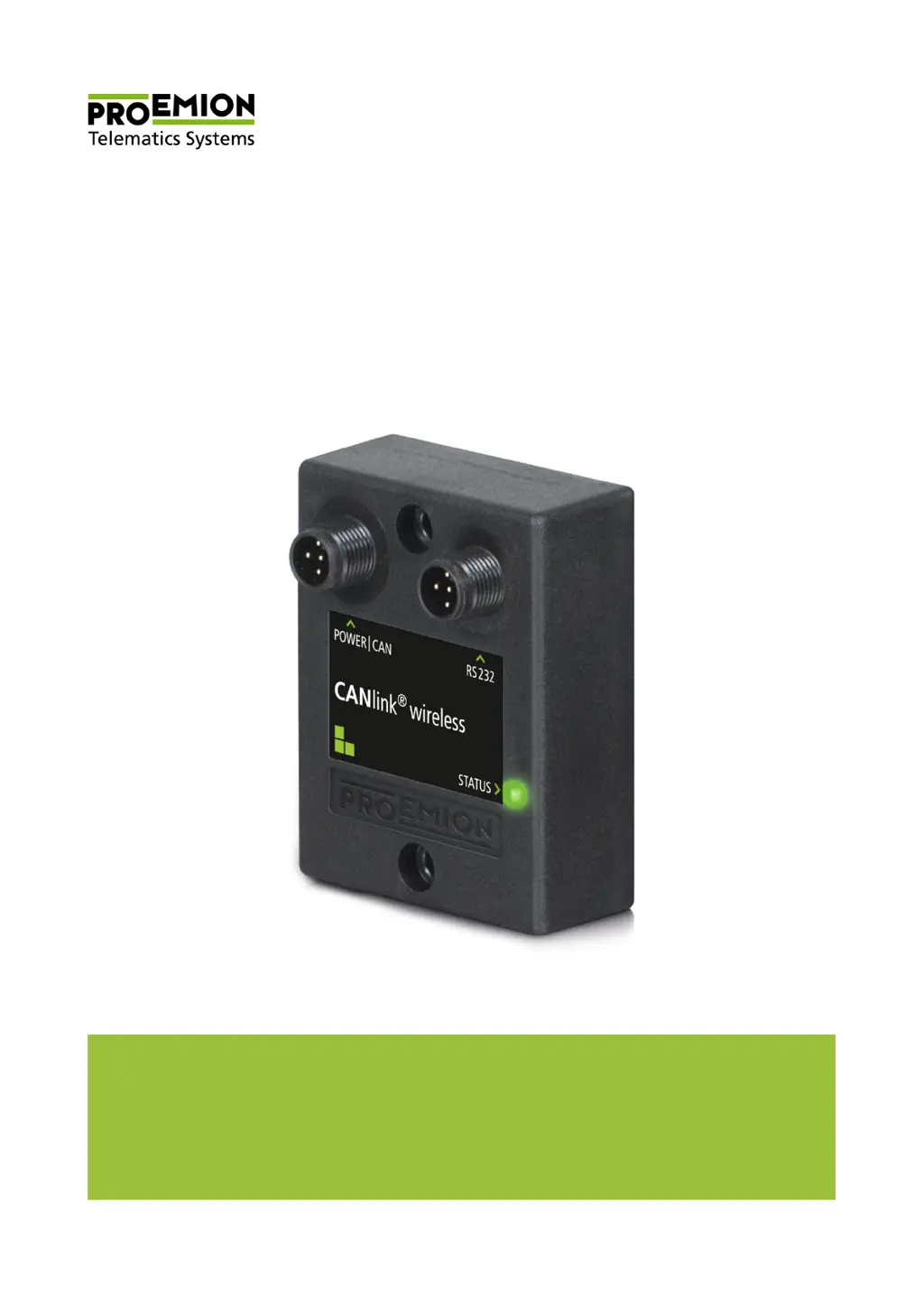
PROEMION CANlink wireless 3001 - User Manual

Default Icon
135 pages
Print Icon
To Next Page IconTo Next Page
Loading...
Device Manual
CANlink wireless 3000 series
Device Manual
CANlink wireless 3000 series

Table of Contents

Questions and Answers

Summary

1 About the device

2 Safety information

2.1 Safety instructions

Critical safety warnings and precautions for device operation, handling, and potential hazards.

3 Functionality and features

4 Getting started

4.1 Installing software

Instructions for installing necessary software and drivers for device configuration and monitoring.

4.2 Connecting the device

Provides instructions for physically connecting the device to power and communication interfaces.

4.2.5 Connecting the device with a PC via RS232

Step-by-step guide to connect the device to a PC using RS232 for configuration.

4.3 Operation as a CAN-Bluetooth Interface

Explains using the device for CAN data transmission via Bluetooth to other devices.

4.3.1 Configuring a CAN-Bluetooth Interface

Steps to configure the device for CAN-Bluetooth communication using the software.

4.4 Operation as a CAN-CAN-Bluetooth Bridge

Explains using two devices as a bridge between CAN systems via Bluetooth.

4.4.1 Configuring a CAN-CAN-Bluetooth Bridge

Steps to configure the device as a CAN-CAN-Bluetooth bridge, including slave and master setup.

4.5 Operation as a CAN-WLAN Interface

Explains using the device for CAN data transmission via WLAN to other devices.

4.5.1 Configuring a CAN-WLAN Interface

Steps to configure the device for CAN-WLAN communication in infrastructure mode.

4.6 Operation as a CAN-CAN-WLAN Bridge

Explains using two devices as a bridge between CAN systems via WLAN.

4.6.1 Configuring a CAN-CAN-WLAN Bridge

Steps to configure the device as a CAN-CAN-WLAN bridge, including slave and master setup.

5 Operation

5.1 CANlink wireless Configurator

Details on using the CANlink wireless configuration software for device setup.

5.3 Firmware update

Information on updating the device's firmware via the RS232 interface.

6 Troubleshooting and maintenance

6.1 Remedies

Lists common problems, their potential causes, and solutions for troubleshooting.

PROEMION CANlink wireless 3001 Specifications

General IconGeneral
BrandPROEMION
ModelCANlink wireless 3001
CategoryNetwork Hardware
LanguageEnglish

Related product manuals