EasyManua.ls Logo

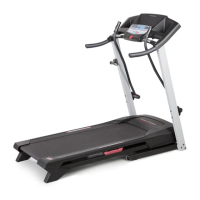
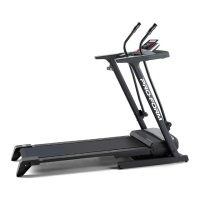
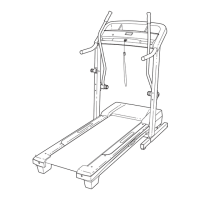
ProForm CROSSWALK 831.24633.0 - User Manual

ProForm CROSSWALK 831.24633.0
28 pages
Print Icon
To Next Page IconTo Next Page
Loading...
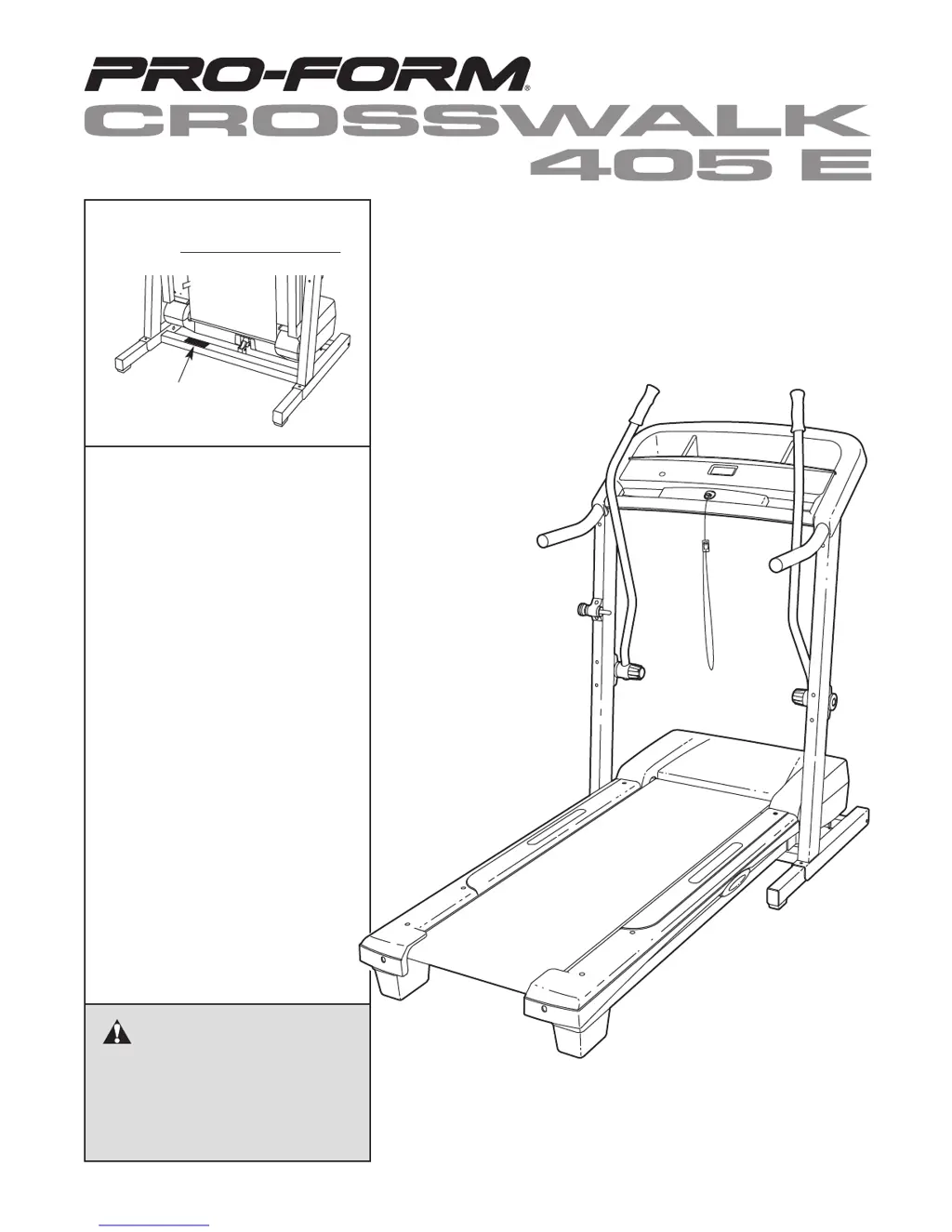
Model No. 831.24633.0
Serial No.
CAUTION
Read all precautions and instruc-
tions in this manual before using
this equipment. Save this manual
for future reference.
Serial
Number
Decal
Assembly
Operation
Maintenance
Part List and Drawing
Sears, Roebuck and Co., Hoffman Estates, IL 60179
TREADMILL EXERCISER
Users Manual

Questions and Answers

  • M
    Mr. Brandon Jackson DDSJul 30, 2025
    How to turn on a ProForm CROSSWALK 831.24633.0 Treadmill if it has no power?
    • H
      Helen AndersonJul 30, 2025
      First, ensure the power cord of your ProForm Treadmill is properly plugged into a surge suppressor, which is then plugged into a grounded outlet. The surge suppressor should meet the specifications on page 10, and avoid using GFCI-equipped outlets. Next, check that the key is fully inserted into the console. Finally, examine the reset/off circuit breaker on the treadmill frame near the power cord. If the switch protrudes, wait five minutes before pressing it back in to reset it.
  • T
    Todd SandersAug 7, 2025
    What to do if ProForm CROSSWALK 831.24633.0 turns off during use?
    • H
      Hannah SandersAug 7, 2025
      If your ProForm Treadmill turns off during use, first check the circuit breaker located on the treadmill frame near the power cord. If it has tripped, wait five minutes, then press the switch to reset it. Also, ensure the power cord is securely plugged in; if it is, unplug it, wait five minutes, and plug it back in. Finally, remove and reinsert the key into the console.
  • W
    westdanielAug 14, 2025
    What to do if the console display is not working on my ProForm CROSSWALK 831.24633.0 Treadmill?
    • S
      Stephen WestAug 14, 2025
      If the console displays on your ProForm Treadmill are not functioning correctly, remove the key and unplug the power cord. Then, remove the screws from the hood and carefully pivot the hood off. Locate the Reed Switch and the Magnet on the left side of the Pulley. Turn the Pulley until the Magnet is aligned with the Reed Switch. Make 1/8” adjustments if necessary, loosen the screw, and retighten.
  • J
    jon14Aug 22, 2025
    Why does the walking belt on my ProForm Treadmill slow down when I walk on it?
    • C
      Colton EricksonAug 22, 2025
      If the walking belt on your ProForm Treadmill slows down when you walk on it, ensure you are using a single-outlet surge suppressor that meets the specifications described on page 9. Also, if the walking belt is overtightened, remove the key and unplug the power cord. Use a hex key to turn both rear roller bolts counterclockwise 1/4 of a turn. Properly tightened, you should be able to lift each edge of the walking belt 2 to 3 inches off the walking platform.

Summary

Important Precautions

General Safety and Usage Guidelines

Covers user responsibilities, proper treadmill use, clearance, environment, user weight, and clothing.

Electrical Safety and Power Requirements

Details on surge suppressors, grounded outlets, and avoiding extension cords for electrical safety.

Operational and Emergency Safety

Instructions on starting, stopping, handrail use, speed adjustment, and emergency procedures.

Assembly Instructions

Preparation and Hardware Identification

Outlines assembly requirements, tools, and lists hardware with key numbers for setup.

Frame and Base Assembly

Step-by-step guide for attaching extension legs, base pads, and wheels to the treadmill frame.

Console and Handrail Attachment

Instructions for connecting the console wire harness and attaching handrails securely.

Upper Body Arm and Latch Installation

Details on attaching upper body arms and the latch housing mechanism for the treadmill.

Operation and Adjustment

Console Operation

Using the Treadmill Modes

Treadmill Folding and Moving

Unfolding the Treadmill

Troubleshooting

Power and Display Problems

Solutions for issues related to the treadmill not turning on or console displays not functioning.

Walking Belt Issues

Troubleshooting steps for a slow, off-center, or slipping walking belt.

ProForm CROSSWALK 831.24633.0 Specifications

General IconGeneral
InclineYes
Weight Capacity250 lbs
FoldingYes
Crosswalk ArmsYes
BluetoothNo
Cooling FanYes
AudioNo
Motor Power2.5 CHP
Speed0 - 10 mph
Speed Range0 - 10 mph
Incline Range0% to 10%
Programs32
DisplayLCD
Heart Rate MonitoringYes

Related product manuals