EasyManua.ls Logo

ProForm CROSSWALK 480 - User Manual

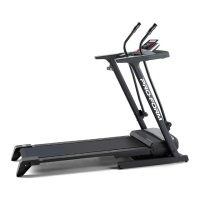
ProForm CROSSWALK 480
32 pages
Print Icon
To Next Page IconTo Next Page
Loading...
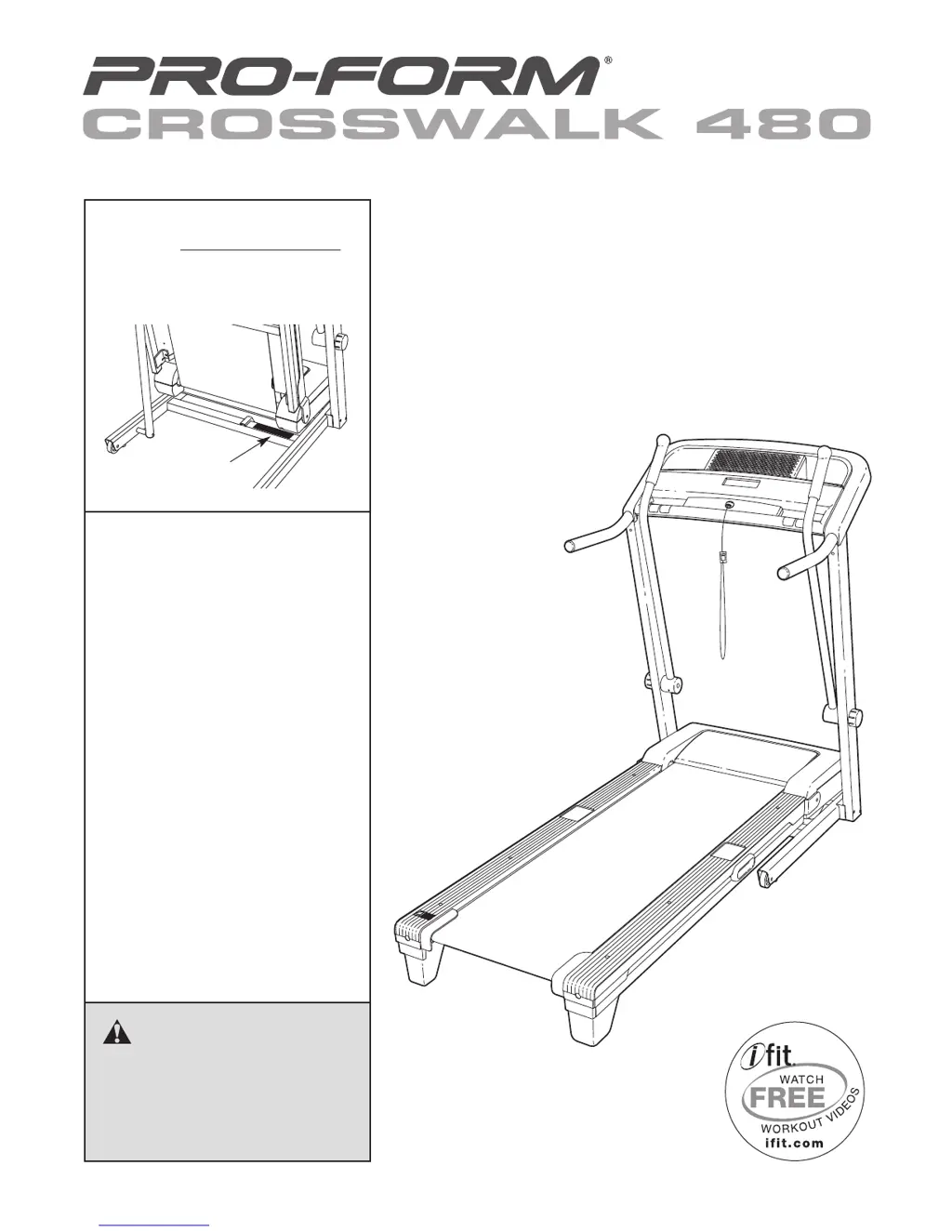
Serial
Number
Decal
Model No. 831.24824.5
Serial No.
Write the serial number in the space
above for future reference.
CAUTION
Read all precautions and instruc-
tions in this manual before using
this equipment. Save this manual
for future reference.
Assembly
Operation
Maintenance
Part List and Drawing
Sears, Roebuck and Co.,
Hoffman Estates, IL 60179
TREADMILL EXERCISER
Userʼs Manual

Questions and Answers

  • X
    xreevesJul 26, 2025
    How to fix ProForm CROSSWALK 480 when the power does not turn on?
    • R
      rachel21Jul 26, 2025
      First, ensure the power cord is plugged into a surge suppressor, and that the surge suppressor is plugged into a properly grounded outlet. Use only a single-outlet surge suppressor. Note: The treadmill is not compatible with GFCI-equipped outlets. Also, make sure that the key is inserted into the console. Finally, check the reset/off circuit breaker located on the treadmill frame near the power cord. If the switch protrudes, the circuit breaker has tripped. To reset it, wait five minutes and then press the switch back in.
  • R
    Rachel MartinezJul 30, 2025
    Why does my ProForm CROSSWALK 480 turn off during use?
    • E
      Elizabeth HendersonJul 30, 2025
      The treadmill may turn off during use due to a tripped circuit breaker. Check the reset/off circuit breaker. If the circuit breaker has tripped, wait for five minutes and then press the switch back in. Also, ensure the power cord is properly plugged in. If it is, unplug it, wait five minutes, and then plug it back in. Finally, try removing and reinserting the key from the console. If the treadmill still will not run, no answer.
  • M
    mitchelllisaAug 3, 2025
    What to do if the incline of my ProForm CROSSWALK 480 Treadmill doesn't change correctly?
    • A
      alexanderobrienAug 3, 2025
      To recalibrate the incline system, insert the key into the console, and press one of the Incline buttons. While the incline is changing, remove the key. After a few seconds, re-insert the key. The treadmill will automatically rise to the maximum incline level and then return to the minimum level.
  • M
    Mark LutzAug 12, 2025
    How to prevent ProForm CROSSWALK 480 Treadmill walking belt from slowing down?
    • B
      Brittany MendezAug 12, 2025
      To prevent the walking belt from slowing down, use only a single-outlet surge suppressor. If the walking belt is overtightened, treadmill performance may decrease and the walking belt may become damaged. Remove the key and unplug the power cord. Using the hex key, turn both idler roller bolts counterclockwise, 1/4 of a turn. When the walking belt is properly tightened, you should be able to lift each edge of the walking belt 2 to 3 in. (5 to 7 cm) off the walking platform. Be careful to keep the walking belt centered. Then, plug in the power cord, insert the key, and run the treadmill for a few minutes. Repeat until the walking belt is properly tightened. If the walking belt still slows when walked on, no answer.
  • T
    Tonya AllenAug 16, 2025
    How to fix squeaking crosswalk arms on ProForm CROSSWALK 480?
    • L
      Lisa FrenchAug 16, 2025
      To fix squeaking crosswalk arms, you will need a small amount of white marine grease. Turn the Resistance Knob counterclockwise and remove it. Next, remove the Resistance Cone with the Crosswalk Arm. Apply a thin layer of white marine grease to the outer surface of the Resistance Cone. Then, reattach the Resistance Cone with the Crosswalk Arm and the Resistance Knob.
  • T
    Tyler ButlerAug 21, 2025
    How to turn off demo mode on ProForm Treadmill?
    • L
      Lance HutchinsonAug 21, 2025
      If the console displays remain lit when you remove the key, the demo mode is likely turned on. To turn off the demo mode, hold down the Stop button for a few seconds. If the displays are still lit, see THE INFORMATION MODE on page 19 to turn off the demo mode.
  • B
    Brandy FlemingNov 7, 2025
    What to do if the ProForm CROSSWALK 480 walking belt is off-center or slips?
    • T
      toddleeNov 7, 2025
      If the walking belt is off-center, first remove the key and unplug the power cord. If the walking belt has shifted to the left, use the hex key to turn the left idler roller bolt clockwise 1/2 of a turn; if the walking belt has shifted to the right, turn the bolt counterclockwise 1/2 of a turn. Be careful not to overtighten the walking belt. Then, plug in the power cord, insert the key, and run the treadmill for a few minutes. Repeat until the walking belt is centered. If the walking belt slips when walked on, first remove the key and unplug the power cord. Using the hex key, turn both idler roller bolts clockwise, 1/4 of a turn. When the walking belt is correctly tightened, you should be able to lift each side of the walking belt 2 to 3 in. (5 to 7 cm) off the walking platform. Be carefu...

Summary

Warning Decal Placement

Important Precautions

Before You Begin

Familiarize Yourself with Labeled Parts

Understand the key components of the treadmill before use.

Assembly

Assembly Process

Step-by-step instructions for assembling the treadmill.

Operation and Adjustment

How to Plug in the Power Cord

Instructions for safely connecting the treadmill's power cord.

Console Operation

Console Diagram and Features

Overview of the treadmill console and its functions.

How to Turn on the Power

Steps to safely power up the treadmill and its console.

How to Use the Manual Mode

Guide to operating the treadmill using manual controls.

How to Use a Preset Workout

Instructions for selecting and performing pre-programmed workouts.

The Information Mode

Accessing treadmill usage data and settings.

How to Use the Crosswalk Arms

Guidance on utilizing the crosswalk arms for upper body exercise.

Folding and Moving the Treadmill

How to Fold the Treadmill for Storage

Instructions for folding the treadmill into its storage position.

How to Move the Treadmill

Steps for safely transporting the folded treadmill.

How to Lower the Treadmill for Use

Instructions for unfolding the treadmill for operation.

Troubleshooting

Power and Console Display Issues

Solutions for power supply and console display malfunctions.

Belt and Incline System Issues

Resolving issues with incline adjustment and belt speed.

Belt Alignment and Squeak Resolution

Solutions for walking belt alignment and crosswalk arm noise.

Exercise Guidelines

Exercise Intensity and Workout Zones

Guidance on heart rate zones for fat burning and aerobic exercise.

Workout and Cooling Down Advice

Recommendations for warming up, exercising, and cooling down.

Exercise Frequency Recommendations

Advice on how often to exercise for optimal results.

Part List

Exploded Drawings

Exploded Drawing A

Visual breakdown of treadmill components, view A.

Exploded Drawing B

Visual breakdown of treadmill components, view B.

Exploded Drawing C

Visual breakdown of treadmill components, view C.

Exploded Drawing D

Visual breakdown of treadmill components, view D.

Warranty and Service

Service and Repair Information

Contact details for home and carry-in repair services.

90 Day Full Warranty

Details of the product's limited warranty coverage.

ProForm CROSSWALK 480 Specifications

General IconGeneral
DisplayLCD Display
Incline0-10%
Speed0-10 MPH QuickSpeed
Weight Capacity300 lbs
FoldingSpaceSaver Design
Heart Rate MonitoringEKG Grip Pulse Sensor

Related product manuals