16
HOW TO TURN ON THE POWER
IMPORTANT: If the treadmill has been exposed to
c
old temperatures, allow it to warm to room tem-
perature before turning on the power. If you do not
d
o this, you may damage the console displays or
other electrical components.
Plug in the power cord (see
page 14). Next, locate the
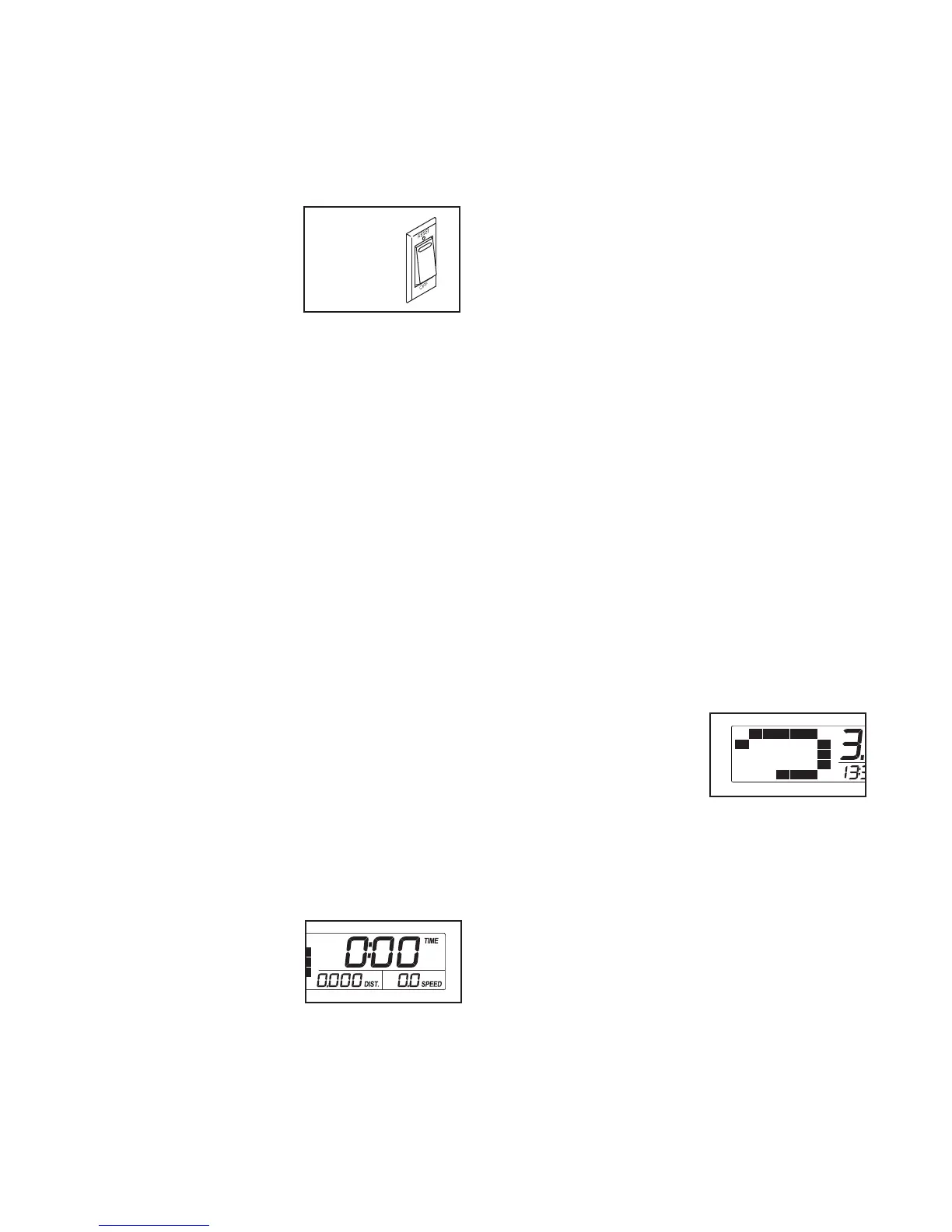
reset/off circuit breaker on
the treadmill frame near
the power cord. Switch the
circuit breaker to the reset
position.
IMPORTANT: The console features a display demo
mode, designed to be used if the treadmill is dis-
played in a store. If the displays light as soon as
you plug in the power cord and switch the reset/off
circuit breaker to the reset position, the demo
mode is turned on. To turn off the demo mode,
hold down the Stop button for a few seconds. If the
displays remain lit, see THE INFORMATION MODE
on page 19 to turn off the demo mode.
Next, stand on the foot rails of the treadmill. Find the
clip attached to the key (see the drawing on page 15)
and slide the clip onto the waistband of your clothes.
Then, insert the key into the console. After a moment,
the displays will light. IMPORTANT: In an emergency
situation, the key can be pulled from the console,
causing the walking belt to slow to a stop. Test the
clip by carefully taking a few steps backward; if the
key is not pulled from the console, adjust the posi-
tion of the clip.
HOW TO USE THE MANUAL MODE
1. Insert the key into the console.
See HOW TO TURN ON THE POWER above.
2. Select the manual mode.
When the key is inserted,
the manual mode will be
selected. If you have se-
lected a workout, press
either of the Workout but-
tons repeatedly until only
zeros appear in the displays.
3. Start the walking belt.
To start the walking belt, press the Start button, the
S
peed increase button, or one of the ten numbered
speed buttons.
If you press the Start button or the Speed increase
button, the walking belt will begin to move at 1 mph.
As you exercise, change the speed of the walking
belt as desired by pressing the Speed increase
and decrease buttons. Each time you press a but-
ton, the speed setting will change by 0.1 mph; if
you hold down a button, the speed setting will
change in increments of 0.5 mph.
If you press one of the ten numbered speed but-
tons, the walking belt will gradually change speed
until it reaches the selected speed setting.
To stop the walking belt, press the Stop button.
The time will begin to flash in the display. To restart
the walking belt, press the Start button, the Speed
increase button, or one of the ten numbered speed
buttons.
4. Change the incline of the treadmill as desired.
To change the incline of the treadmill, press the
Incline increase and decrease buttons. Each time
you press a button, the incline setting will change
by 0.5 percent; if you hold down a button, the in-
cline setting will change quickly.
5. Follow your progress with the displays.
When you select the
manual mode, a track
representing 1/4 mile
will appear in the matrix.
As you walk or run on
the treadmill, the indica-
tors around the track will appear in succession until
the entire track appears. The track will then disap-
pear and the indicators will again begin to appear
in succession.
Reset
Position



 To Next Page