EasyManua.ls Logo

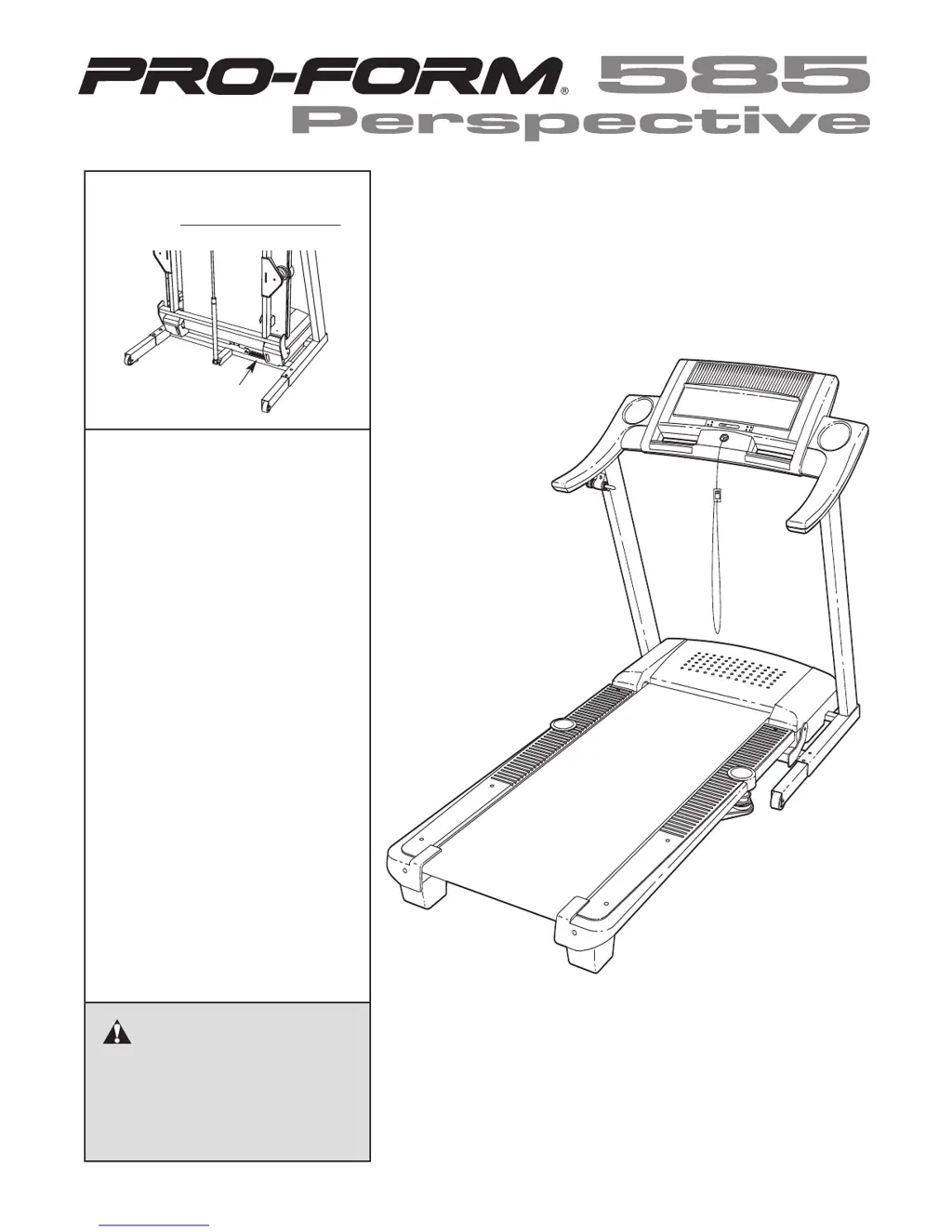
ProForm PATL41306.0 - User Manual

ProForm PATL41306.0
36 pages
Print Icon
To Next Page IconTo Next Page
Loading...
Serial Number
Decal
M
odel No. PATL41306.0
Serial No.
CAUTION
Read all precautions and instruc-
tions in this manual before using
this equipment. Save this manual
for future reference.
USER'S MANUAL
QUESTIONS?
If you have questions, or if any
parts are missing or damaged,
PLEASE CONTACT OUR CUS-
TOMER SERVICE DEPARTMENT
DIRECTLY.
Call toll-free:
800-830-7240
E-mail:
service@goodfamily.cc
Goodfamily’s Web site:
www.goodfamily.cc
ICON’s Web site:
www.iconfitness.com
Goodfamily is an authorized dealer of this treadmill in the
territory of mainland China. This treadmill is designed and
manufactured by ICON
Health
& Fitness, Inc.

Questions and Answers

  • M
    Matthew ChaneyAug 11, 2025
    Why does my ProForm Treadmill power turn off during use?
    • H
      heather64Aug 11, 2025
      If your ProForm Treadmill turns off during use, it might be due to the circuit breaker tripping. If the power cord is plugged in, unplug it, wait five minutes, and then press the switch back in. Also, ensure the key is properly inserted into the console and the on/off switch is in the “on” position.
  • T
    Taylor MoraAug 17, 2025
    How to recalibrate incline on ProForm Treadmill?
    • R
      Rebecca ArmstrongAug 17, 2025
      If the incline of your ProForm Treadmill does not change correctly, with the key in the console, press one of the Incline buttons. While the incline is changing, remove the key. After a few seconds, re-insert the key. The treadmill will automatically rise to the maximum incline level and then return to the minimum level. This will recalibrate the incline system.
  • G
    Gina AndersonAug 25, 2025
    How to fix a walking belt that is off-center on ProForm Treadmill?
    • A
      Anna RobersonAug 25, 2025
      If the walking belt on your ProForm Treadmill has shifted to the left, use the allen wrench to turn the left rear roller bolt clockwise 1/2 of a turn. If it has shifted to the right, turn the left bolt counterclockwise 1/2 of a turn. Repeat until the walking belt is centered. To tighten the belt, use the allen wrench to turn both rear roller bolts clockwise, 1/4 of a turn, repeating as necessary until the walking belt is properly tightened.
  • J
    johnbatesAug 29, 2025
    What to do if ProForm Treadmill console display is not working?
    • R
      Ruben AriasAug 29, 2025
      If the display of the console on your ProForm Treadmill does not function properly, remove the key from the console and unplug the power cord.
  • J
    Joshua SmithSep 4, 2025
    Why is the TV reception poor on my ProForm PATL41306.0?
    • J
      Jamie FletcherSep 4, 2025
      Poor television reception on your ProForm Treadmill can be caused by interference from automobile ignition systems, neon lamps, electric drifts, or other electric appliances. Try changing the position of the treadmill or other electric appliances to correct the problem. Also, if the signal is following two paths, change the direction or position of the antenna to improve reception. If you are located in the fringe area of a television station where the signal is weak, it may be necessary to install an external antenna to improve the picture. If you are using an antenna, make sure that it is properly connected and adjusted for optimal reception.

ProForm PATL41306.0 Specifications

General IconGeneral
Running Area20" x 55"
InclineYes
Speed0-10 MPH
Speed Range0-10 MPH
DisplayLCD
FoldingYes
BluetoothNo
Cooling FanYes
Incline Range0-10%
Weight Capacity300 lbs
AudioiPod Compatible Audio
Weight203 lbs

Related product manuals