EasyManua.ls Logo

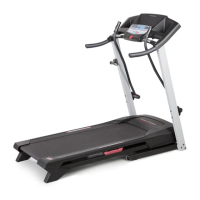
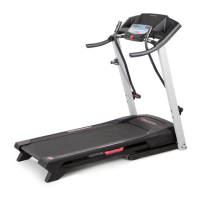
ProForm 3.8 PATL40707.0 - User Manual

ProForm 3.8 PATL40707.0
36 pages
Print Icon
To Next Page IconTo Next Page
Loading...
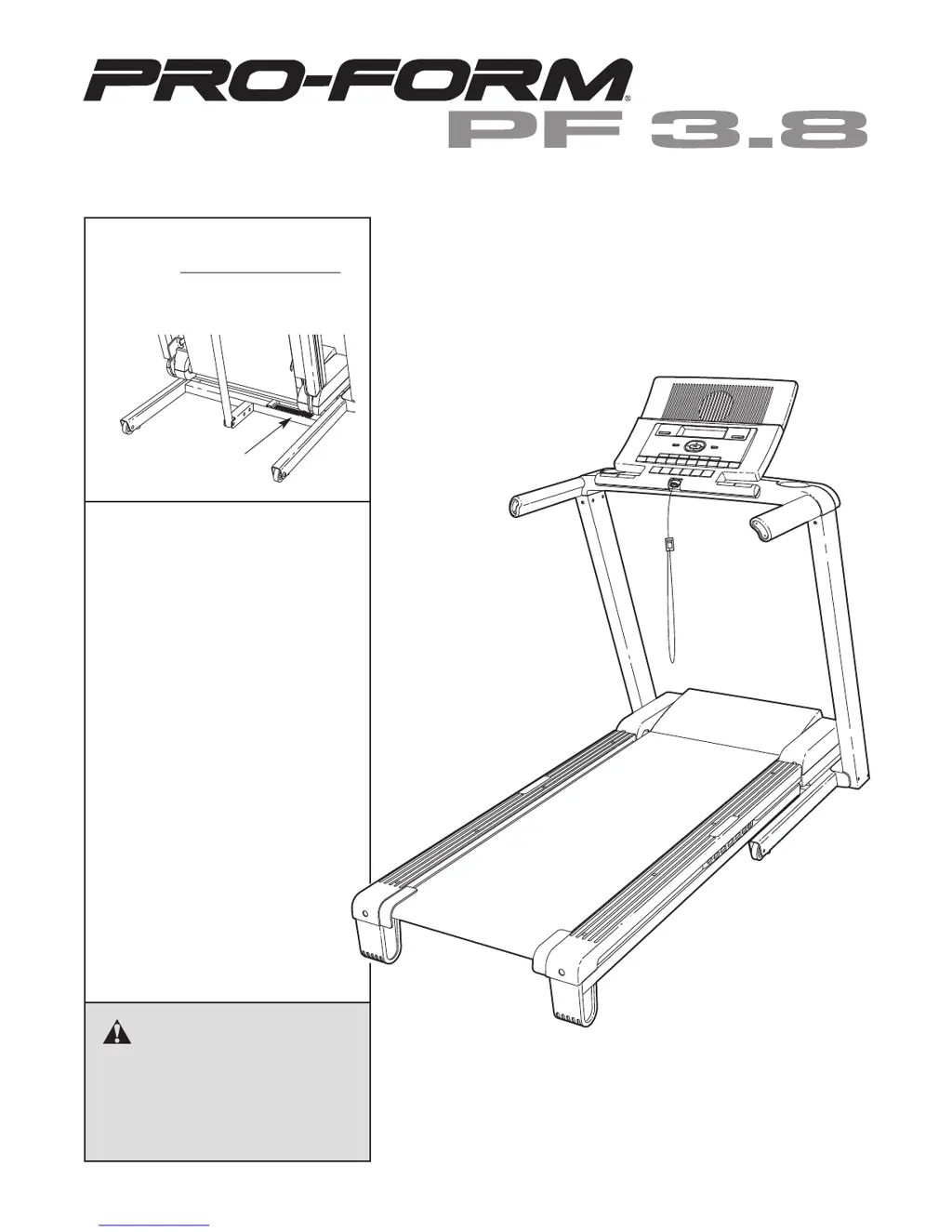
Serial
Number
Decal
Model No. PATL40707.0
Serial No.
CAUTION
Read all precautions and instruc-
tions in this manual before using
this equipment. Save this manual
for future reference.
QUESTIONS?
If you have questions, or if there
are missing or damaged parts,
please see the dealer contact in-
formation on the back cover of
this manual or on the included
service card.
Write the serial number in the space
above for reference.
USER'S MANUAL

Questions and Answers

  • K
    Keith HutchinsonJul 29, 2025
    How to fix a ProForm Treadmill walking belt that slips?
    • B
      Barry GonzalezJul 29, 2025
      If the walking belt slips when walked on your ProForm Treadmill, first remove the key and unplug the power cord. Using the hex key, turn both rear roller bolts clockwise, 1/4 of a turn. When the walking belt is correctly tightened, you should be able to lift each side of the walking belt 2 to 3 inches off the walking platform. Keep the walking belt centered. Then, plug in the power cord, insert the key, and carefully walk on the treadmill for a few minutes. Repeat until the walking belt is properly tightened.
  • S
    Sheila BridgesAug 4, 2025
    How to turn on ProForm Treadmill?
    • J
      Janet HernandezAug 4, 2025
      First, ensure the power cord is plugged into a properly earthed outlet. If using an extension cord, it should be a 3-conductor, 1 mm[2] (14-gauge) cord no longer than 1.5 m (5 ft.). Note that the treadmill isn't compatible with GFCI-equipped outlets. Also, make sure the key is inserted into the console after plugging in the power cord. Finally, check the reset/off circuit breaker on the treadmill frame near the power cord. If the switch protrudes, the circuit breaker has tripped. Wait five minutes, then press the switch back in to reset it.
  • L
    leekarlAug 9, 2025
    What to do if ProForm Treadmill turns off during use?
    • T
      Tom MccoyAug 9, 2025
      If your ProForm Treadmill turns off during use, check the reset/off circuit breaker. If it has tripped, wait five minutes, then press the switch back in. Also, ensure the power cord is securely plugged in; if it is, unplug it, wait five minutes, and plug it back in. Another solution is to remove and reinsert the key from the console. If the treadmill still won’t run, please see the front cover of this manual.
  • L
    Laura PriceAug 18, 2025
    How to recalibrate incline on ProForm 3.8 PATL40707.0 Treadmill?
    • P
      Pamela CarterAug 18, 2025
      To recalibrate the incline on your ProForm Treadmill, insert the key into the console, and press one of the Incline buttons. While the incline is changing, remove the key. After a few seconds, re-insert the key. The treadmill will automatically rise to the maximum incline level and then return to the minimum level. This will recalibrate the incline system.
  • A
    Adam PowellAug 25, 2025
    How do I turn off demo mode on ProForm 3.8 PATL40707.0?
    • J
      Joseph ThorntonAug 25, 2025
      The console on your ProForm Treadmill may be in display demo mode, which is designed for store displays. If the displays remain lit when you remove the key, the demo mode is turned on. To turn off the demo mode, hold down the Stop button for a few seconds. If the displays are still lit, see THE INFORMATION MODE on page 23 to turn off the demo mode.
  • L
    Levi DennisNov 12, 2025
    Why does my ProForm 3.8 PATL40707.0 Treadmill walking belt slow down when I walk on it?
    • J
      Jennifer SchmittNov 12, 2025
      The walking belt may slow down on your ProForm Treadmill if an incorrect extension cord is used. If an extension cord is needed, use only a 3-conductor, 1 mm[2] (14-gauge) cord that is no longer than 1.5 m (5 ft.). Also, if the walking belt is overtightened, treadmill performance may decrease. Remove the key and unplug the power cord. Using the hex key, turn both rear roller bolts counterclockwise, 1/4 of a turn. When the walking belt is properly tightened, you should be able to lift each edge of the walking belt 2 to 3 in. off the walking platform. Keep the walking belt centered. Then, plug in the power cord, insert the key, and run the treadmill for a few minutes. Repeat until the walking belt is properly tightened. If the walking belt still slows when walked on, see the front cover of t...

Summary

WARNING DECAL PLACEMENT

Decal Safety Instructions

Important safety information provided via decals on the equipment.

IMPORTANT PRECAUTIONS

Health, Safety, and Usage Guidelines

Comprehensive precautions covering user health, safe operation, and usage limits.

Electrical and Power Safety

Safe handling of power cords, connections, and extension cords.

Operational and Storage Safety

Precautions for treadmill use, folding, moving, and maintenance.

BEFORE YOU BEGIN

Initial Setup and Manual Familiarization

Recommended reading of the manual and familiarization with parts before use.

ASSEMBLY

Step-by-Step Assembly Guide

Detailed instructions for assembling the treadmill components.

Hardware and Tool Requirements

List of parts and tools needed for assembly.

OPERATION AND ADJUSTMENT

Walking Belt Care and Power Connection

Guidance on belt maintenance and proper power cord setup.

CONSOLE DIAGRAM

Console Features and Functions Overview

Explanation of the console's display, modes, and capabilities.

HOW TO TURN ON THE POWER

Power Up Sequence and Safety Key Usage

Steps to start the treadmill and use the safety key for emergencies.

HOW TO PERSONALIZE CONSOLE SETTINGS

User Profile Setup and Data Entry

Creating user profiles, entering name, weight, and setting date/time.

HOW TO IDENTIFY YOURSELF AS USER 1 OR USER 2

User Login for Workout Sessions

Selecting the correct user profile before starting exercise.

HOW TO USE THE MANUAL MODE

Manual Speed and Incline Control

Adjusting treadmill settings manually during workouts.

Workout Progress Monitoring

Tracking key workout metrics displayed on the console.

Heart Rate, Fan, and Workout Termination

Using heart rate sensors, fan, and ending workouts.

HOW TO USE A PRESET WORKOUT OR A WEIGHT LOSS WORKOUT

Selecting and Starting Programmed Workouts

Guide to choosing and initiating pre-set or weight loss programs.

HOW TO CREATE A LEARN WORKOUT

Custom Workout Programming and Saving

Creating and saving personalized treadmill routines.

HOW TO USE A LEARN WORKOUT

Executing Saved Custom Workouts

Running previously created learn workouts.

HOW TO VIEW THE FITNESS JOURNAL

Accessing and Reviewing Workout History

Viewing exercise logs by year, month, week, or day.

HOW TO RESET THE FITNESS JOURNAL

Clearing Workout Data

Steps to delete stored fitness journal information.

THE INFORMATION MODE

Usage Statistics and Unit Settings

Checking treadmill usage and changing measurement units.

THE OPTIONAL CHEST PULSE SENSOR

Pulse Sensor Information and Purchase

Details about the optional heart rate sensor and where to buy it.

HOW TO FOLD AND MOVE THE TREADMILL

Folding for Storage and Safe Moving

Procedures for storing and safely transporting the treadmill.

HOW TO LOWER THE TREADMILL FOR USE

Unfolding and Preparing for Use

Steps to unfold the treadmill from its storage position.

TROUBLESHOOTING

Power, Console, and Incline Issues

Solutions for common problems with power, console, and incline.

Walking Belt Speed and Slowing Issues

Troubleshooting walking belt speed and performance problems.

Walking Belt Alignment and Slipping

Correcting issues with the walking belt being off-center or slipping.

EXERCISE GUIDELINES

Intensity, Workout Structure, and Frequency

Guidance on exercise intensity, workout planning, and frequency.

PART LIST

Component Identification and Key Numbers

A comprehensive list of parts with their corresponding key numbers.

EXPLODED DRAWING A

Treadmill Base Component Diagram

Visual representation of the treadmill's base assembly.

EXPLODED DRAWING B

Motor and Console Component Diagram

Visual representation of the motor and console assembly.

EXPLODED DRAWING C

Upright and Frame Component Diagram

Visual representation of the treadmill's uprights and frame.

EXPLODED DRAWING D

Console and Accessories Component Diagram

Visual representation of the console and attached accessories.

ORDERING REPLACEMENT PARTS

Information Required for Parts Orders

Details needed to correctly order replacement parts.

LIMITED WARRANTY

Warranty Terms and Conditions

Explanation of the product's warranty coverage and limitations.

ProForm 3.8 PATL40707.0 Specifications

General IconGeneral
DisplayLCD
Motor2.5 HP
Incline0-10%
Speed0-10 mph
FoldingSpaceSaver® Design

Related product manuals