EasyManua.ls Logo

ProForm PFTL13116.0 - User Manual

ProForm PFTL13116.0
40 pages
Print Icon
To Next Page IconTo Next Page
Loading...
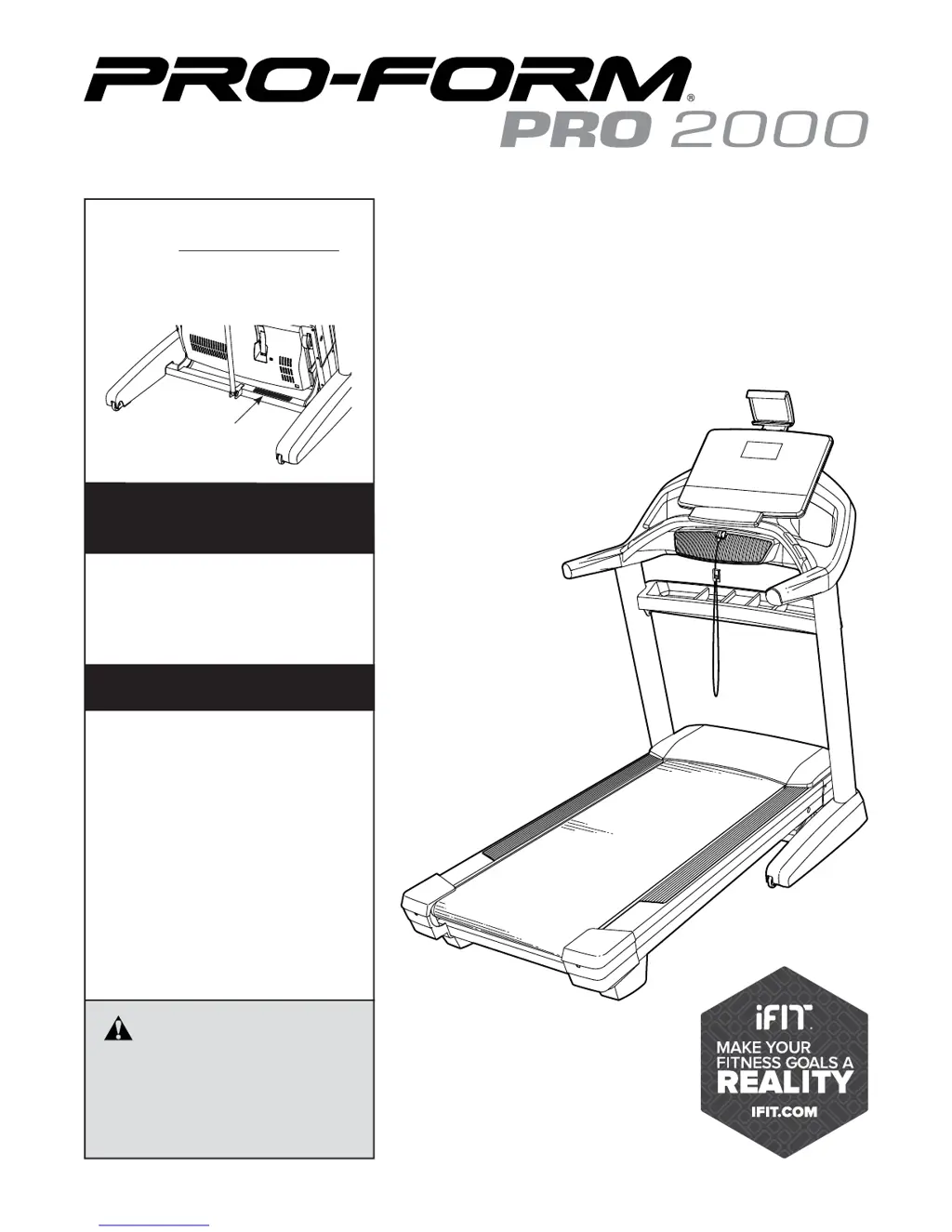
Serial Number
Decal
Model No. PFTL13116.0
Serial No.
Write the serial number in the space
above for reference.
CAUTION
Read all precautions and instruc-
tions in this manual before using
this equipment. Save this manual
for future reference.
www.proform.com
USER’S MANUAL
ACTIVATE YOUR
WARRANTY
To register your product and
activate your warranty today,
go to www.proformservice.com/
registration.
CUSTOMER CARE
For service at any time, go to
www.proformservice.com.
Or call 1-888-533-1333
Mon.–Fri. 6 a.m.–6 p.m. MT
Sat. 8 a.m.–12 p.m. MT
Please do not contact the store.

Questions and Answers

  • B
    Brian JohnsonAug 2, 2025
    What to do if ProForm PFTL13116.0 power turns off during use?
    • M
      moniquegarzaAug 2, 2025
      If your ProForm Treadmill's power turns off during use, there are a few things you can try. First, if the switch has tripped, wait five minutes, and then press the switch back in. Also, ensure the power cord is properly plugged in; if it is, unplug it, wait five minutes, and then plug it back in. Finally, try removing the key from the console and then reinserting it.
  • M
    Mason HallAug 8, 2025
    How to fix ProForm PFTL13116.0 Treadmill when power does not turn on?
    • J
      Jimmy NelsonAug 8, 2025
      If the power of your ProForm Treadmill does not turn on, ensure the power cord is plugged into a surge suppressor and that the surge suppressor is plugged into a properly grounded outlet. Also, make sure the key is inserted into the console. If the switch has tripped, wait five minutes, and then press the switch back in to reset it.
  • J
    Jose NguyenAug 14, 2025
    What to do if ProForm PFTL13116.0 Treadmill walking belt slips?
    • T
      tiffanygriffinAug 14, 2025
      If the walking belt of your ProForm Treadmill is off-center or slips when walked on, try this: If the walking belt has shifted to the left, use the hex key to turn the left idler roller screw clockwise 1/2 of a turn. If the walking belt has shifted to the right, turn the left idler roller screw counterclockwise 1/2 of a turn. If the walking belt slips when walked on, first remove the key and unplug the power cord. Using the hex key, turn both idler roller screws clockwise, 1/4 of a turn.
  • K
    Kevin AndersonAug 20, 2025
    Why ProForm PFTL13116.0 walking belt slows when walked on?
    • C
      colemanjackAug 20, 2025
      If the walking belt of your ProForm Treadmill slows down when you walk on it: if the walking belt is overtightened, treadmill performance may decrease and the walking belt may become damaged. Remove the key and unplug the power cord. Using the hex key, turn both idler roller screws counterclockwise, 1/4 of a turn. If you suspect that the walking belt needs more lubricant, see the front cover of this manual.
  • Y
    ygrayAug 27, 2025
    How to fix ProForm PFTL13116.0 Treadmill tablet holder?
    • J
      Jennifer MarshAug 27, 2025
      To address the issue of the tablet holder not staying in place on your ProForm Treadmill, rotate the tablet holder backwards. Then, slightly tighten the indicated screw until the tablet holder remains in place when rotated to the desired position.

Summary

Activate Your Warranty

Customer Care

Warning Decal Placement

Important Precautions

Before You Begin

Assembly

The Chest Heart Rate Monitor

How to Use the Treadmill

How to Connect the Power Cord

Essential steps for safely connecting the treadmill's power cord.

Features of the Console

How to Turn On the Power

How to Use the Manual Mode

How to Use an Onboard Workout

How to Connect Your Tablet to the Console

How to Connect Your Heart Rate Monitor to the Console

How to Fold and Move the Treadmill

How to Fold the Treadmill

Steps to safely fold the treadmill for storage.

Maintenance and Troubleshooting

Troubleshooting

Solutions for common treadmill problems and issues.

Exercise Guidelines

Ordering Replacement Parts

Limited Warranty

ProForm PFTL13116.0 Specifications

General IconGeneral
Model NameProForm PFTL13116.0
CategoryTreadmill
FoldingYes
BluetoothYes
iFit CompatibleYes
Decline0-3%
Speed0 – 12 MPH
Weight Capacity300 lbs

Related product manuals