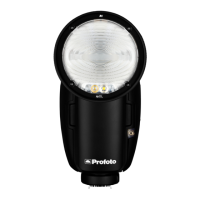
A10 AirTTL
27
www.profoto.com
Continuous light
To turn on the continuous light on A10, press button [15].
To turn on continuous light on a specific group, first select a group and
then press button [15].
When the A10 continuous light is on, a white dot is displayed to the right
on the display and/or on the different groups.
Activate/deactivate flash head
The flash head can be deactivated without turning off the power of the
A10 unit. This is used when the A10 should work as a remote control for
off-camera flashes but no flash itself.
Press and hold the Continuous light button [15] to turn on/off the A10
lamp head.
The A10 flash head can also be activated/deactivated in the settings menu.
Lock user interface
A long push on the settings button [14] will lock the user interface. This
is indicated with a lock symbol. The flash operates normally, although
the user interface will not respond to button pushes until unlocked by
the user by another long push on the same button.


 To Next Page