A10 AirTTL
36
www.profoto.com
Light shaping
The A10 flash creates a round and even light spread in all zoom
positions. In addition, there are specially designed light shaping tools
for the A10 that can modify the light quality in various ways.
When A10 is used on camera it can automatically follow the zoom
setting on the lens. For creative freedom the beam angle can also be
set manually, either in the menu or by rotating the zoom ring [2]. When
the zoom ring [2] is used the beam angle setting will automatically go
to manual mode. The current beam angle setting is shown in the top
of the display [9].
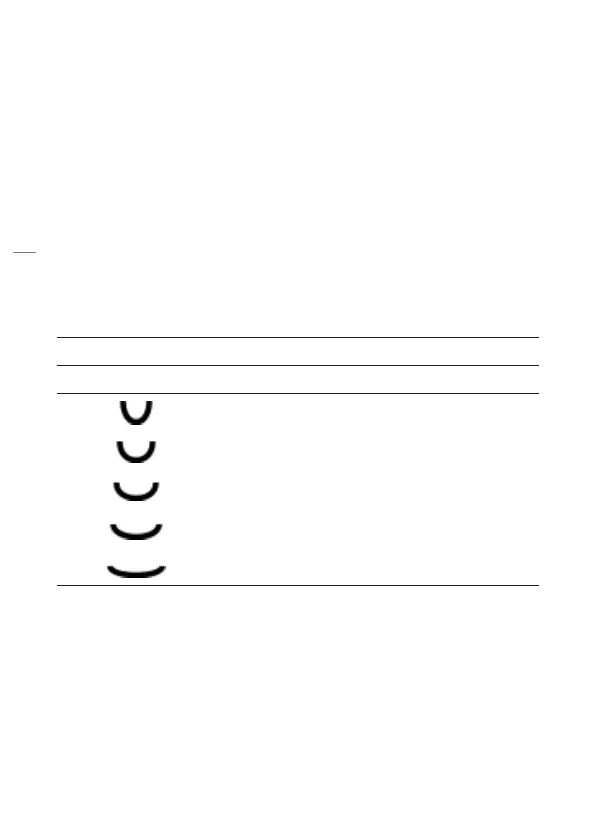
The zoom setting on the flash corresponds approximately to the
following focal length coverage for a 35mm camera.
Beam angle setting Focal length coverage
A10 without accessories
105 mm
80 mm
60 mm
45 mm
32 mm


 To Next Page