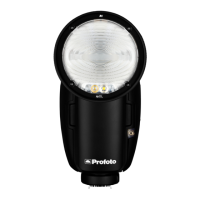
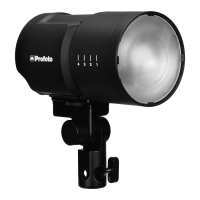
A10 AirTTL
30
www.profoto.com
• ON: The A10 can be used to trigger and/or control Profoto Air flash
units and generators, including the A10 flash. In this setting the
unit can also be controlled from another AIR transmitter
• OFF: The A10 can only be used to control the A10 flash, and can’t
be controlled from other remotes or flashes.
• ON (TRANSMIT ONLY): Used to deactivate the receiver
functionality. The A10 can be used to trigger and/or control
Profoto Air flash units and generators, including the A10 flash,
but can’t be controlled from other remotes or flashes. This can be
useful on-camera to avoid the flash to be triggered from an AIR
transmitter on another camera using the same radio channel.
Bluetooth
Enable or disable the A10’s Bluetooth Low Energy Technology, which
enables the A10 to work with the Profoto app.
The Disconnect button will send a request to the connected
smartphone to end the connection with the A10.
Head
The head setting is used to activate/deactivate the A10 flash head.
By doing this the flash will not fire when it receives a sync signal. This
function works both on and off camera.
Sync
Depending on Camera, the Sync menu displays different options:
Canon
• 1ST
• 2ND
• X-SYNC
Nikon
• 1ST
• 2ND
• X-SYNC
Menu displays current camera settings, unless X-sync is selected on
flash unit.


 To Next Page