Photocell
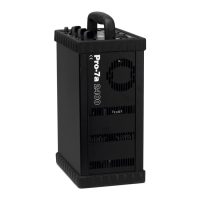
The built-in photocell [8] will sense flash release as well as IR-signals from most IR-trans-
mitters. The photocell is disabled when the button [10] SLAVE is released.
Bracketing
Manual exposure variations are performed as follows:
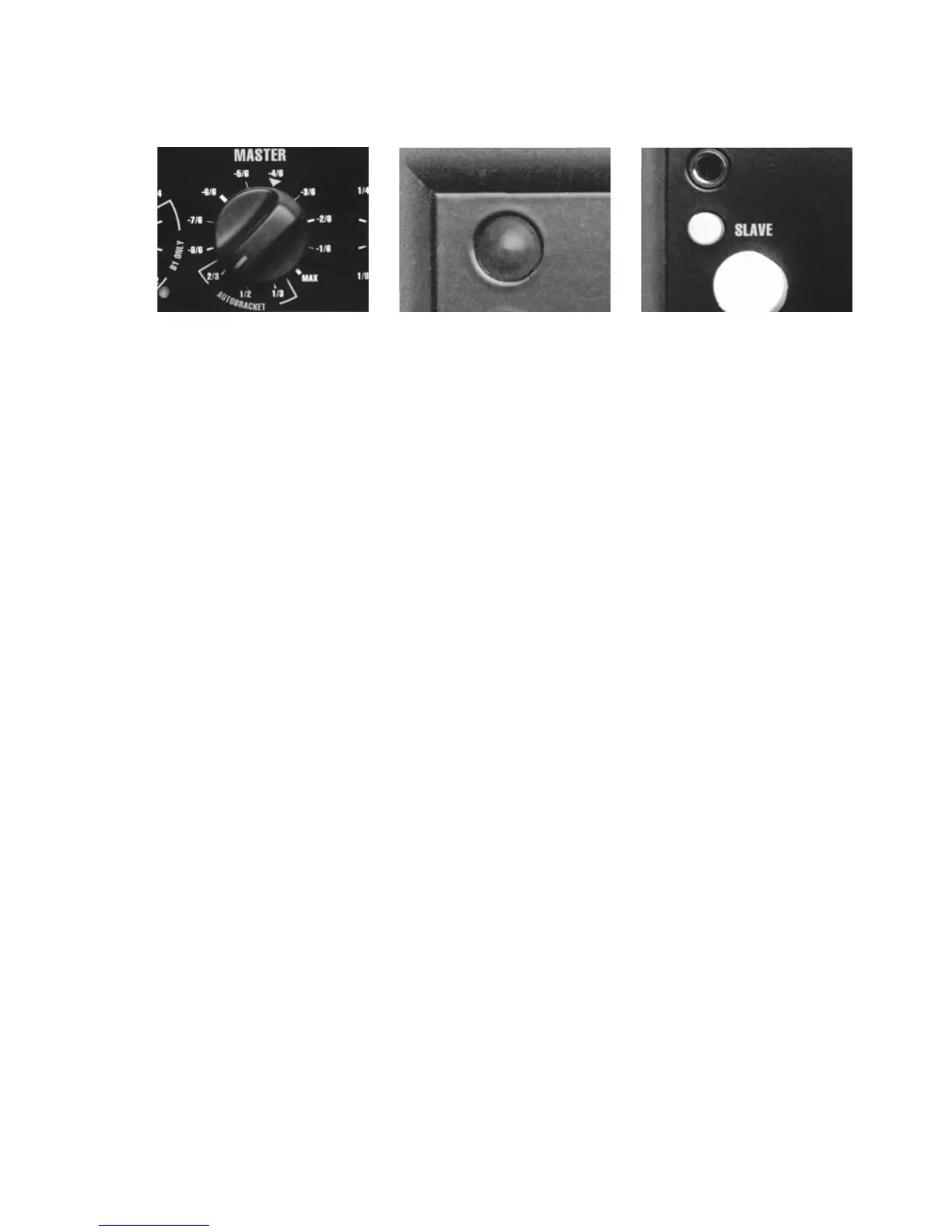
• Point the MASTER control [6] at the arrow and release an ”open” flash by pressing the test
button [11].
• Set the lighting as you would normally do, determine the appropriate f:stop and shoot the
first frame.
• Turn the MASTER control to the desired over-exposure: 1/6 - 4/6 of a f:stop and shoot the sec-
ond frame.
• Turn the MASTER control to the desired under-exposure: 1/6 - 4/6 of a f:stop. Release an
”open” flash by pressing the test button [11] and then shoot the third frame
Autobracketing
Exposure variations can also be obtained in an automatic way as follows:
• Point the MASTER control [6] at the arrow and release an ”open” flash by pressing the test
button [11].
• Set the lighting as you would normally do and determine the appropriate f:stop.
• Turn the control to the desired f:stop 1/3, 1/2 or 2/3
• Start the autobracketing procedure by pressing the test button [11] releasing an ”open”
flash.
• The generator will now recharge for a ”normal” exposure, which is indicated by the test
button [11] now flashing ”normally” i. e. equal intervals of light and ”no” light
• Shoot the first frame
20
[6] [8] [10]



 To Next Page