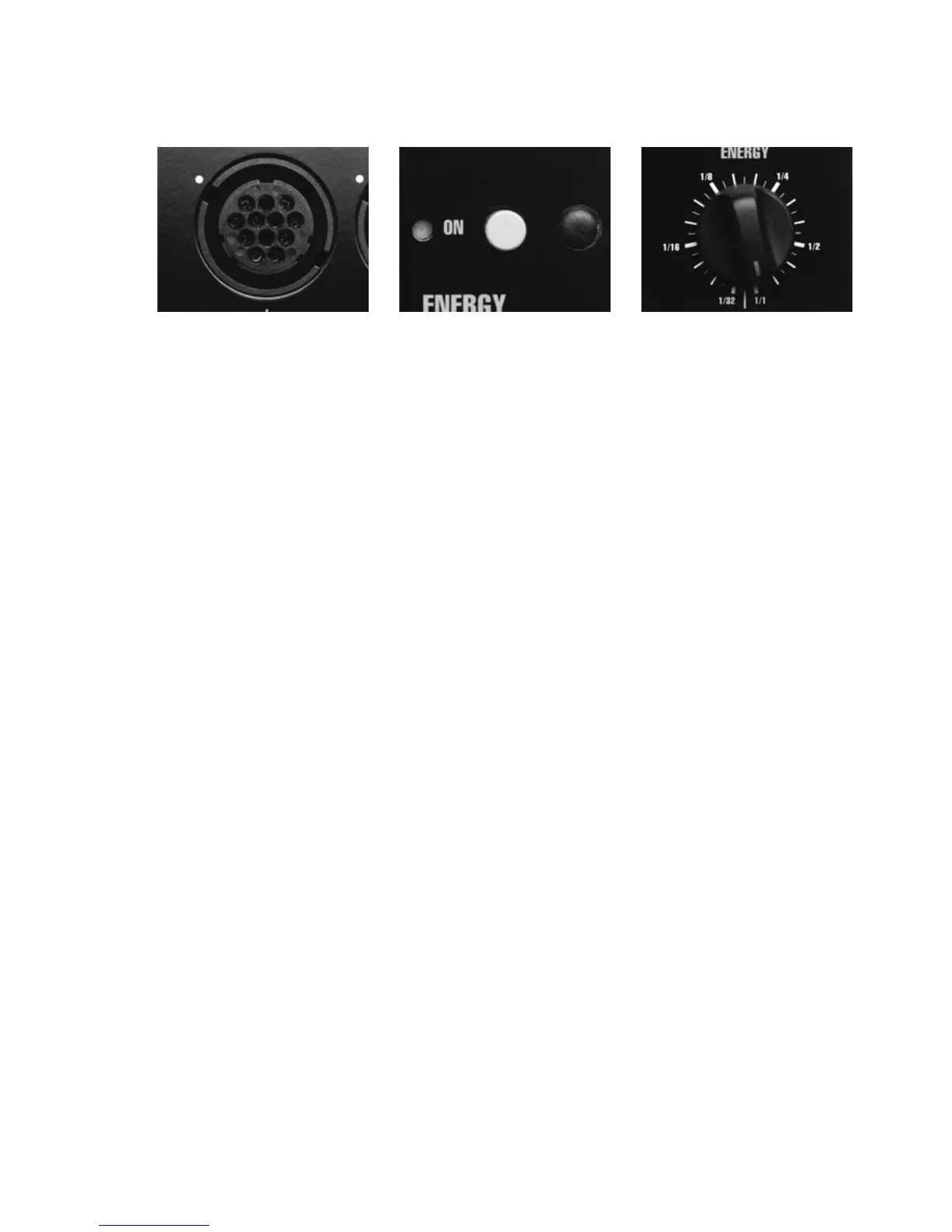
Connecting Lamp Heads
One or two lamp heads can be connected to the lamps head sockets [2]. When connecting the lamp
head plug, align the dots on the plug with the white dot on the generator panel. Secure by turn-
ing the locking ring on the plug clockwise.
Energy Control
The energy output is regulated with the control ENERGY [5]. The energy can be adjusted in
1/6 f:stop increments, from 1/1 down to 1/32 of the total energy (equivalent to six f:stops).
At any change of the energy output the white ready lamp [9] will start flashing indicating that
the energy needs to be dumped i. e. by pushing the test button [9]. The generator will thereafter
be charged to the chosen energy output.
Choice of Modelling Light
The control marked MOD.LIGHT [12] is used to choose the following alternatives:
OFF Modelling light is turned off
1/1 Modelling light is receiving the designated proportional energy at full intensity deter-
mined by the position of the ENERGY control [5]
1/2 Modelling light* is receiving the designated proportional energy at half the intensity
determined by the position of the ENERGY control [5].
MAX Modelling light is at maximum light output regardless of energy setting
When connecting two lamp heads or a ProTwin the modelling light proportionality is
automatically adjusted.
* The alternative 1/2 proportional modelling light is chosen in those cases when a Pro-7/1200 and a Pro-7/2400 are used
together. To obtain the exact proportionality between the two generators the Pro-7/1200 modelling light has to be set at
1/2, as the flash energy is half of the Pro-7/2400.
28
[2]
[4] [5]




 To Next Page