25
Types of display
There are three fundamental types of display shown to the user:
– Main display
– Menu display
– Screen for display/setting the parameters
Remark : All images below are for reference only; the user interface can be changed without prior notice.
Main display
USER PASSWORD: 1502
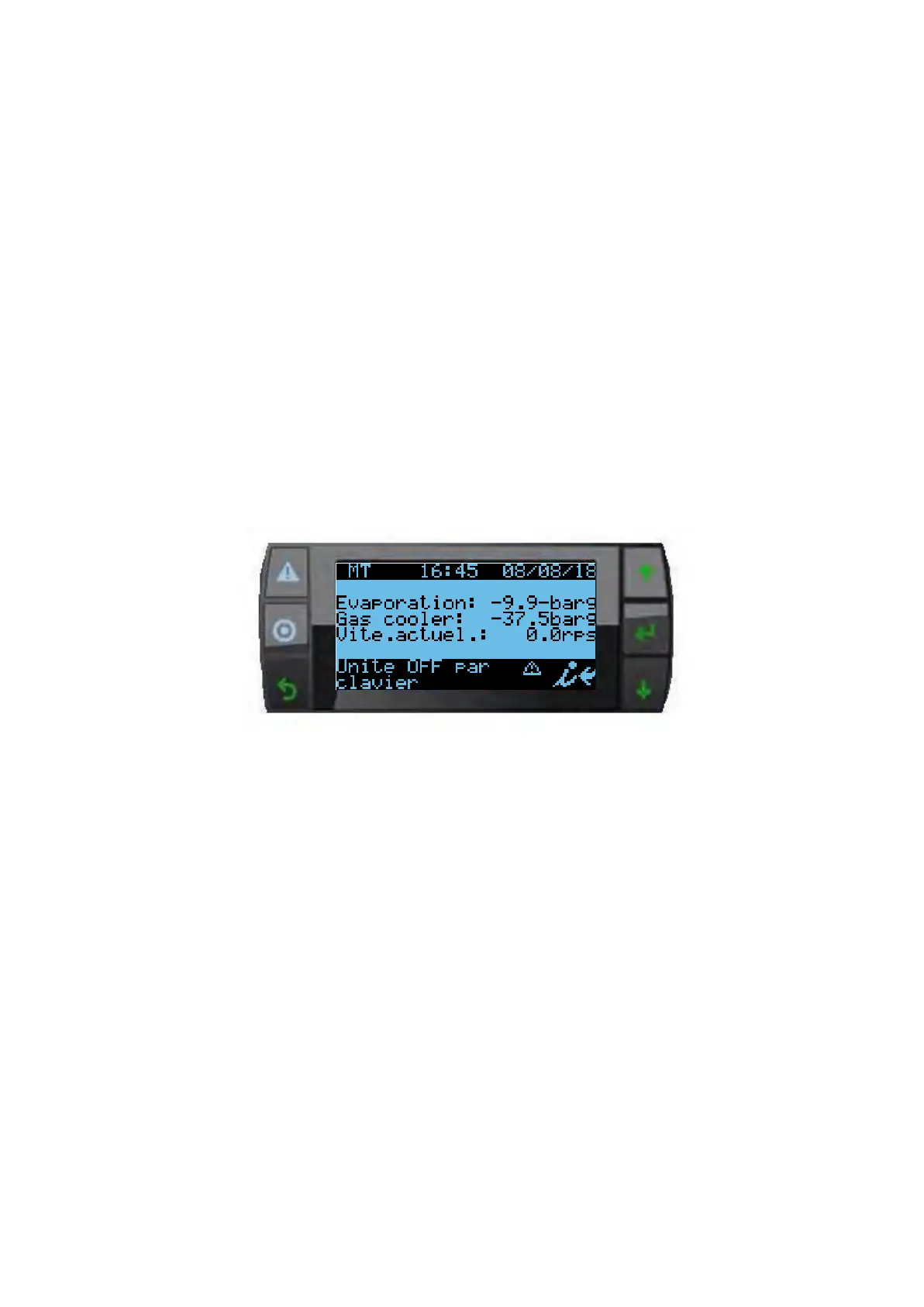
The software on board pRack Hecu automatically returns to the main mask 5
min after the last button was pressed. An example of the main mask is shown in
the figure, highlighting the fields and icons used.
1. Time and date
2. Main values
3. Unit status (unit off) compressors and fan status (unit on)
4. Active alarm signal and manual operation
5. Access further information mask (menu branch A.a) by
pressing Note the information shown on the main mask varies
according to the system configuration and type of control value
used (pressure, temperature)


 To Next Page