HANGING THE HEATER
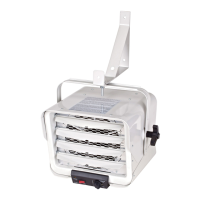
1) Attach the heating unit to the mounting bracket.
2) Lift the heater up and into the mounting bracket.
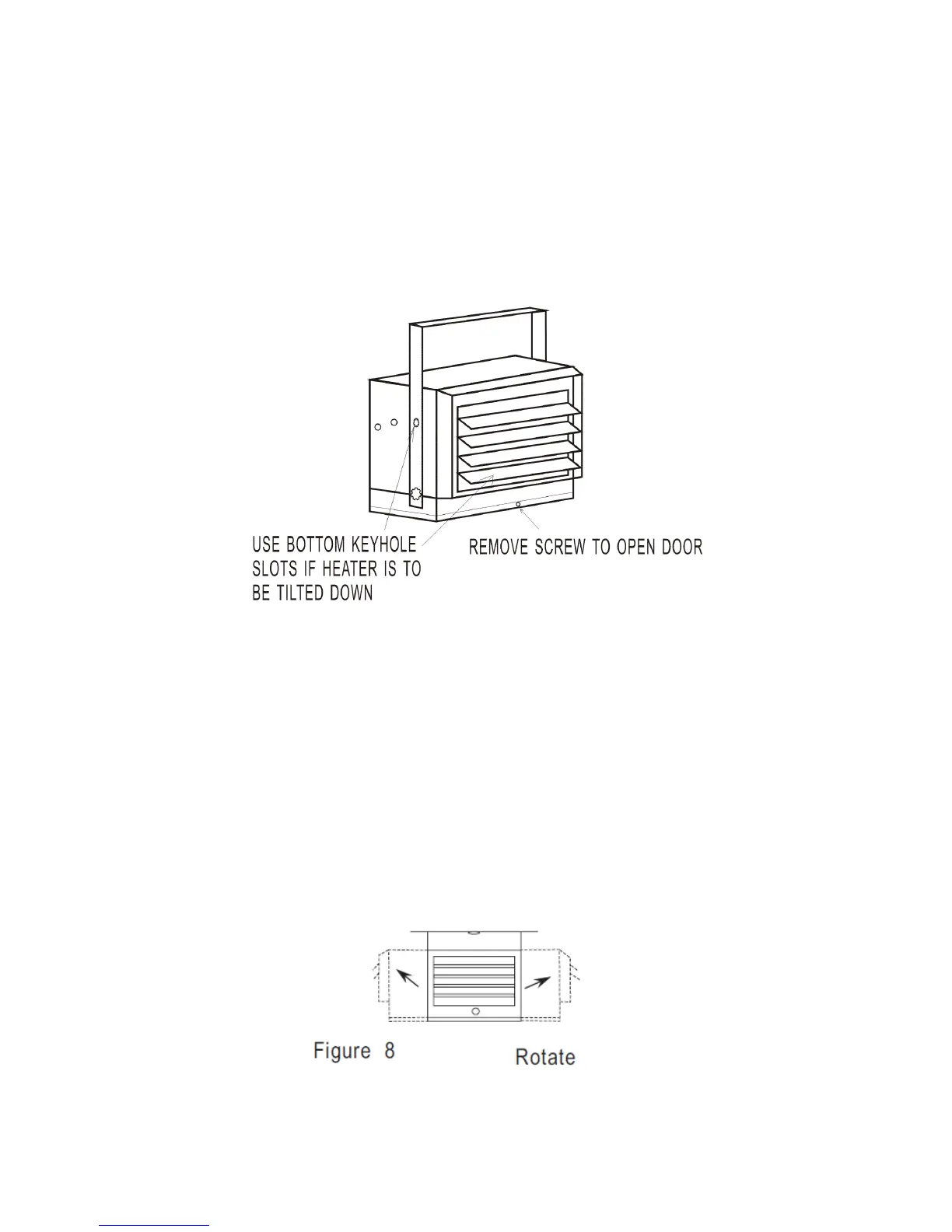
3) Align the bracket screws with the keyhole slots in the mounting bracket.
4) If the heater is to be tilted it must be positioned in the keyhole slots - see figure 5.
5) Tighten the bracket screws with a wrench so the unit is securely suspended at horizontal or vertical
level.
Figure 5
ADJUSTING AIR FLOW DIRECTION
1. To turn the unit when it has been installed with a single lag bolt (as shown in figure 4a), simply
turn the entire heater as needed. The unit cannot be turned horizontally if it has been installed with
2 lag bolts.
2. To tilt the unit vertically, loosen the bracket screws (see figure 5).
NOTE: For the heater to be tilted vertically, it must be mounted in bottom keyhole slots of mounting
brackets to maintain adequate clearance and prevent possible overheating.
1. Adjust louvers to the desired position.


 To Next Page