5
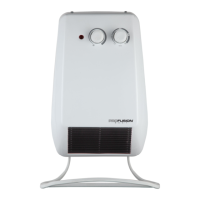
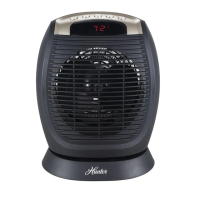
Digital Fan Heater
Operation
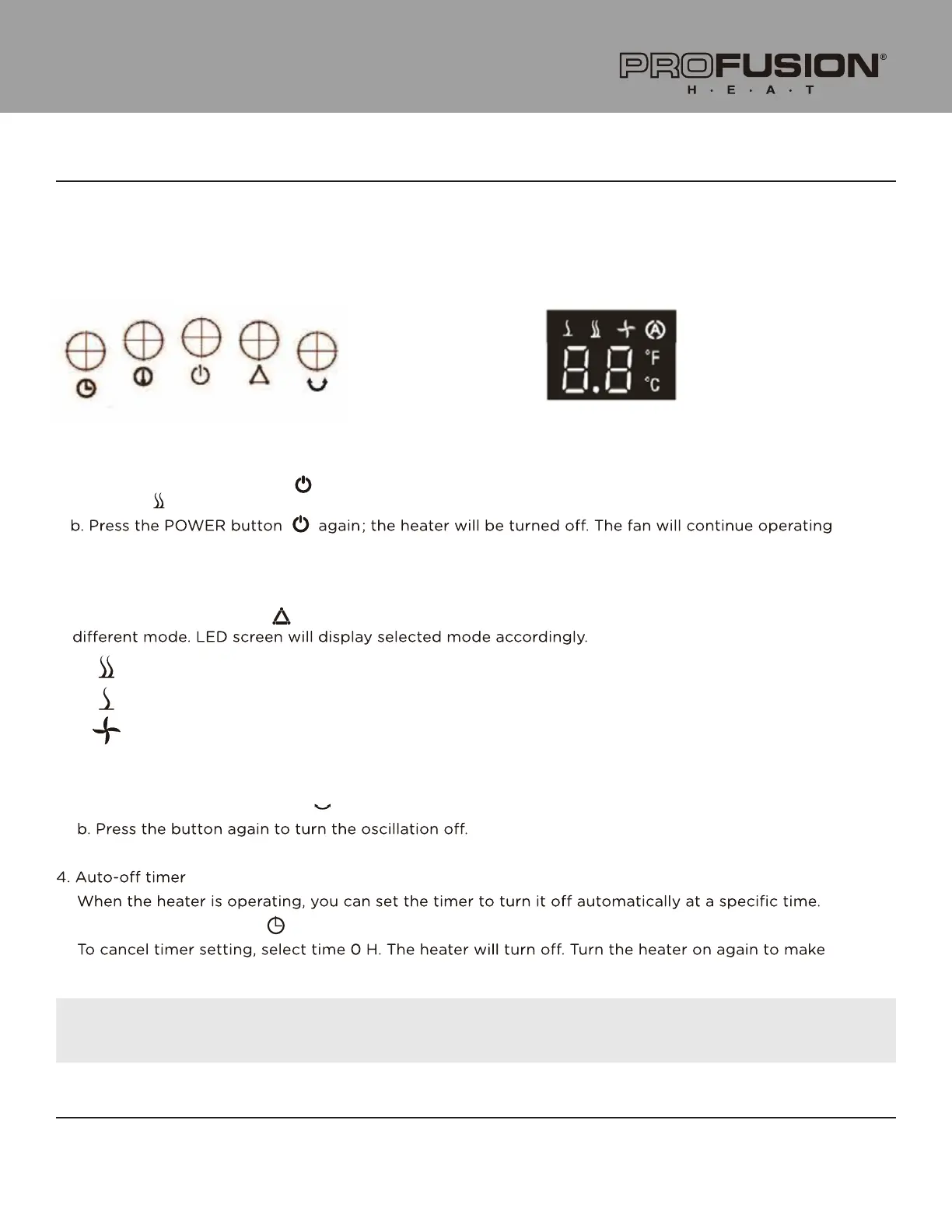
LED Screen:
Control Panel:
Plug the heater into a functional 120 V AC, 60 Hz outlet; make sure that the plug is fully inserted in the
outlet. Once plugged in, your heater is on standby mode. The LED screen displays the current room
temperature. The heater can be controlled through the control panel.
1. Turning unit ON/OFF
a. Press the POWER button ( ) once to turn on the heater at the HIGH output setting; LED screen
displays . At this setting, the heater output is 1500 W.
for 30 seconds to dissipate residual heat.
2.Selecting he ating power
Press the MODE button ( ) to select mode:High Fan Low . Every press of the button selects a
High: 1500 W (High setting is selected upon startup)
Low: 900 W (Low setting)
Fan: 15 W (FAN output only)
3. Oscillation
a. Press the oscillation button ( ). The heater will begin oscillating for better heat dispersion.
Press the timer button ( ) to set the timer between 0 and 12 hours, in 1-hour increments.
it work continuously.
NOTE: While the timer is set, the LED display will show the set time. When the timer is not set,
the LED display shows the room temperature.
( )


 To Next Page