6
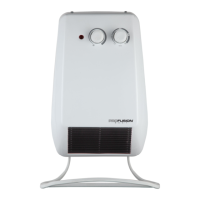
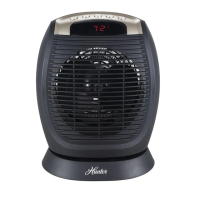
Digital Fan Heater
5. Temperature setting
When the heater is working at the “low” or “high” setting, you can set the temperature by pressing
the TEMP button( ).
After pressing the TEMP button ( ), the LED screen will show and the default temperature (75°F),
or the last set value, will be displayed. To change the setting, keep pressing the TEMP button ( ) ;
the temperature will increase in 1°F (1°C) increments, between 41°F (5°C) and 90°F (32°C). The
temperature will set and stop flashing within 5 seconds once you finish pressing the button.
the room temperature is higher than the set value, heater will not turn on; if the room temperature is
lower than the set value, the heater will operate until the set value has been reached.
6. Temperature display (°F / °C)
To switch temperature setting from °F to °C, press the Timer button ( ) and TEMP button ( )
at the same time for two seconds.
7. Excessive heat alarm
If the room temperature exceeds 122°F (50°C), the heater’s alarm will start buzzing until the heater is
heater can be turned on again.
NOTE: Once a temperature has been set, the heater will remain in auto mode to maintain this
a safety feature.
A


 To Next Page