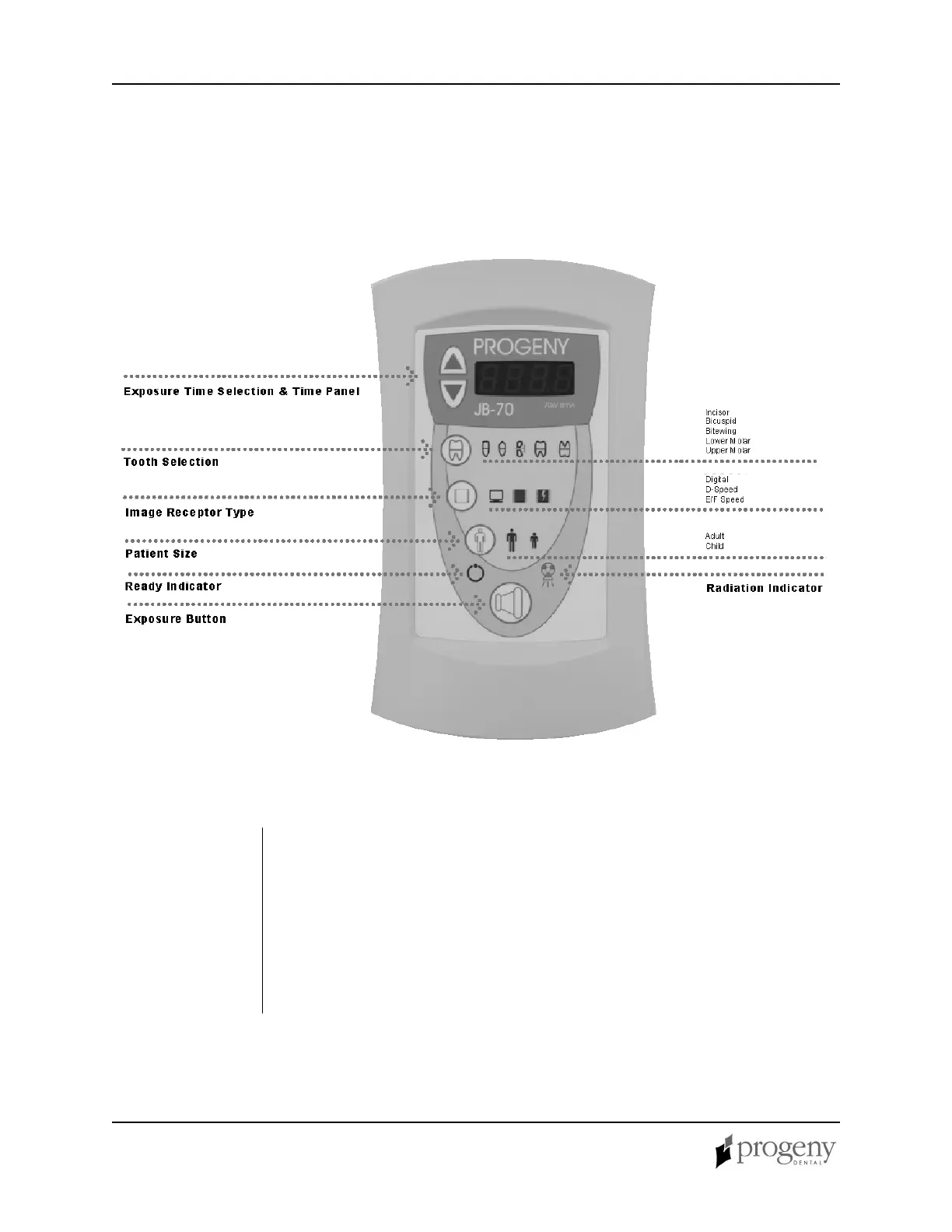
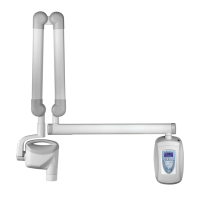
The JB-70 Dental X-Ray System has 30 pre-programmed exposure times. The
exposure time that is used when taking an x-ray is determined by the combination
of the Tooth Selection, Image Receptor Type and Patient Size that is selected on
the Operator Panel. The pre-set exposure times can also be adjusted using the up
and down Exposure Time arrows.
• For a table of the pre-programmed exposure times set at the factory, refer to
the Pre-programmed Exposure Times table later in this manual.
• For a procedure for modifying pre-programmed exposure times, refer to
Changing Programmed Exposure Times later in this manual.



 To Next Page