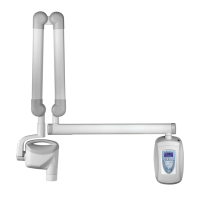
Solving Performance Issues JB-70
15
Solving Performance Issues
If the x-rays are lighter than desired, check the following:
1. Verify that the exposure time is appropriate for the examination. If using pre-
programmed exposure times, make sure that the proper image receptor type
is selected.
2. Verify proper operation of the film processor.
If no x-ray is produced, check the following:
1. Verify that the line cord (if one is in use) is properly connected.
2. Verify that the power switch is in the ON position.
Obtaining Technical Support
PROGENY DENTAL
675 Heathrow Dr.
Lincolnshire, IL 60069
Phone: 888-924-3800
Fax: 847-415-9801



 To Next Page