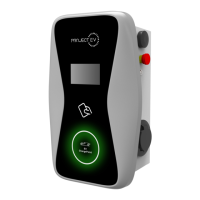
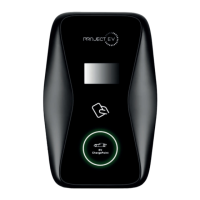
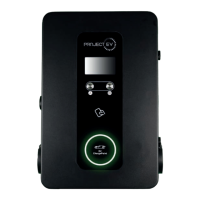
Project EV Standard App
Commissioning Process
APP Commission
1. Download Project EV App.
2. Create user account
3. Add charger to serial number on the account.
4. Power charger up from the fuseboard – (This will emit hotspot for 1-2 minutes from
when unit is powered on to allow user to get back to charger)
5. Press the WiFi symbol in top right of the App
a. Go to WLAN settings
b. Connect to charger Serial Number
c. Enter password ‘12345678’
d. Go back into the App
e. Serial Number appears above connected next
f. Press ‘Connected Next’
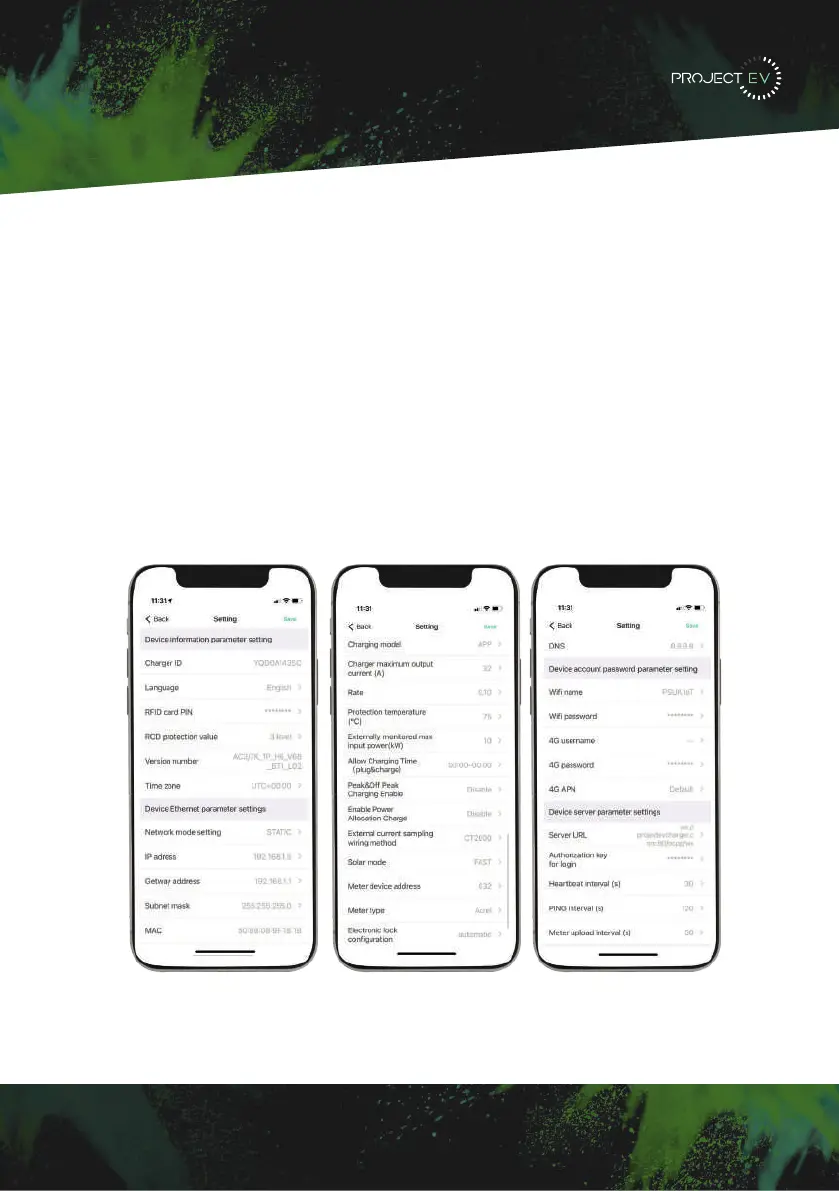
6. Enter in the desired settings. (CAUTION: Any WIFI details are case sensitive).
19


 To Next Page