PROLiNK Hurricane 5200C/5201 ADSL2+ Modem / Router
User Manual
Page 20 of 59
7 LAN INTERFACE
7.1 IP ADDRESS
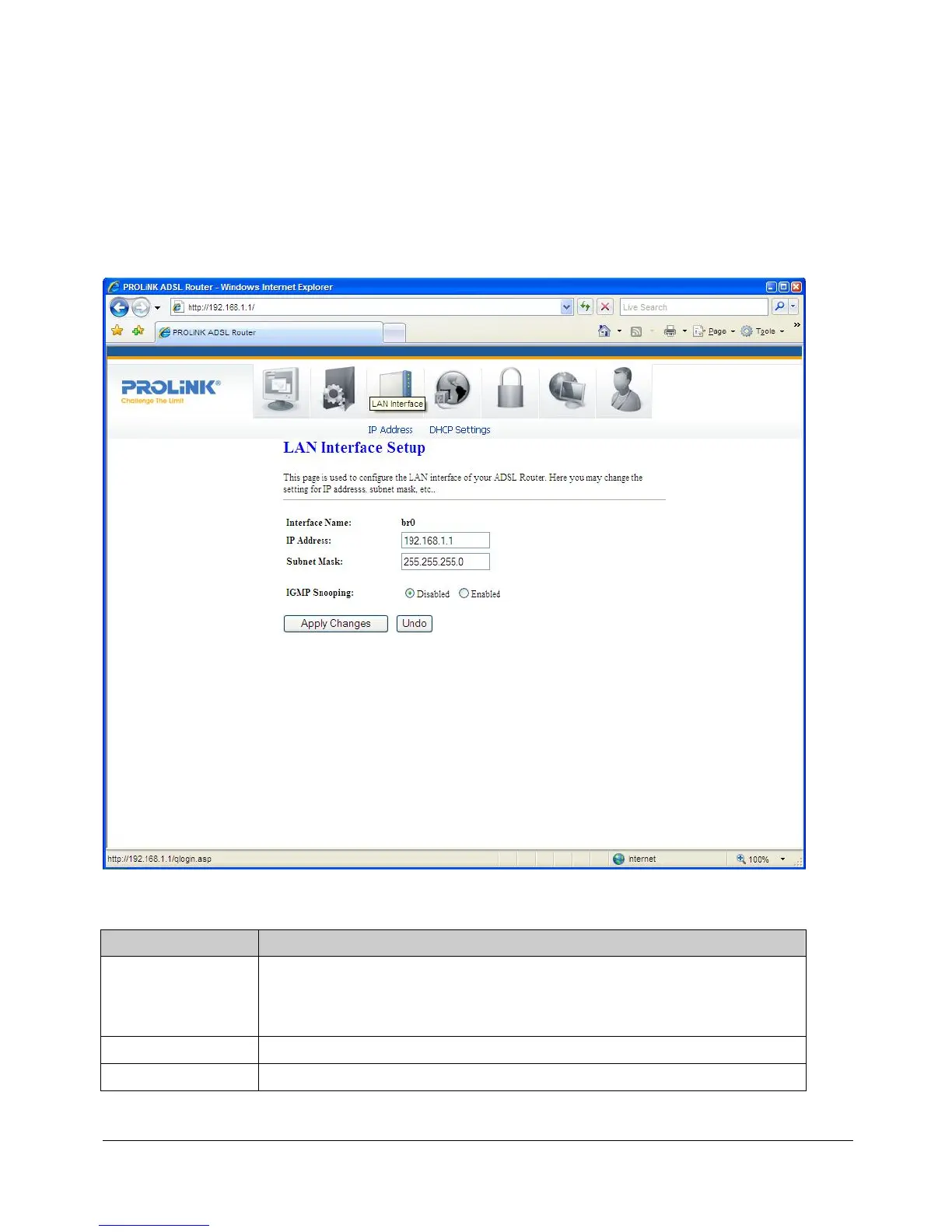
This page shows the current setting of LAN (Local Area Network) interface. You can set IP
address, subnet mask, and IGMP Snooping for LAN interface in this page.
Fields in this page:
Field Description
IP Address
The IP address that your LAN hosts (or PCs) use to identify the
modem/router’s LAN port. In short, this is the modem/router’s LAN IP
address.
Subnet Mask
LAN subnet mask.
IGMP Snooping
Enable/disable the IGMP snooping function for multiple bridged LAN ports.



 To Next Page