PROLiNK Hurricane 5200C/5201 ADSL2+ Modem / Router
User Manual
Page 56 of 59
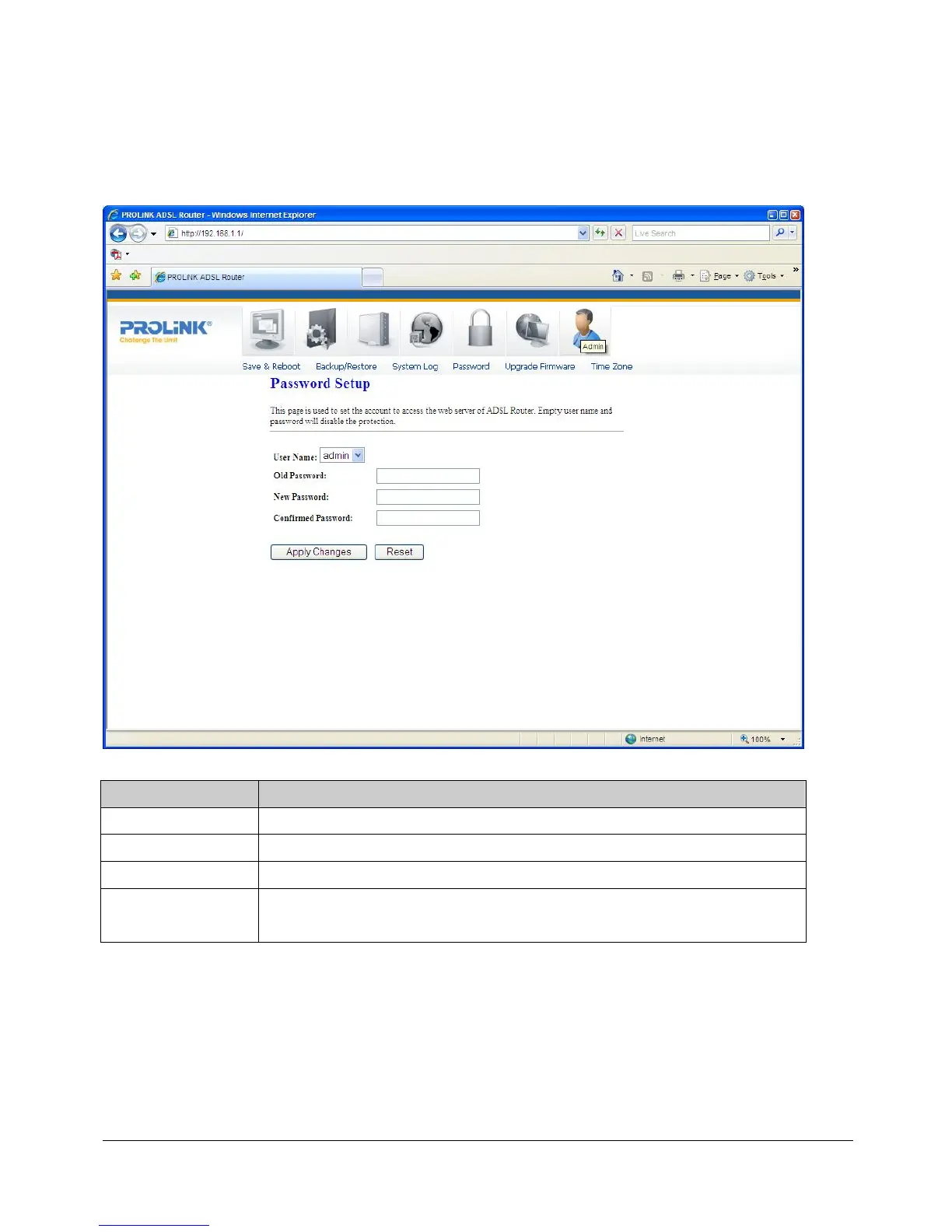
10.4 PASSWORD SETUP
There are two-level of logins: admin and user. The admin and user password configuration
allows you to change the password for administrator and user.
Fields in this page:
Field Description
User Name
Select user levels: admin or user.
Old Password
Enter the current/default password for this selected login.
New Password
Enter the new password here.
Confirmed
Password
Enter the new password again to confirm.



 To Next Page