PROLiNK Hurricane 5200C/5201 ADSL2+ Modem / Router
User Manual
Page 41 of 59
Function buttons in this page:
Add Route
Add a user-defined destination route.
Update
Update the selected destination route on the Static Route Table.
Delete Selected
Delete a selected destination route on the Static Route Table.
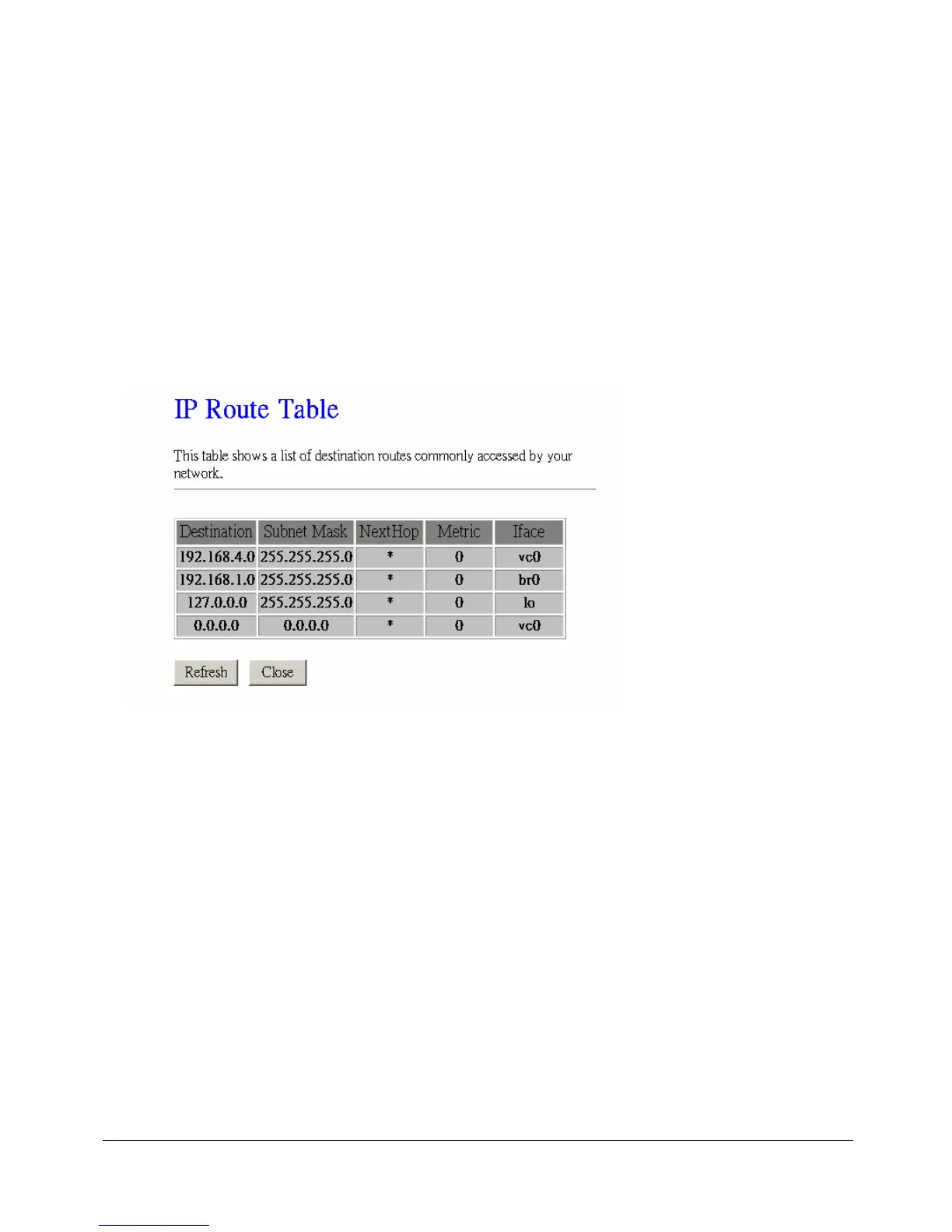
Show Routes
Click this button to view the modem/router’s routing table. The IP Route Table displays, as
shown in Figure below.



 To Next Page