EN 10
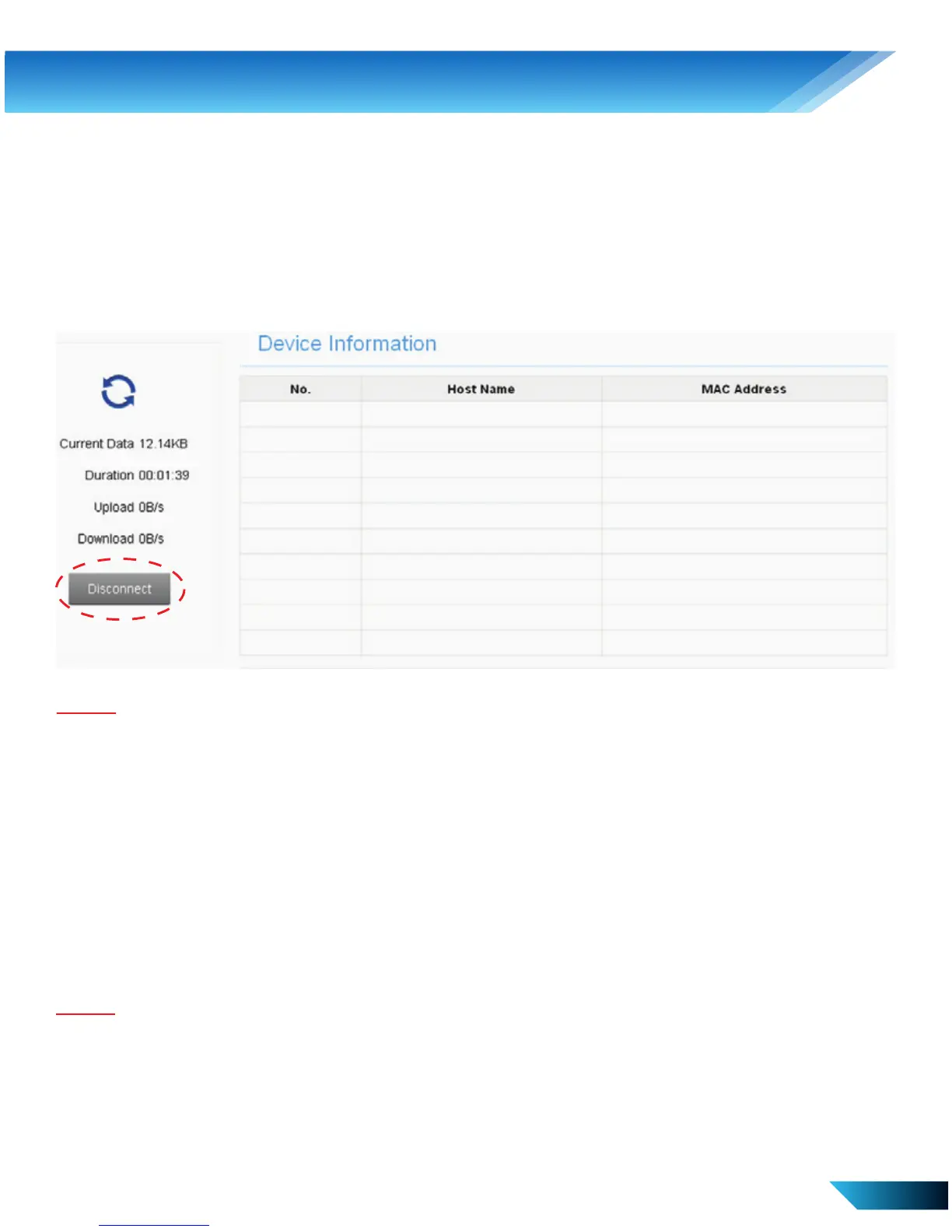
Disconnect from the Internet
1. Log in the WebGUI Configuration page, and go to Home.
2. Click Connect / Disconnect to connect or to terminate the Internet
connection.
Sleep Mode
The device will enter into Sleep Mode when no users are connected
to the device in 10 minutes. Press Power or WPS button to wake up
the device.
Note:
With USB connection and no Wi-Fi user connected to the device within 10 minutes,
only the Wi-Fi function will be disabled. Hold the WPS button for about 3 seconds
to enable this function.
Note:
Turning off the device can also terminate the Internet connection.
4. Web-based Conguration



 To Next Page