EN 4
3. Hardware Installation
12
3
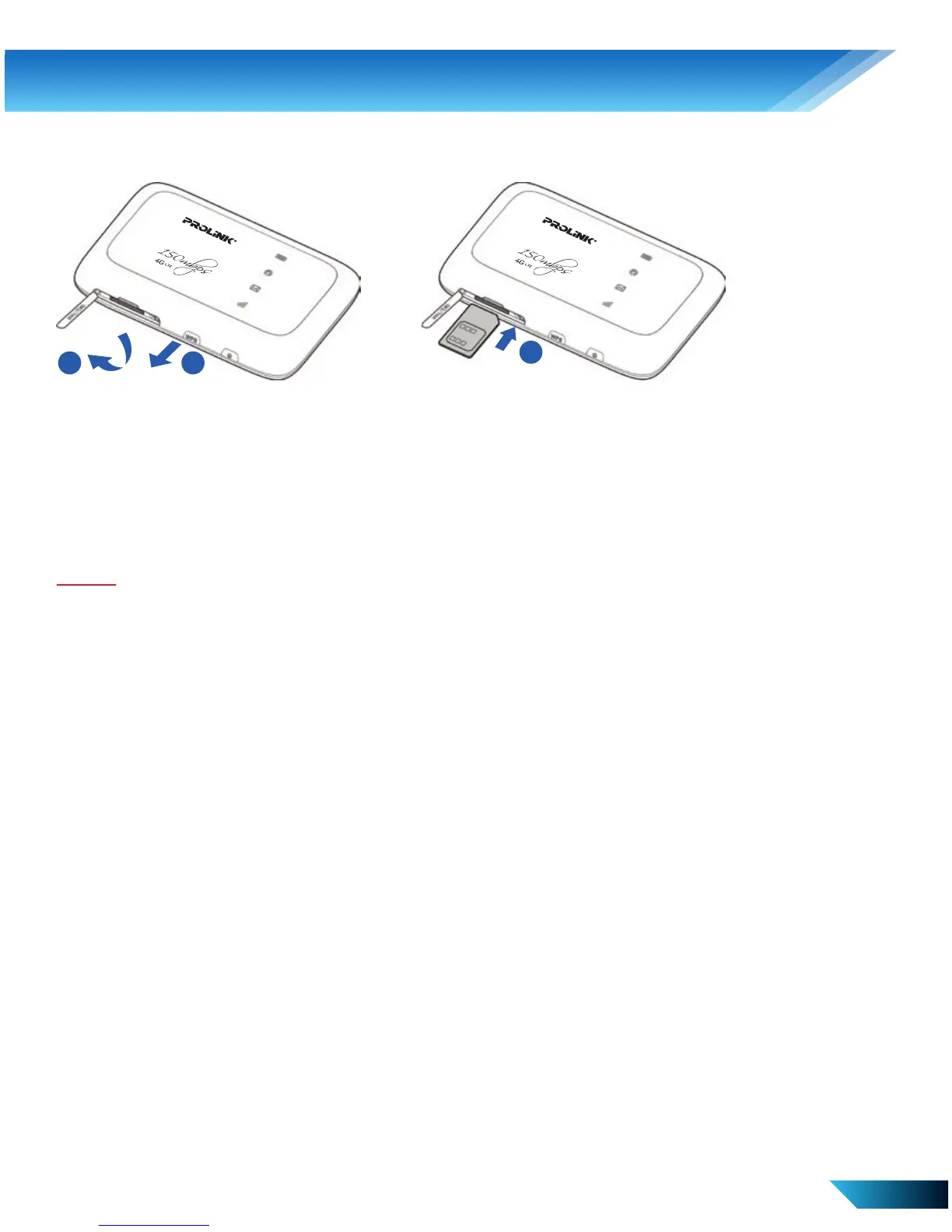
Inserting SIM Card
1. Open the SIM (or USIM) card cover.
2. Insert a SIM (or USIM) card to the card slot, you will hear a click
sound when the SIM (or USIM) card is locked in place.
3. Close the SIM (or USIM) card cover.
Note:
1. Open the card slot cover gently.
2. PRT7010L does not support the Micro/Nano SIM card. To avoid damaging the
device, do not use Micro/Nano SIM cards or with any card holders.



 To Next Page