EN 7
3. Hardware Installation
4. Web-based Conguration
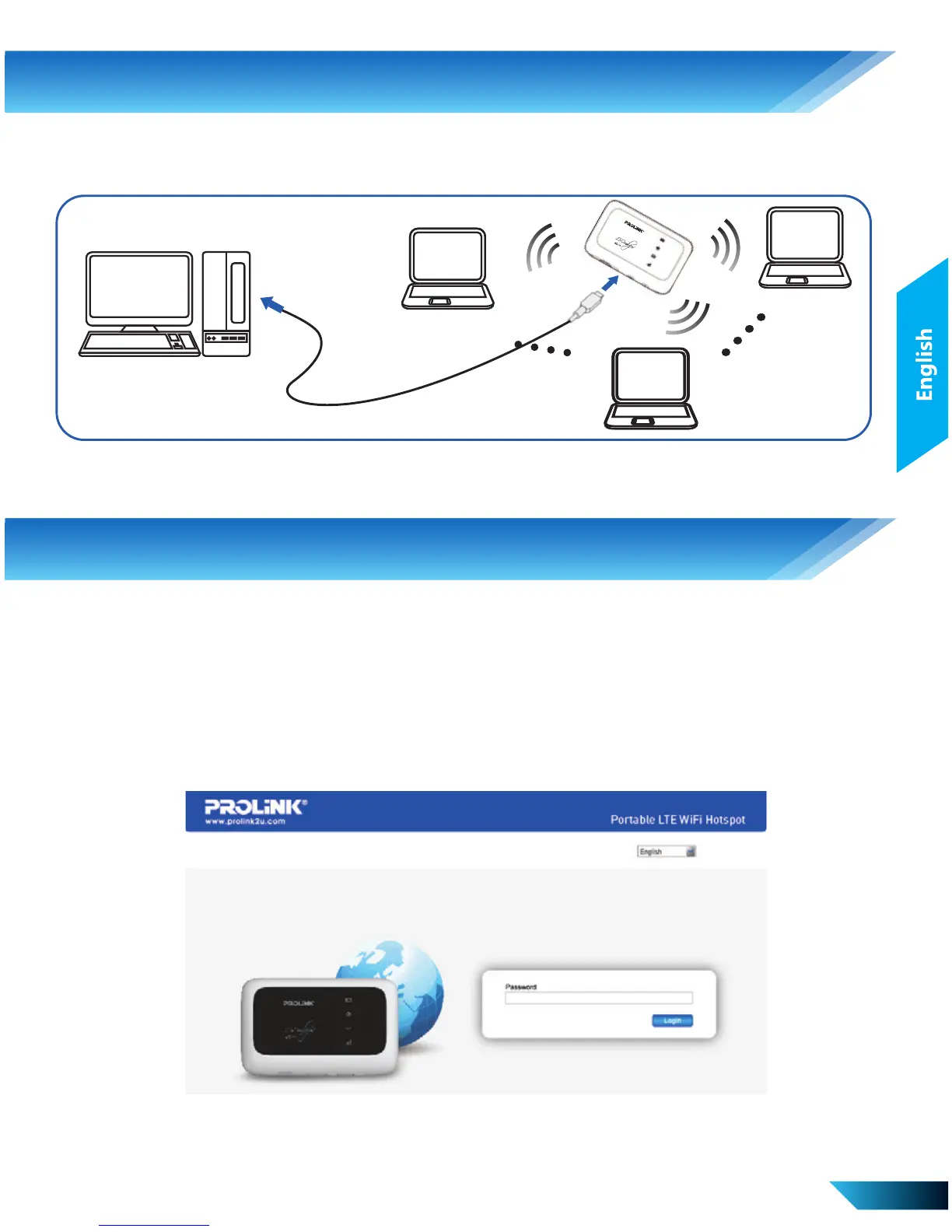
iii. Mixed Mode – Connection via both USB and Wi-Fi
This is a combination of using the USB cable and Wi-Fi connection.
Input the case-sensitive default password “password”, and then click
Login to access the WebGUI configuration page.
Accessing the WebGUI Configuration Page
Make sure the connection between your device and the client is
active. Launch the Internet browser and enter http://192.168.123.1 or
http://p.home
The login page will appear as follow.



 To Next Page