EN 6
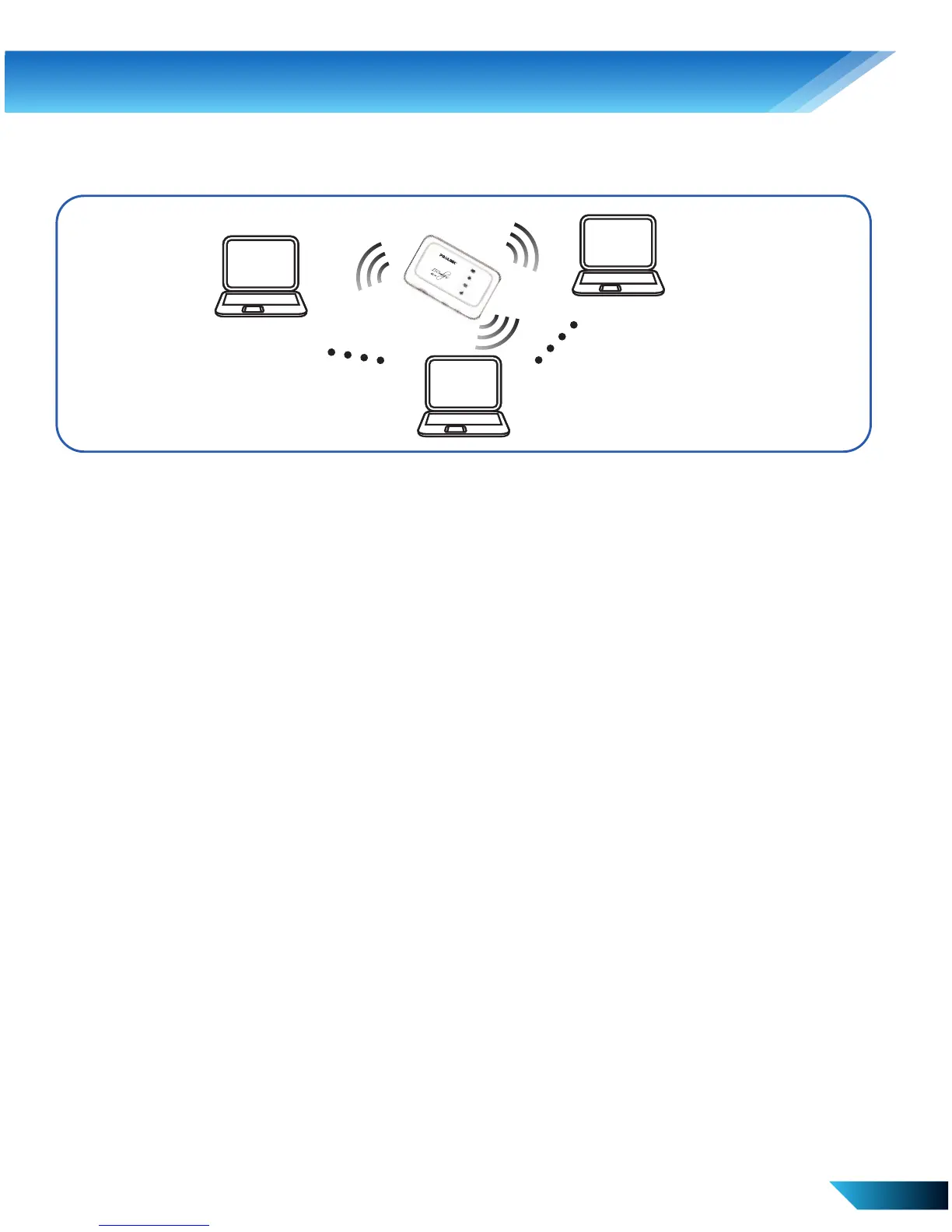
ii. Wi-Fi mode - Connection via Wi-Fi
Power on your device directly.
It will take 1~2 minutes to initialize.
Use your normal Wi-Fi application on the client to search for the
available wireless network.
Select the SSID of your device (default SSID is
PROLiNK_PRT7010L_xxxxx), and then click Connect. The password is
set as prolink12345 by default.
The WAN connection mode is “Automatic” by default. You can access
the Internet without the need to configure the device.
If you need to change your 3G/4G settings or access the advanced
settings of the device, refer to “Accessing the WebGUI configuration
page”
3. Hardware Installation



 To Next Page