EN 5
3. Hardware Installation
Note:
1. If the system does not launch installation automatically, you can run the
installation program in the path of My Computer > PROLiNK 4G.
2. The driver of your device will be installed at the same time.
PRT7010L supports three working modes.
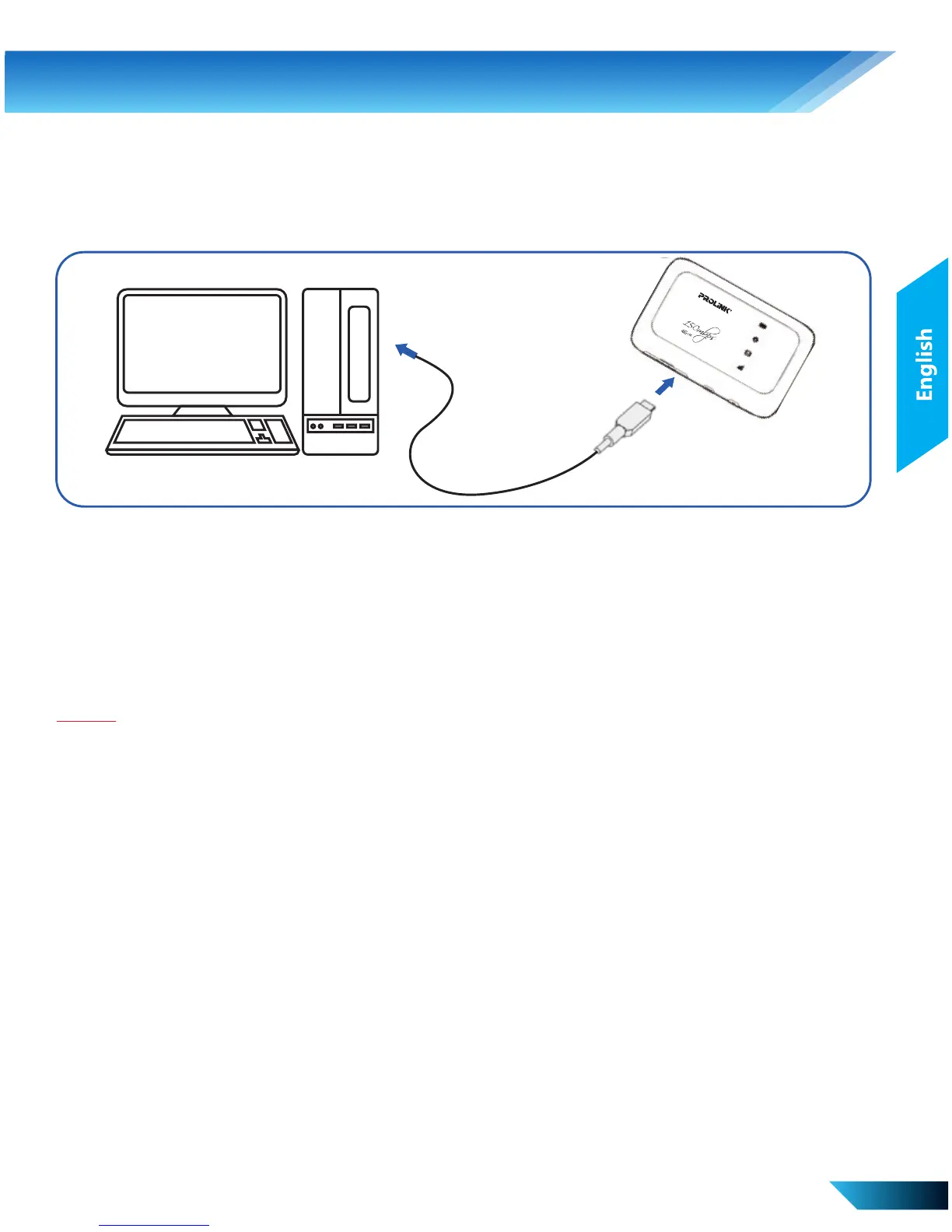
i. USB Mode – Connection via the USB cable.
• Connect your device to the client with the USB cable.
• Power on your device.
• Follow the system prompts to complete the software
installation.
• After the installation, the system will create a shortcut icon on
your desktop. Double click on the shortcut and it will lead you
to the web configuration page of PRT7010L.
Unless you need to change your 3G/4G settings or access the
advanced settings of the device, you can access the Internet without
the need to configure the device.
The WAN connection mode is “Automatic” by default.



 To Next Page