TR515 User’s Manual
9
Table below lists all possible error codes:
04 Illegal (invalid) command (command code or data is wrong)
06 Record number is out of range (requested record doesn’t exist)
07 Command failed (hardware problem or invalid internal data)
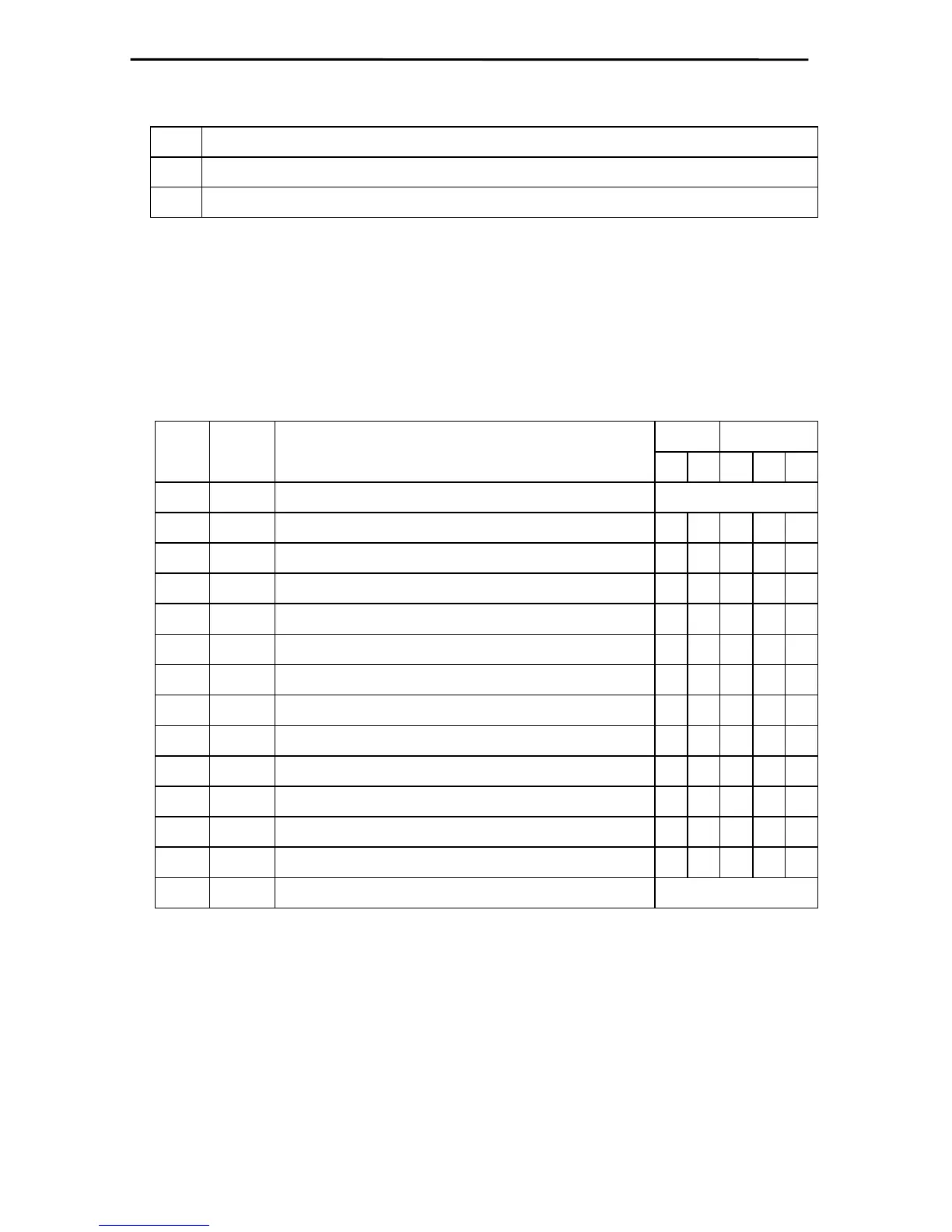
Summarized below are all supported commands. Command characters are
found in the “CC” column, their corresponding ASCII codes- in “Hex”. “CS” lists
commands that require the checksum in the command packet (“C”) or reply
packet (“R”). “Error code” column lists errors that may result from each
command execution:
CS Errors
C.
C.
Hex Description
C R 4 6 7
‘D’ 44H Select designated terminal Note 1
‘I’ 49H Set new machine number
+ +
‘Y’ 59H Get machine number
+
‘S’ 53H Set date/time
+ +
‘T’ 54H Get date/time
+
‘V’ 56H Get firmware version
‘R’ 52H Initialize the terminal
‘C’ 43H Set register (see next table)
+ +
‘B’ 42H Get register (see next table)
+ + +
‘N’ 4EH Get number of records
+ +
‘G’ 47H Get specified record
+ + + +
‘E’ 45H Initialize the database
‘M’ 4DH Prepare for database recovery
‘Z’ 5AH Perform self-test** Note 2
Note 1. D-command never returns error message even if the data supplied in the
command packet is incorrect. Invalid command packet makes it impossible to determine
which terminal is being addressed and, therefore, which one should reply with an error code.
Note 2. Z-command is never replied to.
Follows is the detailed command description. Command and reply packets
are shown without STX, Checksum and CR characters.



 To Next Page