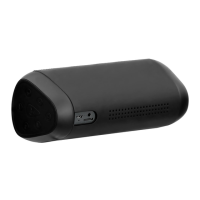
No.Name
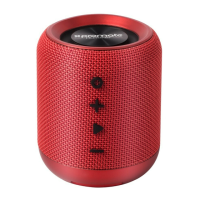
1 Play/Pause buon: Press to play or pause the
music; Press and hold for
Bluetooth™ pairing
2 Volume buons: Press to decrease the
volume and press to increase.
3 Speakerphone buon: Once the Bluetooth™
smartphone is paired, press
once to answer the phone
call or press it to end a call.
4 Status indicator: Blue light flashes slowly
– turning on the speaker
Blue light flashes fast
– On Bluetooth™ pairing
mode
Red light – On Aux-in model
5 Microphone
6 Power switch for the speaker:Green if it’s ON and Red if
it’s OFF.
7 Audio Aux port: Use audio cable provided for
external music players
8 Power Switch: Toggle the power switch le
to “PS” to charge USB
chargeable mobile device or
to “CH” for charging bluRock2
3


 To Next Page