EasyManua.ls Logo

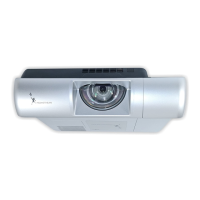
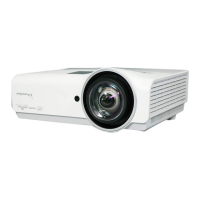
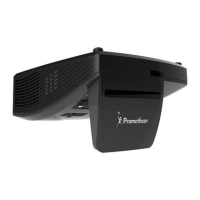
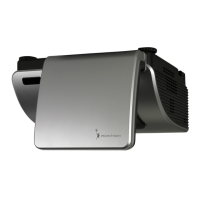
promethean PRM-10 - User Manual

promethean PRM-10
69 pages
Print Icon
To Next Page IconTo Next Page
Loading...
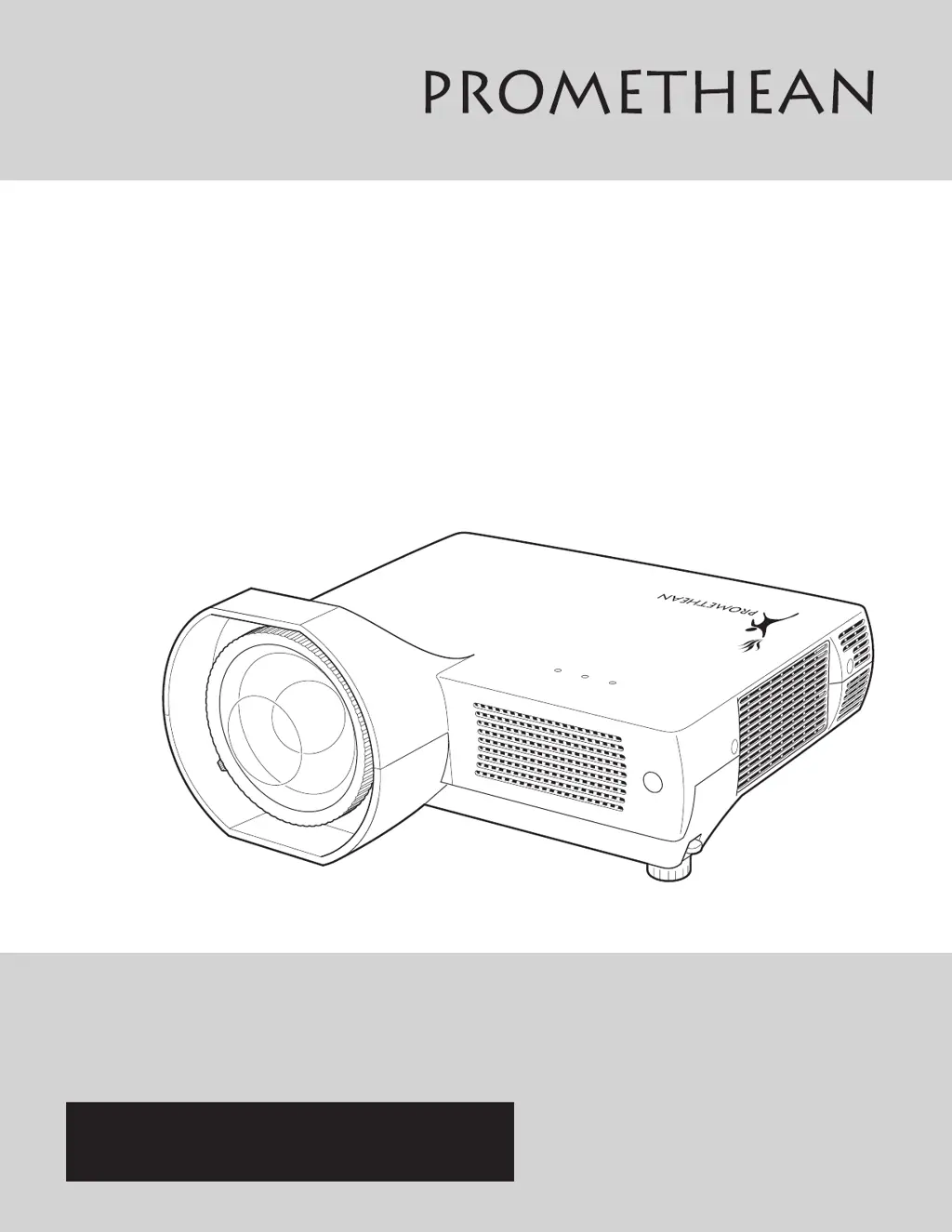
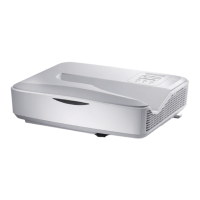
Multimedia Projector
MODEL PRM-10
Owner’s Manual
PROJECTOR
Contact GT Innovations - Promethean Premium Partner for Victoria.
Ph: 9798 7022 Email: info@gtinnovations.com.au Web: www.gtinnovations.com.au

Table of Contents

Other manuals for promethean PRM-10

Questions and Answers

  • K
    Kathleen KnoxJul 31, 2025
    What to do if there is no sound output from promethean PRM-10 Projector?
    • R
      Rebecca RamosJul 31, 2025
      If there is no sound coming from your Promethean Projector, check IC5001 and its peripheral circuit. Also, verify the 5V_AUDIO and 9V power supplies. Then, check IC5031 and its peripheral circuit. Check the Mute signal at pin 1 of IC5031.
  • P
    pamelamckinneyAug 8, 2025
    Why is there no power to my promethean PRM-10 Projector?
    • Z
      zarmstrongAug 8, 2025
      If your Promethean Projector isn't powering on, several factors could be at play. It could be due to a failure in the primary power supply circuit. Inspect the AC cord, specifically the F601 fuse, the power board, and the SW902 thermal switch. Alternatively, the projector might have detected an unusually high internal temperature. Ensure that the air filters are clean and that there are no obstructions near the intake and exhaust fan openings. Lastly, an issue with the cooling fan operation or the power supply secondary circuits could be the cause. In this case, check the fan operation, power supply lines, and the driving signal status.
  • C
    christopherlongAug 15, 2025
    What to do if promethean PRM-10 Projector does not produce any picture?
    • C
      clarkdeannaAug 15, 2025
      If your Promethean Projector displays no picture, begin by checking the RGB S&H signals at test points TP_B1, TP_G1, and TP_R1. Also, verify the 15.5V power supply circuit and its peripheral circuit. Inspect the PC1/PC2-switching stage, focusing on IC5201 and its surrounding components. Finally, check the AV source selecting and decoding stage.
  • B
    Betty MurphyAug 23, 2025
    What does it mean when the LAMP REPLACE indicator lights yellow on Promethean Projector?
    • F
      freemangabrielAug 23, 2025
      When the projection lamp in your Promethean Projector is nearing the end of its life, the LAMP REPLACE indicator will illuminate yellow. Replace the projection lamp promptly with a new one. Remember to reset the lamp replacement counter after you've replaced the lamp.

Summary

Safety Precautions and Guidelines

General Safety Warnings and Hazards

Critical warnings on electrical hazards, fire risk, and proper installation to ensure safety.

Installation and Placement Safety

Guidelines for safe installation, placement, and avoiding liquid contact.

Electrical and Servicing Safety

Safe usage of power cords, outlets, and professional servicing instructions.

Installation and Connectivity Guide

Connecting Input Sources

Steps for connecting various input sources like computers and video equipment.

Basic Projector Operation

Powering On;Off and PIN Entry

Procedures for powering the projector on and off, including PIN code entry.

Antitheft Alarm Function

Using the Antitheft Alarm

Instructions on activating, deactivating, and testing the antitheft alarm feature.

Maintenance and Cleaning Procedures

Lamp Replacement and Safety

Step-by-step guide for safely replacing the projector's lamp and handling precautions.

Appendix and Support Information

Troubleshooting Common Issues

Solutions for common projector problems like no power, no image, or focus issues.

promethean PRM-10 Specifications

General IconGeneral
Display TechnologyDLP
Native ResolutionXGA (1024 x 768)
Contrast Ratio2000:1 (typical)
InputsS-Video, Composite Video
OutputsVGA
Lamp Life2000 hours (normal mode), 3000 hours (eco mode)

Related product manuals