EasyManua.ls Logo

promethean PRM-30 - User Manual

promethean PRM-30
78 pages
Print Icon
To Next Page IconTo Next Page
Loading...
Network Supported
□ WiredLAN
*
Refertotheowner’smanual
belowfordetailsaboutnetwork
function.
□ NetworkSet-upandOperation
□ PJNetworkManager
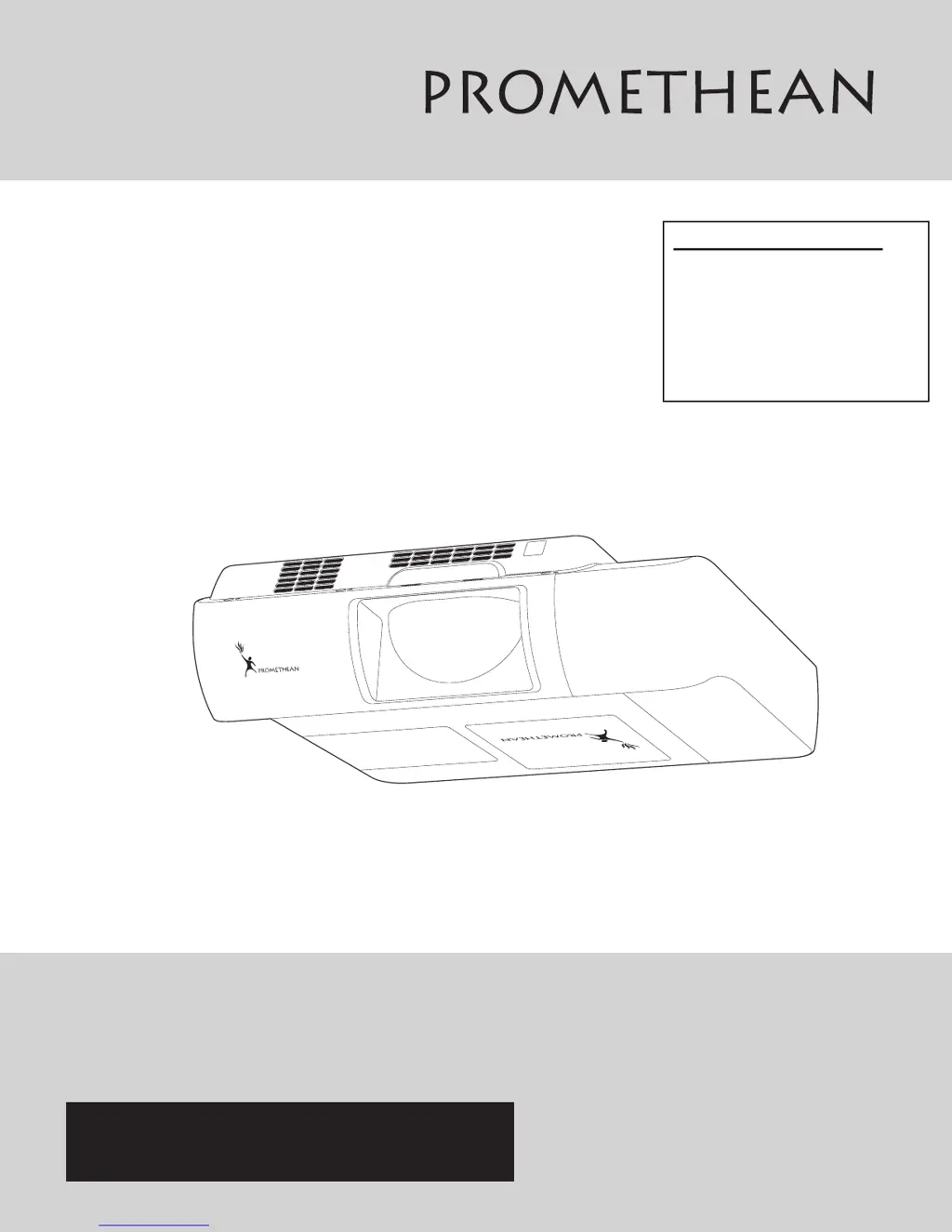
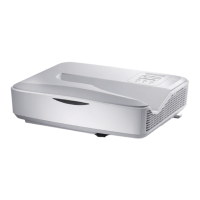
Multimedia Projector
MODEL PRM-30
Owner’s Manual
PROJECTOR

Table of Contents

Other manuals for promethean PRM-30

Questions and Answers

  • G
    garciamelissaAug 1, 2025
    What to do if my promethean PRM-30 cannot be turned on?
    • M
      Marilyn WattsAug 1, 2025
      If your Promethean Projector detects an abnormal condition, unplug the AC power cord, then plug it back in to attempt turning it on. If the projector turns off again, unplug the AC power cord and contact your dealer or service center for assistance and a checkup.
  • S
    Sarah WhiteheadAug 7, 2025
    Why my Promethean Projector cannot be turned on?
    • W
      Wendy StewartAug 7, 2025
      If your Promethean Projector cannot be turned on and the temperature inside is abnormally high, allow the projector to cool down until the temperature returns to normal.
  • M
    Michael CummingsAug 12, 2025
    How to turn on Promethean Projector from stand-by mode?
    • S
      Steve BaldwinAug 13, 2025
      To turn on your Promethean Projector from stand-by mode, press the ON/STAND-BY button.
  • T
    Tyler DavisAug 19, 2025
    What to do if the LAMP REPLACE indicator lights yellow on my promethean PRM-30?
    • T
      terri28Sep 12, 2025
      If the LAMP REPLACE indicator lights yellow on your Promethean Projector, it means the projection lamp is nearing the end of its life. Replace the projection lamp with a new one promptly and reset the lamp replacement counter after the replacement.
  • M
    Monica BennettAug 25, 2025
    What to do if my promethean PRM-30 Projector cannot be turned on until cooling is completed?
    • D
      dwillisAug 25, 2025
      If your Promethean Projector cannot be turned on until cooling is completed, it means the projector is either preparing for stand-by or the projection lamp is cooling down. Wait until cooling is completed and the POWER indicator stops blinking.

Summary

PROMETHEAN PRM-30 Owners Manual

Features and Design

To the Owner

Safety Precaution

Critical warnings regarding use, installation, and potential hazards.

Safety Instructions

General Safety Guidelines

Read all instructions, unplug before cleaning, avoid water/liquids, use approved parts.

Electrical Safety Precautions

Grounding, avoid overloading outlets, refer servicing to qualified personnel.

Installation

Cable Connections

How to connect computers, video, and component equipment.

Connecting the AC Power Cord

Instructions for connecting the power cord safely.

Basic Operation

Turning On the Projector

Step-by-step guide to power on the projector.

Turning Off the Projector

Step-by-step guide to power off the projector.

Operating the On-Screen Menu

Guide to navigating and using the projector's menu system.

Remote Control Usage

Explains the usage of frequently used remote control buttons.

Computer Input

Computer 1 Input Selection

How to select Computer 1 as the input source.

Computer 2 Input Selection

How to select Computer 2 as the input source.

PC Adjustment Options

Auto PC adjustment for optimal signal matching.

Manual PC Adjustment

Manually fine-tuning PC signal parameters for specific formats.

Video Input

Video;S-Video Input Selection

Selecting Video or S-video input sources.

Component;RGB;HDMI Input Selection

Selecting Component, RGB Scart, or HDMI input sources.

Setting

Maintenance and Cleaning

Filter Replacement and Reset

Replacing the filter and resetting the filter counter.

Projection Lamp Replacement

Step-by-step guide to replacing the projection lamp safely.

Lamp Counter Reset Procedure

Resets the lamp counter after lamp replacement.

Appendix

Troubleshooting

Solutions for common projector problems and error conditions.

Technical Specifications

Detailed technical data about the projector's hardware and performance.

promethean PRM-30 Specifications

General IconGeneral
Display TechnologyDLP
Resolution1024x768 (XGA)
Contrast Ratio2000:1
Input PortsComposite Video, S-Video
Output PortsVGA

Related product manuals