EasyManua.ls Logo

Promovec Minimal Control LCD - User Manual

Promovec Minimal Control LCD
8 pages
Print Icon
To Next Page IconTo Next Page
Loading...

Minimal Control
LCD
QUICK START


Questions and Answers

Summary

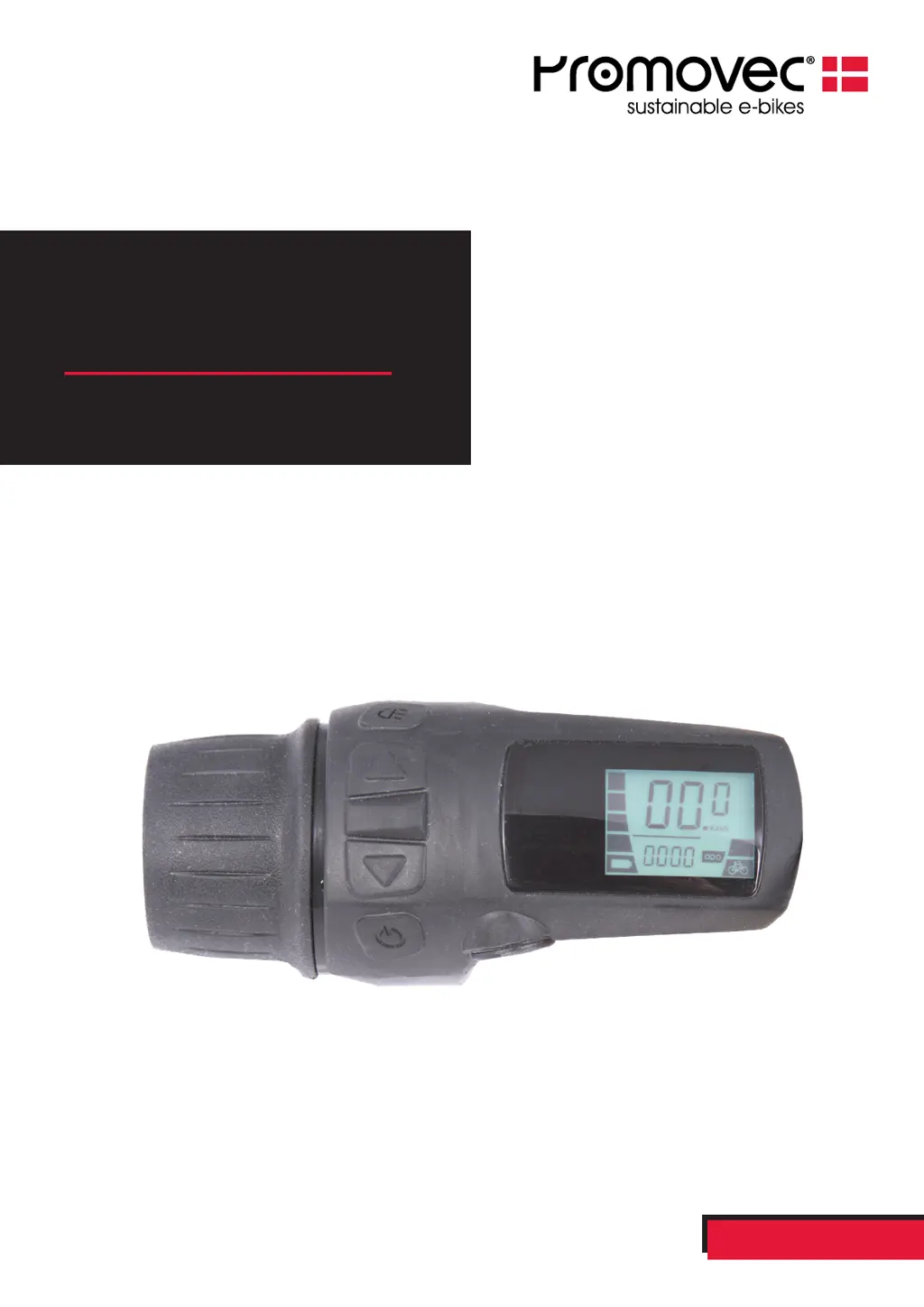
Display Overview

Display Components

Identifies key components of the e-bike display unit, including buttons and indicators.

Functions and Buttons

Menu Button Operation

Explains how to use the menu button to navigate between ODO and Trip Counter, including reset functionality.

Light Control

Details how to toggle the display's backlight and the effect on visibility.

Throttle Operation

Describes the mechanism and basic function of the throttle control.

Assist Level Selection

Outlines the process for adjusting the assist level from 0 to 4.

System Power Control

Instructions for turning the system ON/OFF and its auto-off feature.

Display Information Details

Current Speed Display

Information on how the current speed is shown on the display.

Units of Measurement

Explains how to toggle between km/h and mp/h units on the display.

Assist Level Indication

Describes where and how the selected assist level is displayed.

Distance Tracking

Details how trip distance and total distance (ODO) are shown.

Battery Status Indicator

How to interpret the battery level indicator and low-battery warnings.

Throttle Functions

Wheel Size Settings

Troubleshooting Error Codes

Promovec Minimal Control LCD Specifications

General IconGeneral
BrandPromovec
ModelMinimal Control LCD
CategoryBicycle Accessories
LanguageEnglish

Related product manuals