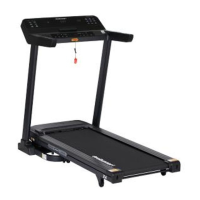
PRO RUN 300 MOTORIZED TREADMILL
18
COMPUTER OPERATION
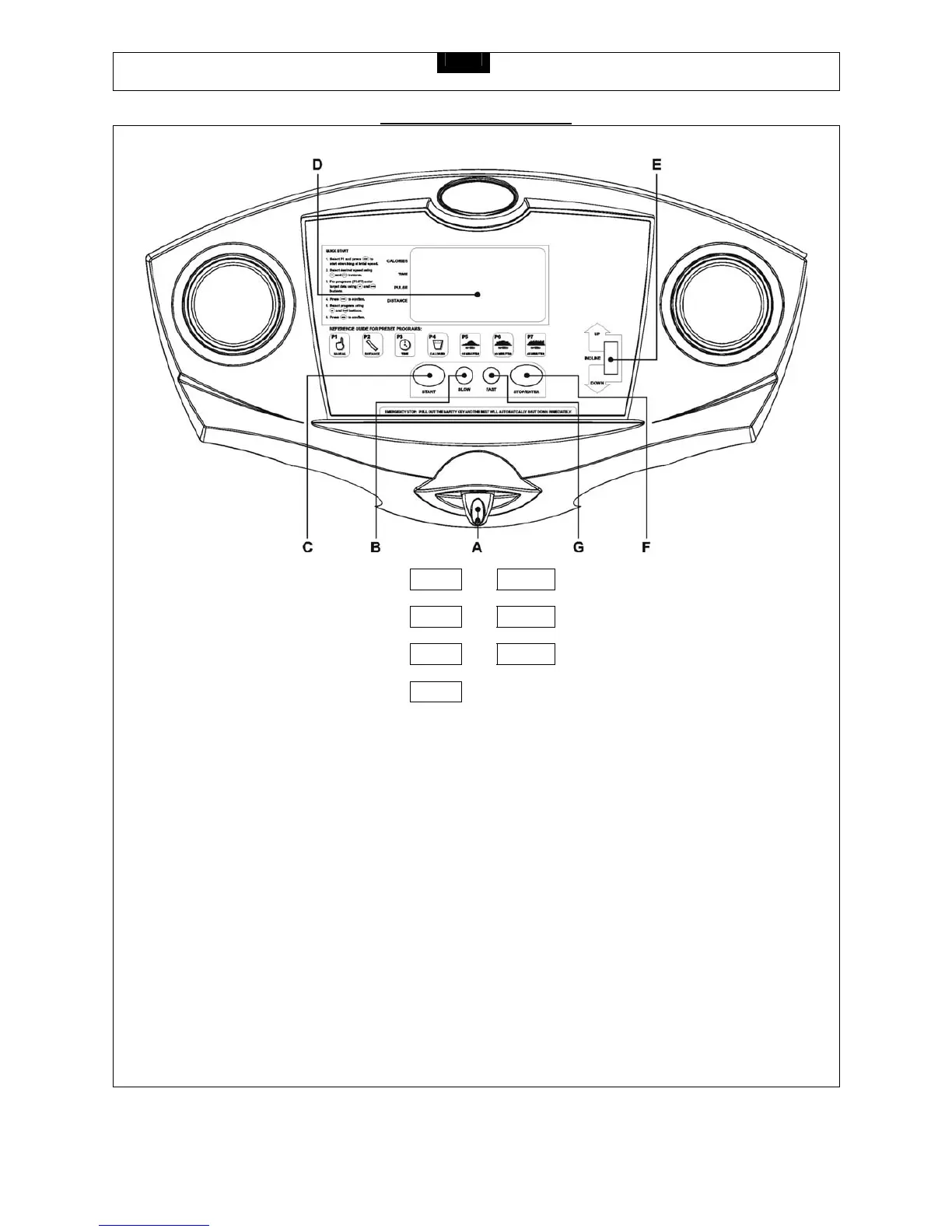
Safety Key A B SPEED SLOW Button
START Button C D LCD Window
INCLINE UP/DOWN Switch E F STOP/ENTER Button
SPEED FAST Button G
BUTTONS:
START –
Press to start exercise. The initial belt speed is 0.8 KPH (0.5 MPH).
STOP/ENTER –
a. Press to confirm the program and preset function values under the setting mode.
b. Press to quit a preset program or function value after completing the single program setting procedure,
then return to the beginning of the setting mode before pressing the START key.
c. Press to stop exercising during your workout.
SPEED FAST –
a. Press to increase the belt speed by 0.1 KPH (0.1 MPH)
b. Hold the button to increase the belt speed by 0.5 KPH (0.5 MPH) each second and release the button to stop the
function.
Press to select programs and preset related function values.
ELEVATION UP / DOWN
Press up or down to change incline level.


 To Next Page