11
high temperature, high humidity, and ammability, explosive
and strong magnetic eld.
3. Use the damp cloth and soft solvent to clean the meter, do
not use abrasive and alcohol.
4. If do not operate it for a long time, should take out the bat-
tery.
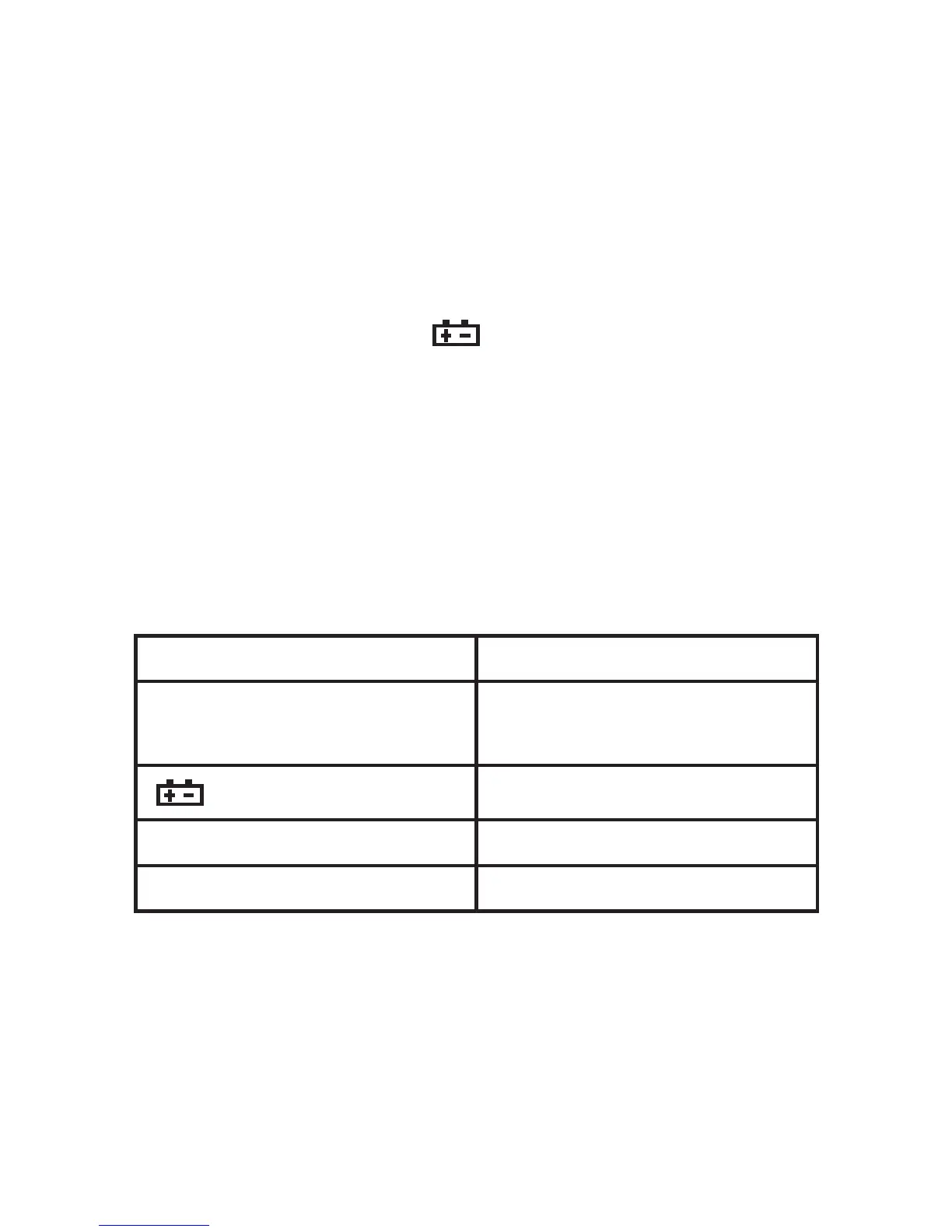
4-1. When LCD displays "
" symbol, should replace
the battery as below:
4-1-1. Take out the holster and drop out the battery case.
4-1-2. Take out the battery and replace a new one. It’s better to use
alkalescence battery for long time use.
4-1-3. Fix the battery case and take on the holster.
6. If the meter does not work properly, check
the meter as following:
CONDITIONS WAY TO SOLVE
NO DISPLAYING
Power is off
Replace battery
symbol displays
Replace battery
NO CURRENT INPUT Replace fuse
BIG ERROR Replace battery


 To Next Page