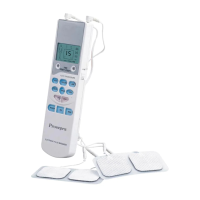
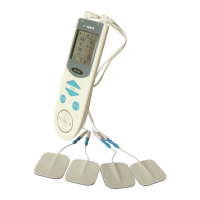
LCD check: The information displayed on the LCD screen should be identical to the
following descriptions:
1. When the ON/OFF key is pressed, the device is turned on, and the LCD screen
displays
Letter “A” at the upper left corner with intensity and velocity of level 1 and a 15 min
countdown time.
2. When either of the mode-adjust keys (“”, “ ”) is pressed each time, a corresponding
icon is displayed by the name of “Massage”, “Beat”, “Knead”, “Slim”, “Acupuncture”,
“Scraping”, “Cupping” or “Immune”.
3. When either of the speed-adjust keys (“+”, “-”) is pressed each time, the LCD
screen shows a corresponding velocity level.
4. When either of the intensity keys (WEAK, STRONG) is pressed each time, the LCD
screen shows a corresponding intensity level.
5. When the time key is pressed each time, 15, 10 or 5 minutes will be shown on the
LCD screen in a circular manner.
Quality Assurance Tests


 To Next Page