14
Rev. D / January 2015
CVM-780 Contact Voltmeter
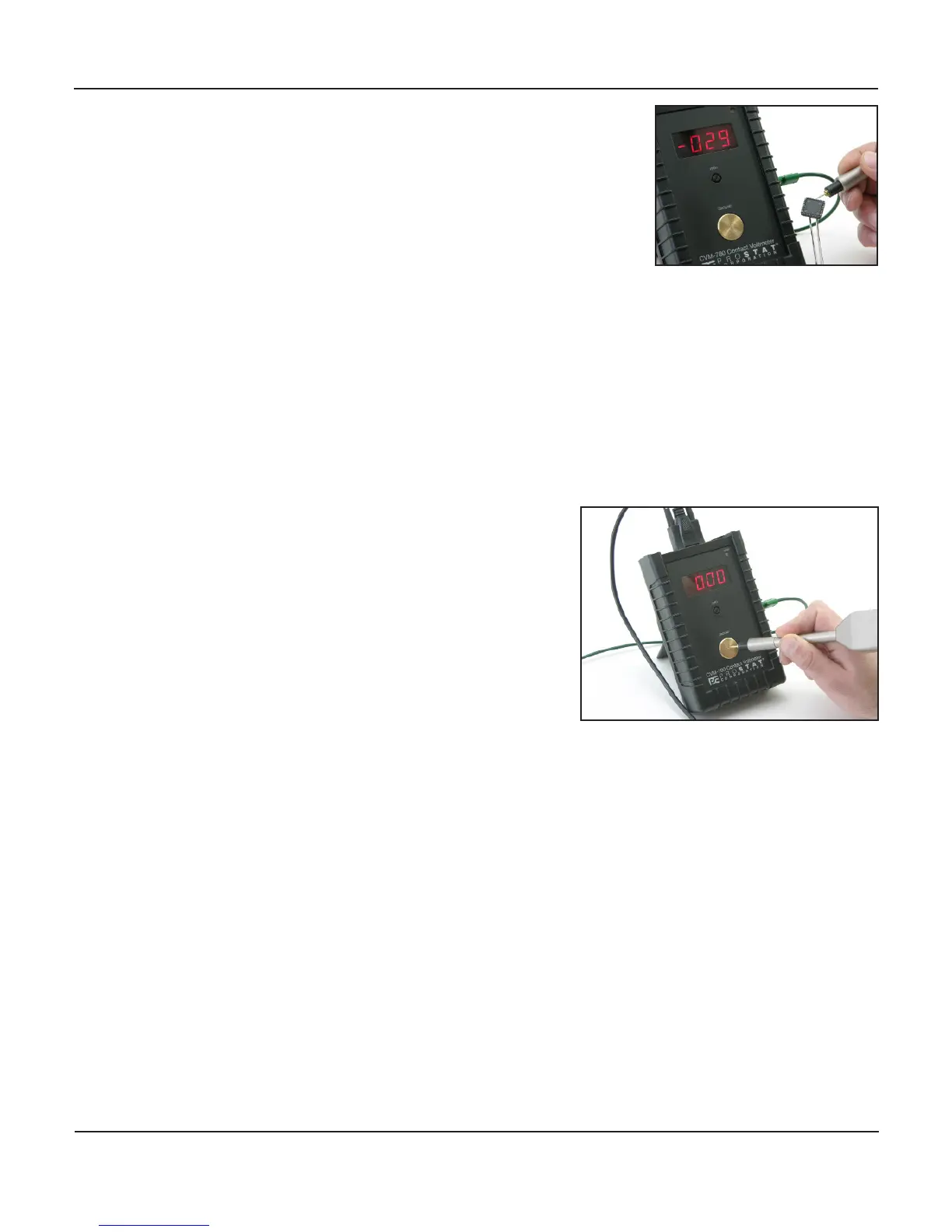
5. Once the probe is zeroed touch the p to the conducve ob-
ject being measured
a. Hold the probe steady with slight pressure on the p.
Avoid p damage,
b. The voltage measurement will be seen on the front panel
LED display
c. Indicated voltage will stabilize quickly, usually within 2 to 5 seconds
d. Should changes in displayed voltage occur during measurement they are typically due to:
i. Natural ionizaon of the electrostac charge to air
ii. The eect of nearby ionizaon
iii. Capacive coupling with moving objects and personnel nearby
iv. Charging or Discharge of the conducve object being measured by means other than
the CVM-780 measurement
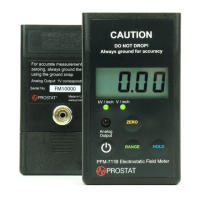
6. Ground probe p to the front panel ground plate
between measurements
7. Turn the CVM-780 power switch to OFF when instru-
ment is not in use, and replace probe p cover
8. If Low Ba LED on front panel illuminates, recharge
the unit’s baeries. The CVM-780 may be
used for measurements during charging. However,
as baery voltage will be changing during the charge
be sure to ground and re-zero the probe p between
measurements.
VII.
While CVM-780 measurements are easily performed, one should develop and pracce a consistent tech-
nique to make accurate measurements with the CVM-780. Grounding the instrument is important for
accurate results because “ground” is the instrument’s zero reference for its measurement circuit.
The CVM-780 probe is “acve”. Its internal components assess p voltage as it approaches a charged
conductor. It communicates with the instrument package to increase, and provide similar p voltage upon
contact with the conductor being measured. The front panel LED displays p voltage measurements upon
contact with an object or material.
Once the measurement is obtained, separaon from the conductor being measured does not reset the
probe to zero. In eect it remains at a similar voltage as the last measurement, or may “oat”. Grounding
the p between measurements resets the system to zero as can be seen of the front panel LED display.


 To Next Page