7 Manual & Installer Guide
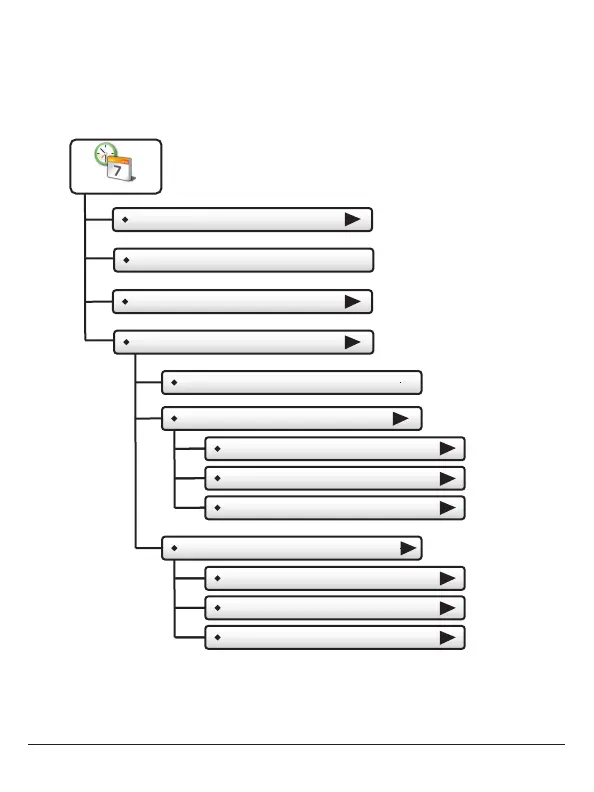
Set Current Time
Use AM/PM - ON
Set Time & Date
Set Current Date
Daylight Savings Setup
Daylight Savings Time - OFF
Start Schedule
Starts On
Day
Month
Stop Schedule
Ends On
Day
Month
(2nd)
(Sun)
(March)
(1st)
(Sun)
(November)
NOTE: When the thermostat is connected to a Skyport
account, the Time & Date are automatically synchronized
to the Skyport Cloud, including automatic Daylight Savings
adjustments.
Your time zone is selected in the Skyport web application.
Set Time & Date



 To Next Page