Manual & Installer Guide 42
Automated Demand Response
Main Menu Buttons – Settings
OVERVIEW
TouchScreen thermostats support the handling of specific signals from the utility
provider. The utility generated signals carry pricing information and/or setback
actions that alter the comfort settings of the thermostat in order to reduce energy
usage on demand. This is known as Automated Demand Response or ADR for
short. You must register to participate in a utility sponsored program, if offered by
your local utility, to take advantage of this feature.
SKYPORT CLOUD SERVICES
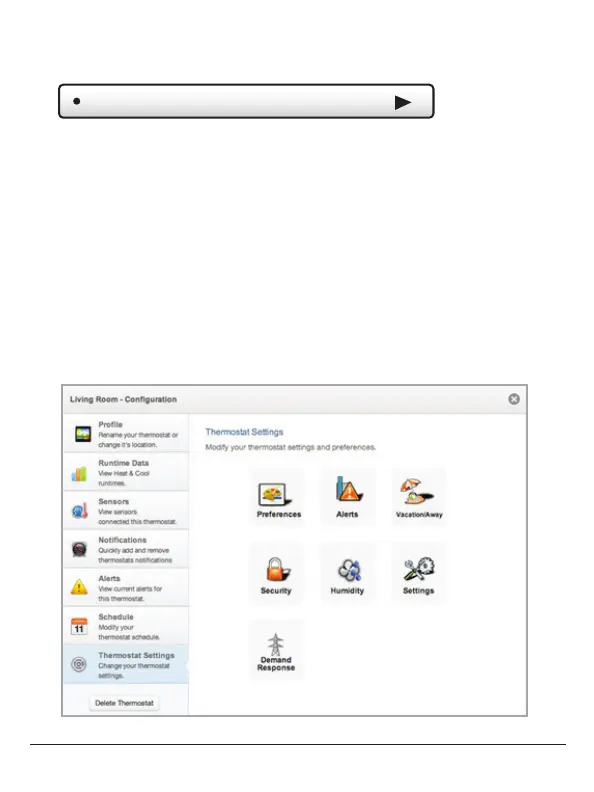
From the web application the user will select Thermostat Settings from the left
column. Then the Demand Response button is selected.



 To Next Page