Manual & Installer Guide 24
Maintenance
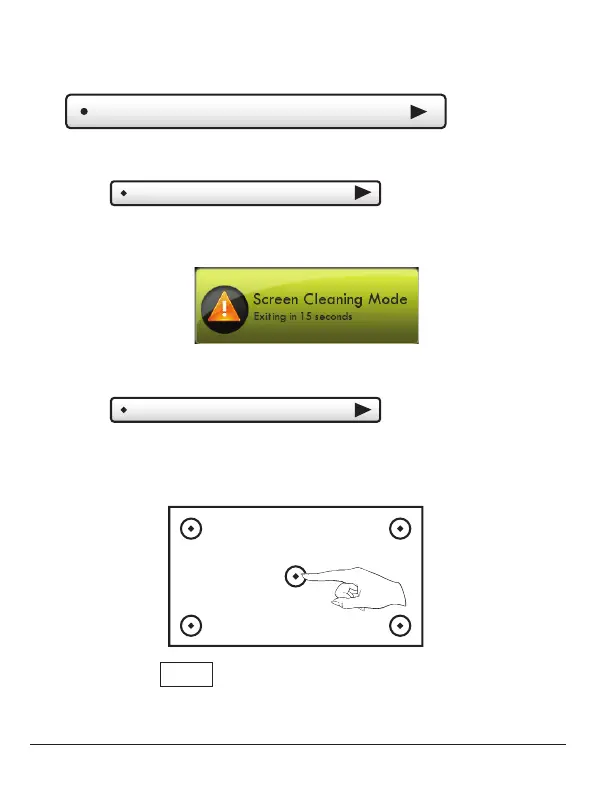
Screen Cleaning
To uch Calibration
Touch Screen Calibration
Touch and hold the center of the targets as they appear
on the screen for 3 seconds.
Maintenance allows you to clean and calibrate the
touch screen.
Screen Cleaning Mode disables the touch feature
for 15 seconds so the screen may be cleaned without
altering any settings.
Under normal circumstances, the touchscreen should
not need to be calibrated.
When calibration is complete, the thermostat will automatically
restart and return to the Home Screen.
Use a soft cloth without solvents or abrasive cleaners
FINISH
Press when done.
Main Menu Buttons – Display



 To Next Page