19 Manual & Installer Guide
Screensaver Preview
Change Image After...
15, 30 seconds -
1, 5, or 10 minutes
Use Theme Images - OFF
Slideshow uses included Theme Images. Off or On
Home Screen Info - OFF
Shows the mode, setpoints, and temperature after
every 10 photos. Off or On.
Press this button to preview your screensaver operation
before returning to the Home Screen.
After the preview, press anywhere on the screen to
Screensaver
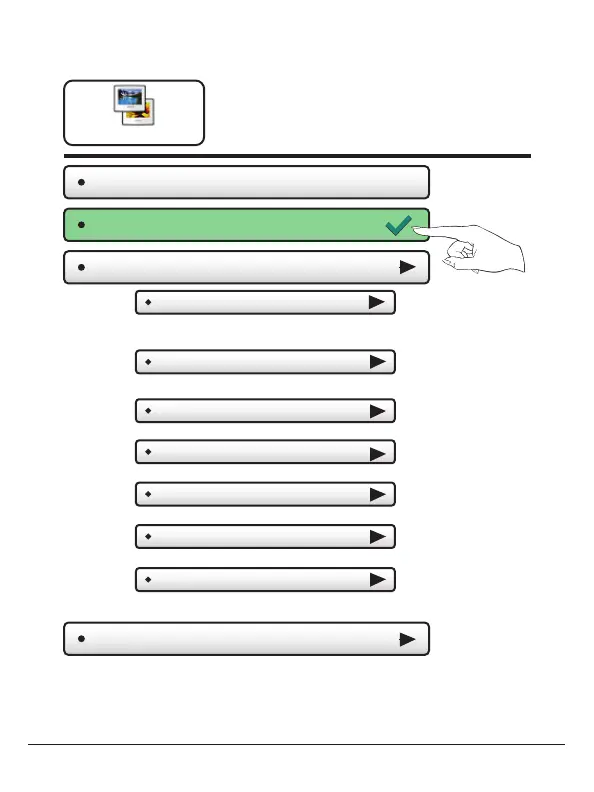
Screensaver Setup
The Screensaver allows you
to create custom slideshows.
Screensaver Tu rn On Delay
(5m)
How long after a button press for the
Screensaver to appear. 1, 3, 5, or 30 minutes
Screensaver Ty pe
(Slideshow)
Slideshow, Digital Clock, Analog Clock
Screensaver - OFF
Screensaver - ON
Show Clock - OFF
Shows the time and date every 5 photos. Off or On
Randomize Slideshow - OFF
Shuffles slideshow photos in random order
Main Menu Buttons – Screensaver



 To Next Page