11 Manual & Installer Guide
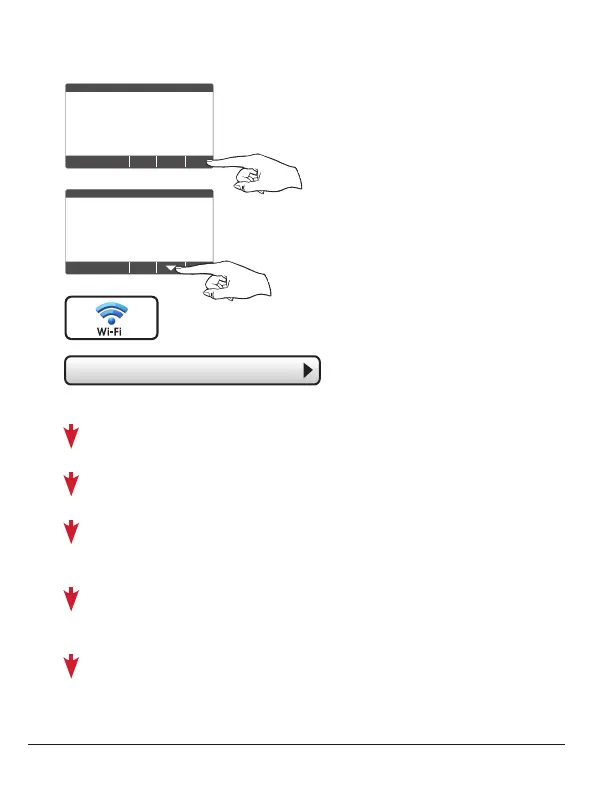
Quick Start - Connect to Wi-Fi (from menus)
72
MENU
72
Press MENU
Press DOWN
Press Wi-Fi Setup
Select the access point from the list that you want to connect to.
Enter the password for the Wi-Fi Access Point and press NEXT.
Select automatic setup and press NEXT.
When finished, a dialog box will appear confirming the successful
connection to the local Wi-Fi Access Point.
Select OK, then the Wi-Fi status page will appear. Upon closing of the Wi-Fi
status page, you will be asked to join the thermostat to a Skyport account.
Select YES and follow the onscreen instructions to create a new Skyport
account or to add the thermostat to an existing account.
• Wi Fi Setup
Press Wi-Fi



 To Next Page