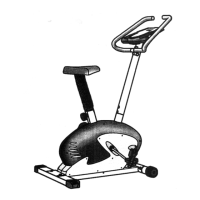
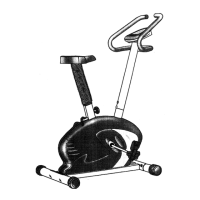
STEP 4-a
5
19
STEP
4-b, 4-c
19
24
5
17
14
18
STEP 5-a
6f
- 7 -
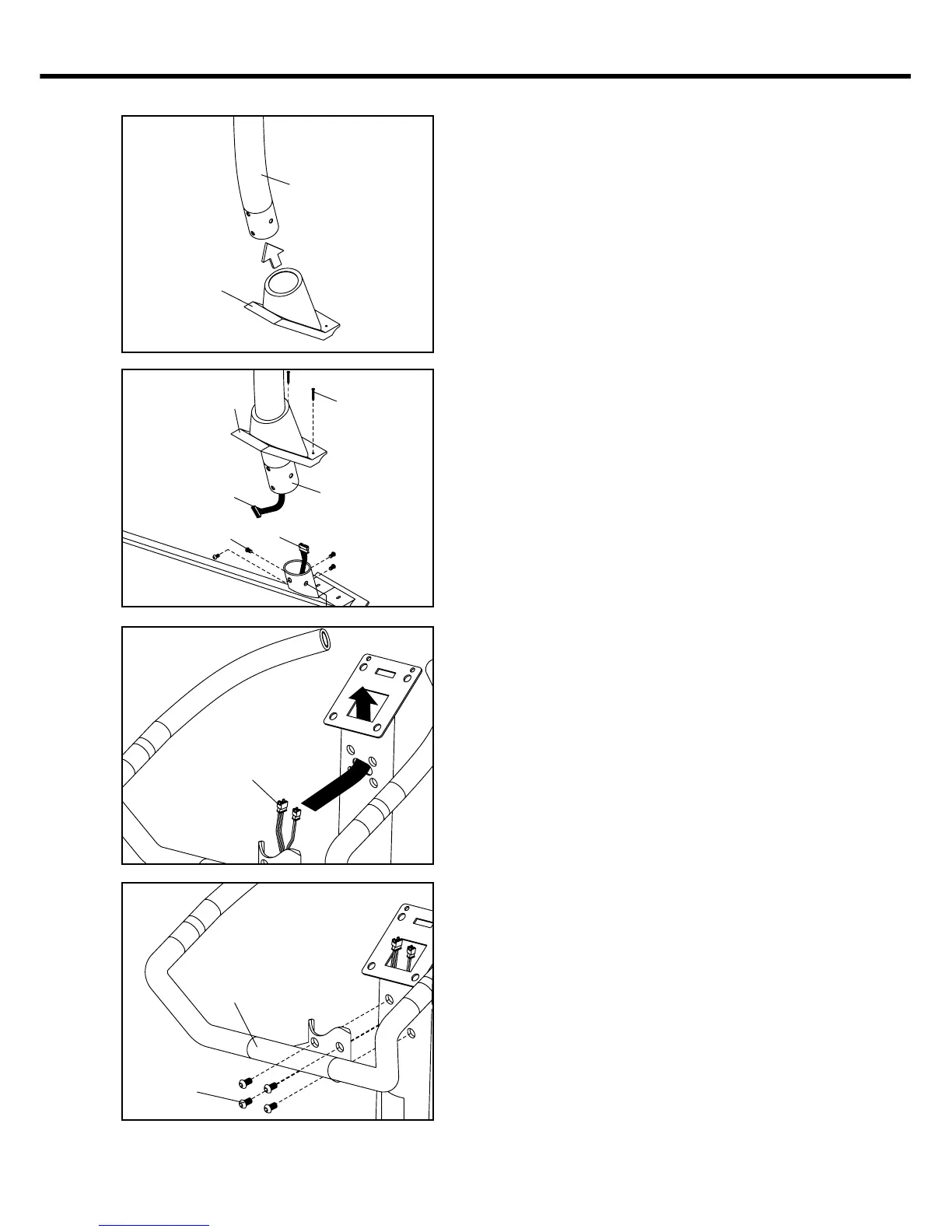
Step 4 : Assemble handlebar post
a. Slide handlebar post ( 05 ) into front
protective casing ( 19 ).
b. Connect extension monitor cable ( 17 )
to lower monitor cable ( 18 ).
c. Slide handlebar post ( 05 ) into main
frame ( 01 ), then fasten with socket
bolts ( 14 ). And fully tighten them with
allen key.
Step 5 : Assemble handlebar
a. Insert the pulse wire ( 6f ) into the
handlebar post ( 05 ) and let it through
the top of monitor mounting plate.
b. Use socket bolts ( 14 ) to fasten
handlebar assembly ( 06 ) onto
handlebar post ( 05 ). Then fully
tighten them with allen key.
STEP 5-b
6a
14


 To Next Page