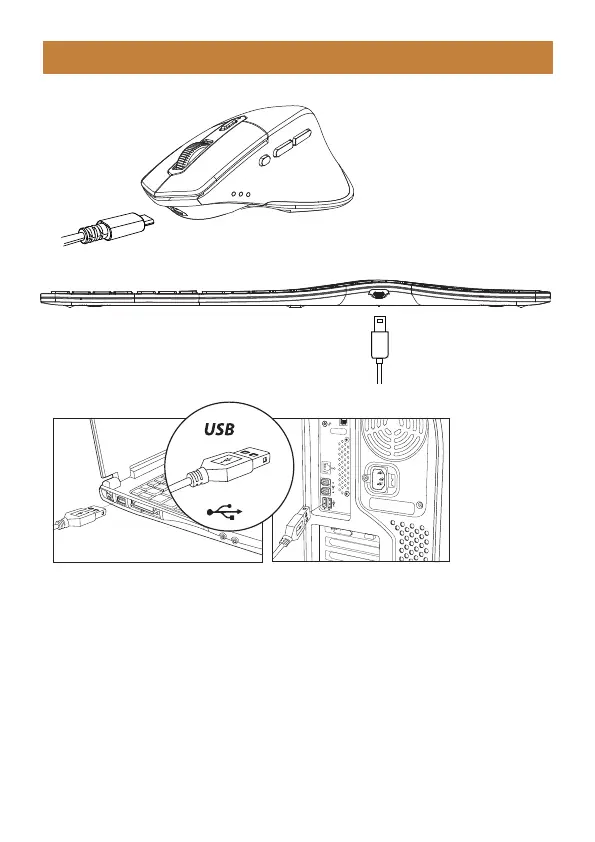
Charging Guide
1. When the battery is low, the indicator light will turn red and start flashing until
the keyboard/mouse is turned off.
2. Insert the Type-C port into the Keyboard/Mouse and the USB-A port into the
computer to charge, the red light stays on while charging.
3. It takes 2–3 hours for one cycles full charged, and the indicator turns green
when fully charged.
- 8 -



 To Next Page